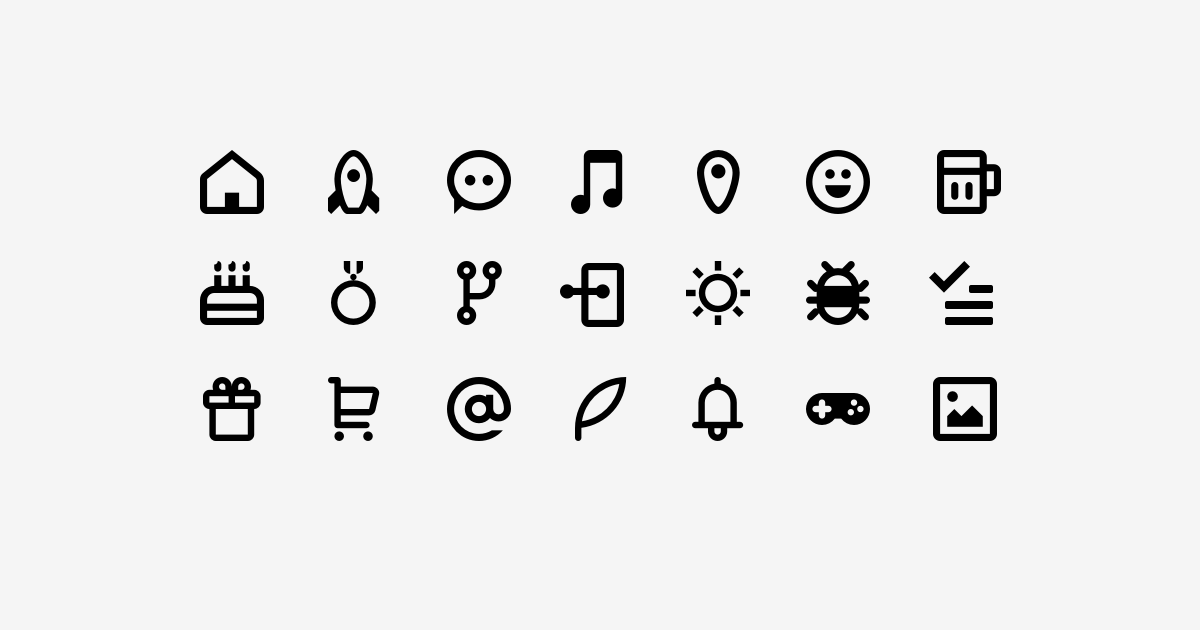
feathericon is simply generic vector icon collection. The vectors for all the icons are stored in a Sketch file.
Website: https://feathericon.github.io/feathericon/
## Getting Started
feathericon contains Sketch file, svg files, css / scss files and font files.
### Basic
1. Download **[ZIP folder from here](https://github.com/feathericon/feathericon/archive/release.zip)**.
1. Copy the `css/` and `fonts/` directory to your project.
1. In the `` of your html, reference the location to your `feathericon.min.css`.
```html
```
1. Place feathicon with `` tag in your html like this. `fe` class is required to use our icons correctly. Check out [our website](https://feathericon.github.io/feathericon/) to start using icons!
```html
```
You can use feathericon with CDN files on [jsdeliver](https://www.jsdelivr.com/package/npm/feathericon).
### Using SVG sprite
1. Download **[ZIP folder from here](https://github.com/feathericon/feathericon/archive/release.zip)**.
1. Copy the `svg/sprite/sprite.feathericon.svg` to your project.
1. In your html, place like this. You can set specify any `width`, `height`, and `fill` with HTML attributes or CSS. Make sure put the icon name with hash after `.svg` extension.
```html
```
```css
.icon {
width: 16px;
height: 16px;
fill: #0099cc;
}
```
### For developers
#### Node.js projects
1. Install via [npm](https://www.npmjs.com/) or [yarn](https://yarnpkg.com/).
```bash
$ npm install feathericon --save
or
$ yarn add feathericon
```
1. Copy `fonts/` directory to your project.
```
$ cp -r node_modules/feathericon/build/fonts/ path/to/fonts
```
1. You can simply point your Sass (SCSS) `include-path` at your `node_modules/` directory. This case is using [gulp-sass](https://www.npmjs.com/package/gulp-sass).
```javascript
gulp.task('sass', function () {
return gulp.src('path/to/*.scss')
.pipe(.sass({
loadPath : 'node_modules/feathericon/build/scss/',
outputStyle : 'compressed'
}).on('error', $.sass.logError))
.pipe(gulp.dest('path/to/css/'));
});
```
Then you can import it in your scss(sass) file.
```scss
@import "feathericon";
```
#### Ruby on Rails projects
You can install via [RubyGems](https://rubygems.org/).
Repositories:
- [feathericon-rails](https://github.com/feathericon/feathericon-rails)
- [feathericon-sass](https://github.com/feathericon/feathericon-sass) ( using feathericon with Sass ).
## Customize feathericon
### 1. Edit Sketch document

Open the Sketch document in `src/feathericons.sketch`. Each icon exists as an artboard within the Sketch document. If you’re adding an icon, duplicate one of the artboards and add your shapes to it. **Be sure to give your artboard a name that makes sense**.
### 2. Update data.json
If you've added a new icon, you'll need to add a new entry and keywords for it in the `data.json`.
### 3. Build icons
#### Requires
- Node.js
- npm
You can download from the [Node.js download page](https://nodejs.org/en/download/), or [install via package managers](https://nodejs.org/en/download/package-manager/).
Node.js comes with npm ([See more](https://docs.npmjs.com/getting-started/installing-node)).
1. Open the `feathericon/` directory in Terminal.
1. Run this command to install dependencies for building icons.
```bash
$ npm run setup
```
1. Run this command. Running the gulp task will generate the font, css, scss and SVGs, placing them in the `build/` directory.
```bash
$ npm run webfont
```
## FontCustom
If you want to tweak font settings, edit `fontcustom.yml`. feathericon is using [FontCustom](https://github.com/FontCustom/fontcustom) to build fonts, stylesheets such as `feathericon.css` and `_feathericon.scss`. If you need more information for FontCustom, visit their GitHub Repository.
## Bugs, Ideas, Pull Requests
If you have any ideas or find bugs, please send me Pull Requests or let me know with GitHub Issues :)
## License
[MIT](https://github.com/featherplain/feathericon/blob/master/LICENSE) (C) 2018 Megumi Hano