# Icons8 Line Awesome
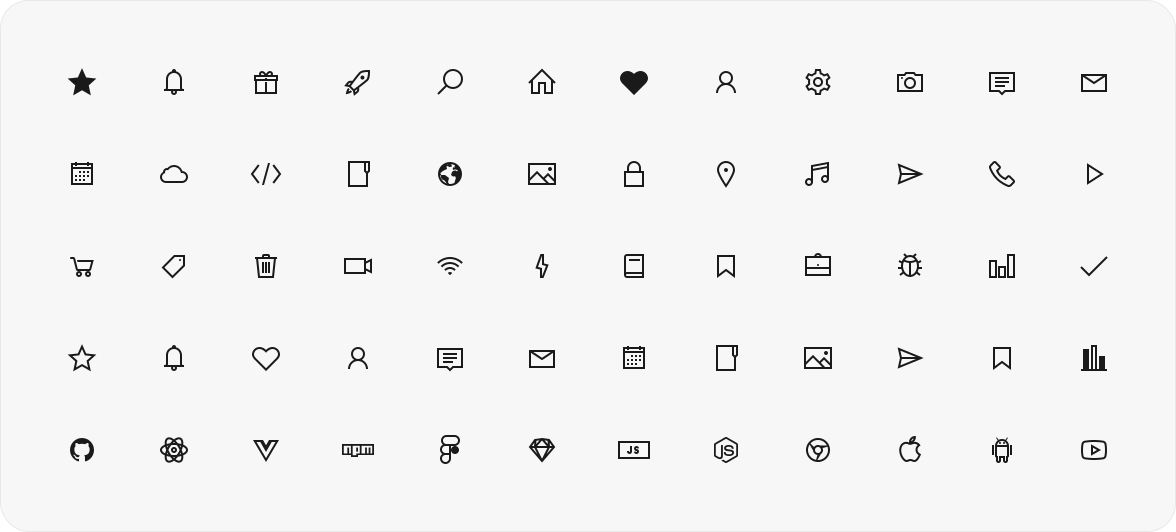
Line Awesome is a free set of more than 1,500 line icons from [Icons8](https://icons8.com) in regular, solid and brand styles. It is based on the [Icons8 Windows 10 style](https://icons8.com/icons/windows), and its class names follow Font Awesome 5, so it works as a drop-in replacement for it.
Use it as a web font with CSS classes, import icons one by one as SVG for Vue, React or plain JavaScript, or get them as components through [unplugin-icons](#bundler-plugins) in Vite, webpack, Rollup and Nuxt.
## Quick start
```shell
npm install line-awesome
```
**Web font.** Import the CSS once, then put classes on an element: `las` for solid, `lar` for regular, `lab` for brands.
```js
import 'line-awesome/dist/line-awesome/css/line-awesome.min.css';
```
```html
```
**SVG, tree-shakeable.** Import an icon by name; icons you don't import stay out of the bundle.
```jsx
import { lasStar } from 'line-awesome';
import { LaIcon } from 'line-awesome/react'; // or 'line-awesome/vue'
export const Favorite = () => ;
```
No bundler? Load the CSS [from a CDN](#cdn).
## Choose how to use it
Every icon comes two ways: as a web font with CSS classes, as in 1.x, and since 2.0 as a tree-shakeable SVG module.
| You want | Use | What the page loads |
|---|---|---|
| Icons by CSS class, no build step | [The font](#the-font), from a CDN or npm | the CSS (16 KB gzip) and the font files of the styles in use (13–97 KB each) |
| Only the icons you use, in a Vue or React app | [SVG icons](#svg-icons) with `LaIcon` | each imported icon, inlined in your JavaScript |
| Icon components without imports | [Bundler plugins](#bundler-plugins) through unplugin-icons | each used icon, inlined in your JavaScript |
In the Rollup example, one icon with `toSvgString` is 616 B gzip, and every further icon adds about 200 B.
## The font
### CDN
Add the stylesheet to your page:
```html
```
Keep the version in the URL. Without it the CDN serves whatever version is latest.
A zip archive with the font is on the [how-to page](https://icons8.com/line-awesome/howto).
### npm
```shell
npm install line-awesome
```
Import the CSS by its path:
```js
import 'line-awesome/dist/line-awesome/css/line-awesome.min.css';
```
Sass users can load the SCSS with Sass's `NodePackageImporter`. Point `$la-font-path` at the package, so the bundler finds the fonts and copies them into the build:
```scss
@use 'pkg:line-awesome' with (
$la-font-path: 'line-awesome/dist/line-awesome/fonts'
);
```
`pkg:` URLs need the importer in your Sass options. In Vite:
```js
// vite.config.js
import { NodePackageImporter } from 'sass';
export default {
css: {
preprocessorOptions: {
scss: {
importers: [new NodePackageImporter()],
silenceDeprecations: ['import', 'global-builtin'],
},
},
},
};
```
`silenceDeprecations` is optional. The SCSS predates the Sass module system, and without it Dart Sass prints `import` and `global-builtin` deprecation warnings for it.
### Classes
An icon has one of three styles, each with its class: `las` for solid, `lar` for regular and `lab` for brands. Put the style class and the icon class on an element:
```html
```
Size classes: `la-xs`, `la-sm`, `la-lg`, `la-1x` to `la-10x`, and `la-fw` for fixed width.
Search icons and copy their classes on the [Line Awesome page](https://icons8.com/line-awesome).
### Replacing Font Awesome
If your markup already uses Font Awesome 5 classes (`fas fa-star`, `fab fa-github`), swap the Font Awesome stylesheet for this one and keep the markup:
```html
```
It is the Font Awesome 5.11.2 stylesheet with Line Awesome fonts in place of the Font Awesome ones.
## SVG icons
Each icon is a plain data object exported by name. Import only what you use; everything else is left out of the bundle.
Names follow the font classes: the style prefix plus the icon name in camel case.
| Font class | Import |
|---|---|
| `las la-star` | `lasStar` (solid) |
| `lar la-star` | `larStar` (regular) |
| `lab la-github` | `labGithub` (brands) |
### Vue
```vue
```
### React
```jsx
import { lasStar } from 'line-awesome';
import { LaIcon } from 'line-awesome/react';
export function Rating() {
return ;
}
```
### Without a framework
```js
import { lasStar } from 'line-awesome';
import { toSvgString } from 'line-awesome/core';
element.innerHTML = toSvgString(lasStar, { size: 24 });
```
### `LaIcon` props
| Prop | Default | Description |
|---|---|---|
| `icon` | — | An icon object, e.g. `lasStar`. |
| `size` | `1em` | Height; width follows the icon's aspect ratio. A number means pixels. |
| `title` | — | Accessible name. Without it the icon is decorative and hidden from screen readers (`aria-hidden`). |
Other attributes (`class`, `style`, event handlers) go to the `