
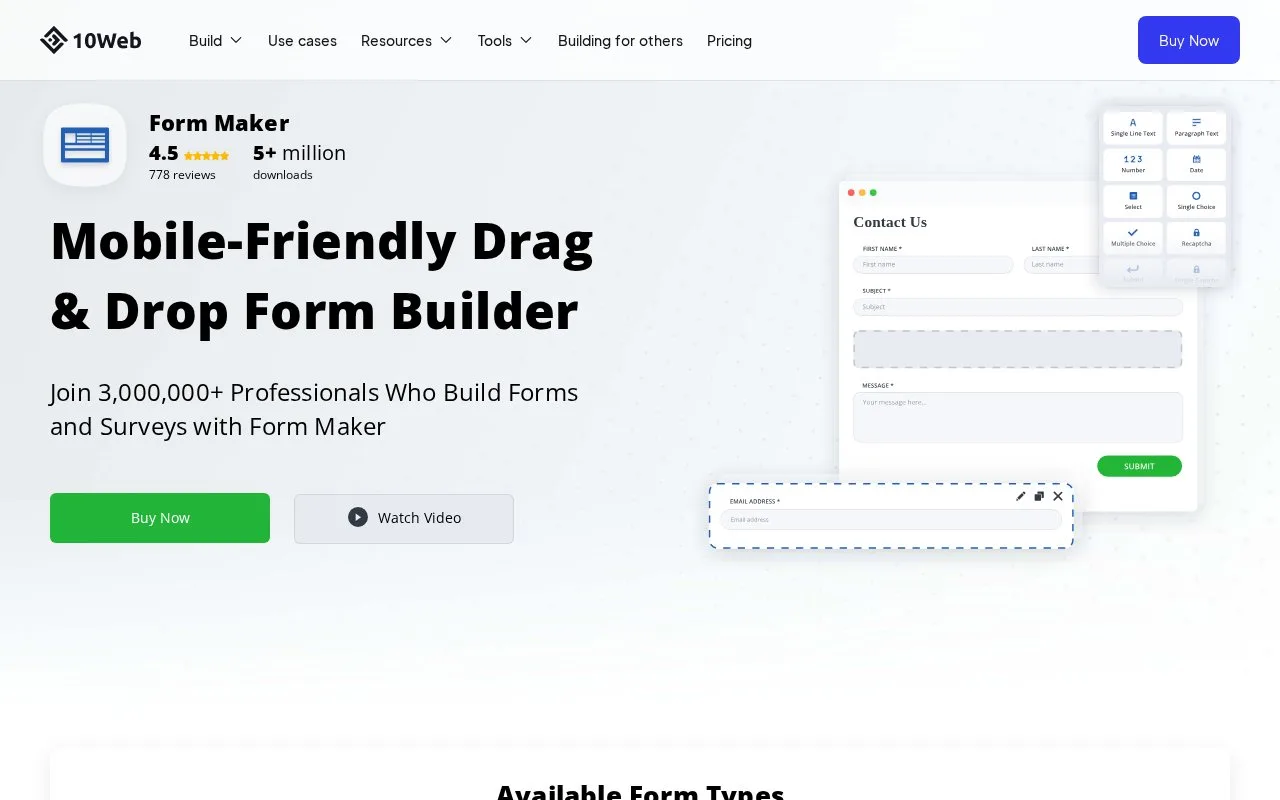
What it does
Form Maker by 10Web creates WordPress forms and stores responses in a dashboard when database saving is enabled. Administrators can filter submissions by date or field value, then export the matching CSV or XML. Free permits seven fields per form; paid licences add unlimited fields and a fixed period of updates and support.
Before relying on stored responses, check Form Options → General Options → Save data (to database). Turning it off prevents new submissions from appearing in the dashboard.
In Form Maker → Submissions, select the form and open Show Filters. Set a date range or field values, search, then export the matching CSV or XML. Reset clears the filters. Add/Remove Columns changes the visible fields without changing the response selection.
Plugin choices
| Option | Websites | Main limits and support |
|---|---|---|
| Free | 1 | Seven fields per form; security updates and public forum support |
| Basic | 1 | Unlimited fields; six months of updates and email support |
| Pro | 5 | Unlimited fields; six months of updates and email support |
| Plugin Bundle | 30 | Multiple plugins; six months of updates and live-chat support |
Use a WordPress administrator account to manage forms. Check the licence's renewal terms before purchase, especially when planning ongoing support for several sites.
Strengths
- Exports can be narrowed by dates or submitted values
- Displayed columns can be adjusted for the review task
Watch out for
- Disabling database saving prevents new entries from being stored
- Free forms stop at seven fields
Best for
- WordPress administrators preparing filtered exports from site forms
Sources
- The Most Powerful Drag&Drop WordPress Form Builder - 10Web (Oct 27, 2026)
- How to Manage Form Submissions – 10Web Help Center (Oct 27, 2026)