
What it does
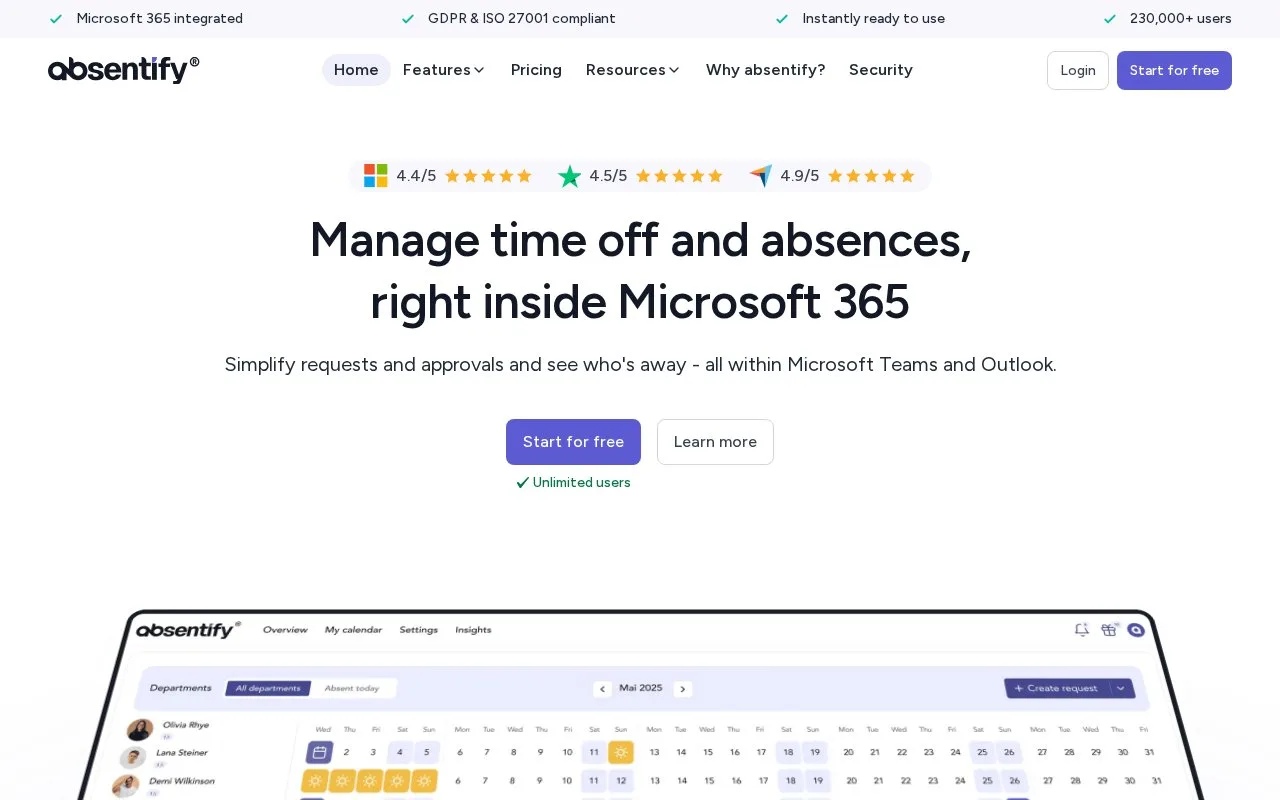
Absentify manages time off and other absences within Microsoft 365, with an email-based access option for core features. Requests calculate the effect on allowances and can require a covering colleague before approval. Free and paid plans differ in departmental capacity and administration, while Outlook connections can automate absence messages.
In Overview, choose Create request or select calendar dates. Pick the leave type and period, then check the calculated deduction and availability for those dates. Add a representative when required; their confirmation comes before the approver's decision. Use Send request, or Save when no approval is needed, and follow the status in Overview. Requests must fall within the employee's employment period.
For Outlook replies, the Microsoft 365 administrator enables the integration first. Connect the account, activate automatic replies and prepare separate internal and external templates with return-date or cover-contact variables. Preview and test the message. Changes to an absence update on the next synchronization; failures trigger instructions and an administrator notification.
Department and administrator limits
| Plan | Departments | Administrators |
|---|---|---|
| Free | 2 | 1 |
| Mini | 4 | Unlimited |
| Essentials | 8 | Unlimited |
| Plus | Unlimited | Unlimited |
The Free plan has no expiry or user-count cap. Paid plans bill per user monthly or annually, including inactive and archived people. Plus adds centrally managed out-of-office templates; individual automatic replies are available across plans.
Use the company's invitation to join the right workspace. Microsoft sign-in enables the approved Outlook automations; email access uses verification and login codes and provides calendar invitations instead of direct Outlook synchronization.
Strengths
- Requests show their calculated effect on the relevant allowance
- Absence changes can update scheduled Outlook replies
Watch out for
- Paid billing includes inactive and archived users
- Direct Outlook automation requires approved Microsoft integration
Best for
- Microsoft 365 teams connecting leave approval with cover and out-of-office messages
Sources
- Pricing: Flexible Plans for Teams of All Sizes (Oct 27, 2026)
- Absence management software for Microsoft Teams (Oct 27, 2026)
- Create an absence request - absentify® (Oct 27, 2026)
- Sign in to absentify on web, Teams, or Outlook - absentify® (Oct 27, 2026)
- Outlook out-of-office message | absentify (Oct 27, 2026)