
What it does
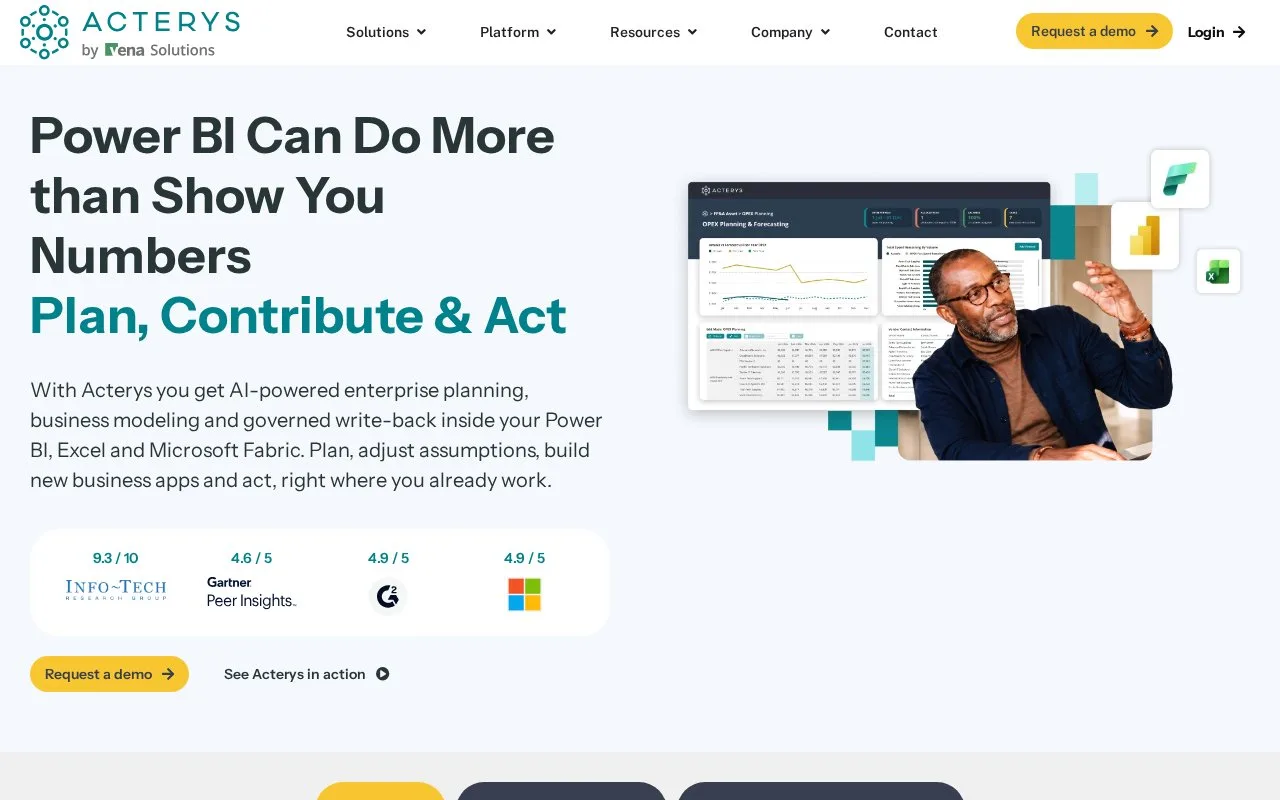
Acterys adds financial planning and data entry to Power BI, Excel and Microsoft Fabric. Teams can change assumptions, compare scenarios and attach comments to shared reports, with permissions and a change history. Subscription packages differ by visuals, storage and refresh limits; pricing is quoted.
Acterys lets finance teams contribute to plans where they already analyze the data. Its write-back tools save changes entered in Power BI or Excel to the underlying business data. Permissions, approvals and a change history accompany those contributions. Driver-based models connect a change in assumptions to financial outcomes, including workforce plans and group consolidation.
How the planning visuals differ
Matrix lets users enter assumptions at different levels of a model and distribute amounts across lower levels. Copy can start a scenario from historical data for a whole model or a selected cost centre or product. For example, a department could copy its previous plan before changing next quarter's hiring assumptions.
Visual Planning changes values through a chart and can lock particular data points. Comments keeps explanations tied to the active report filters. Table Edit handles changes to rows of business data, including bulk updates and validation. The model and data connections still need configuring before these become useful planning forms.
Packages and access
Acterys quotes subscription prices.
| Custom visual package | Main distinction |
|---|---|
| Essential | Table Edit, Excel add-in, versions, approvals and comments |
| Pro | Adds Matrix, drag-and-drop planning and planning templates |
| Premium | Adds Smart XL and separate development, testing and production environments |
These packages include 20 GB of storage and unlimited viewer licences. The separate Acterys Apps packages have their own storage and scheduled-refresh allowances, so their limits should not be confused with the visual packages.
Users sign in to Acterys Modeller. Starting a trial involves an onboarding meeting, and consultants can help map data and configure the initial model. Deployment can use Azure, an on-premises installation or a combination. Existing Microsoft reporting tools provide a familiar starting point, but the planning structure still has to reflect the way the business works.
Strengths
- Planning inputs can stay within Power BI and Excel
- Comments follow the selected report context
- Viewer licences are unlimited in the custom visual packages
Watch out for
- Visual packages and Acterys Apps have different storage and refresh limits
- Data mapping and model configuration are part of getting started
Best for
- Finance teams extending Microsoft reporting into budgeting
- Departments sharing planning assumptions through Power BI
Sources
- Acterys planning and analytics (Oct 27, 2026)
- Acterys Power BI premium visuals (Oct 27, 2026)
- Acterys frequently asked questions (Oct 27, 2026)
- Acterys plans and editions (Oct 27, 2026)
- Acterys Modeller sign-in (Oct 27, 2026)