
What it does
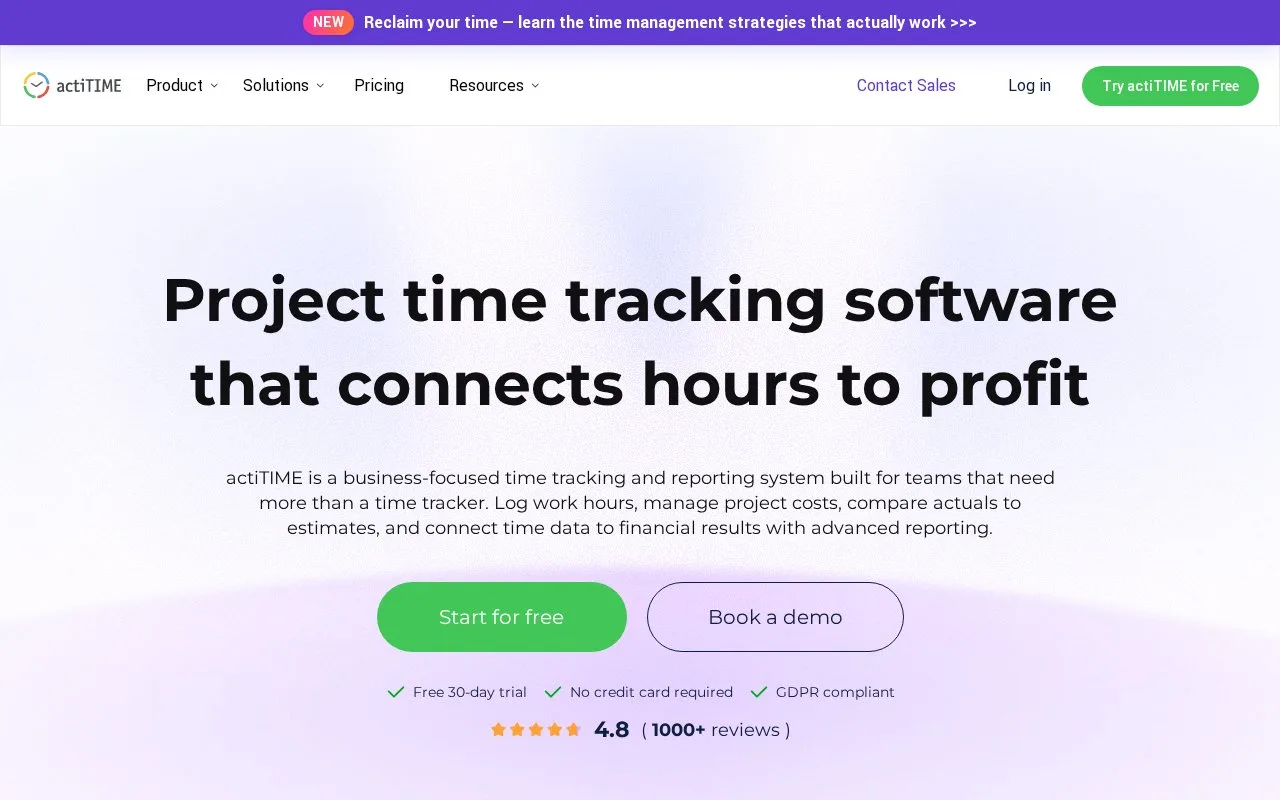
actiTIME structures work under customers, projects and tasks, with time recorded against tasks. Employees can fill a weekly timesheet, place exact start and end times on a calendar, or use an automatic timer in its mobile app or Chrome extension. Managers can review summaries, approve entries and lock completed records. The product connects recorded time to estimates, budgets, billing and project reports.
For a team that repeats work each week, the official guide recommends starting with tasks assigned to each employee, then adding those tasks to the timesheet or calendar. The timesheet view records total time per task and day; calendar view records time intervals and supports moving time cards. Mobile users can enter a duration, enter a start/end range, or attach a timer to a task. Managers can review reported summaries, export PDF views, approve entries and lock them when a period is closed.
The official pricing page lists a limited free plan for one to three users and paid online tiers, with pricing bands that depend on team size. The pages reviewed do not establish an exact localized price for every team size. Users need an assigned open task and permission to enter time, so deployment depends on an administrator setting up work and access first. No team account or timesheet was created.
Strengths
- Offers manual task entries in both weekly timesheet and calendar formats, plus mobile and Chrome timers.
- Managers can review, approve and lock time records, with summaries and PDF export.
- Time is organized under customer, project and task levels.
Watch out for
- Employees need an open task assigned to them and the relevant time-entry permission before logging work.
- The free tier is limited to three users and limited functionality.
Best for
- Teams submitting weekly task-based hours for approval
- Project managers comparing logged hours with estimates and budgets
Sources
- actiTIME: Time Tracking Software for Project Profitability & Cost Control (Oct 25, 2026)
- Managing Timesheets in actiTIME (Oct 25, 2026)
- The Prices of actiTIME Time Tracking Software (Oct 25, 2026)