
What it does
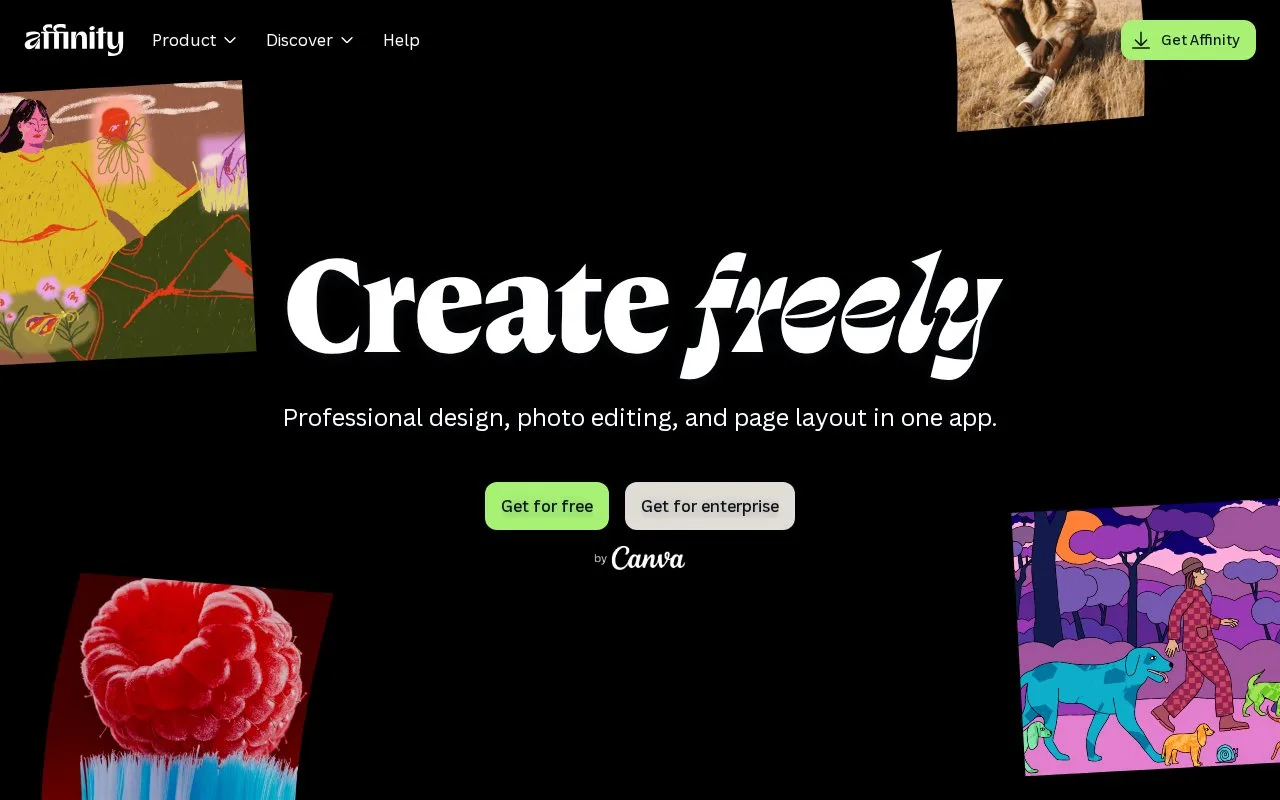
Affinity combines vector drawing, pixel editing and page layout in one desktop application. Its core tools are free for individuals, with optional Canva premium AI features.
A poster can keep its illustration, painted texture and page layout in one .af document. The Vector studio provides shape, curve and fill controls; Pixel tools add brushwork without moving to a different file.
Image Trace offers another starting point. Place a raster image, choose Image Trace from the Vector menu and adjust edge threshold and curve-fitting tolerance in the live preview. Apply the result to obtain paths whose nodes, fills and strokes can be edited. Clear shapes and contrast provide a better tracing starting point.
Plan the file handoff
Affinity exports by object, slice or document and can send assets to Canva. It opens older Affinity files, but V1 and V2 cannot reopen files saved by the new app. Keep a compatible original when a collaborator still uses those editions.
Windows and Mac versions are available; the new iPad edition is still listed as forthcoming. A Canva account is required for activation. Core desktop work can then continue offline, while Canva integrations and AI require a connection.
Strengths
- Vector, pixel and layout edits share one working document
- Tracing produces paths that can be refined with node tools
Watch out for
- Files saved in the new app cannot be reopened in Affinity V1 or V2
- Canva AI features require a qualifying premium plan
Best for
- Illustrated layouts combining vector and painted detail
Sources
- Affinity unified application overview (Oct 27, 2026)
- Affinity Image Trace workflow (Oct 27, 2026)
- Affinity access and compatibility FAQ (Oct 27, 2026)