
What it does
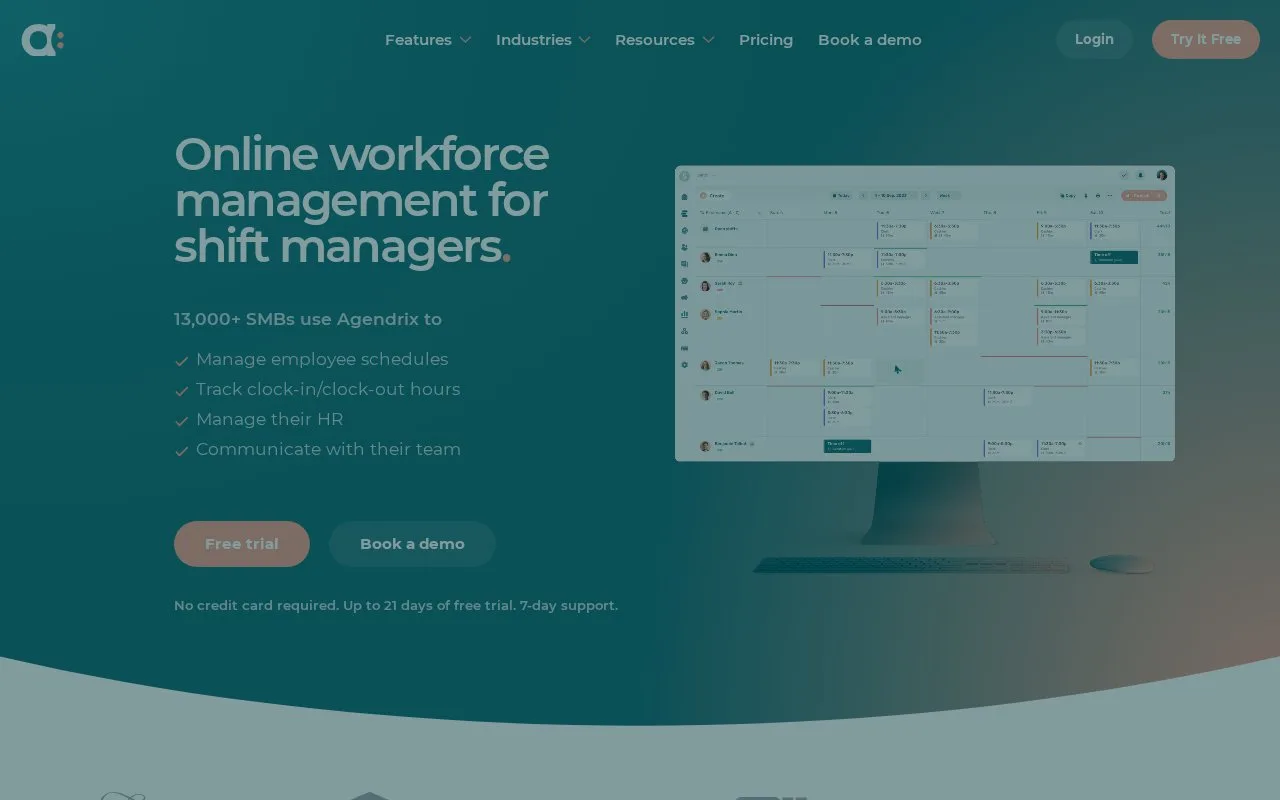
Agendrix combines scheduling, employee requests, time records and HR administration. Leave types can use different units and balance methods, while time-off approvals can resolve conflicting scheduled shifts.
Set up leave under Settings → Time off → Types and Banks. Choose paid or unpaid status, hours or days, and whether it draws on a balance. Banks can use an annual entitlement, cumulative allocation or a manually maintained total.
Open Time off → Time off request and check dates, leave type and paid days before approving. A conflicting shift can be deleted, opened for someone else to claim or transferred to another employee in the same window. To revise an approved request, filter for Approved, open it and choose Edit. Recheck coverage when changing its dates.
Plans and evaluation
| Plan | Billing basis | Included scope |
|---|---|---|
| Essential | Per user/month, monthly or annual payment | Scheduling, communication, requests and reports |
| Plus | Per user/month, monthly or annual payment | Essential plus HR management, surveys and custom permissions |
| Enterprise | Contact Agendrix | Essential and Plus with enhanced support for 250+ employees |
Time and Attendance is an extra module. Account creation starts a seven-day trial without card details; completing the discovery flow can add up to fourteen days. Check the currency and final rate for your organization before subscribing.
Strengths
- Leave banks support annual, cumulative or manual allocation
- Conflicting shifts can become open shifts or be transferred during approval
Best for
- Managers coordinating leave balances, approvals and coverage in one scheduling workflow
Sources
- How much does it cost? - Agendrix (Oct 27, 2026)
- How to set up time offs | Agendrix Help Center (Oct 27, 2026)
- How to manage time off requests | Agendrix Help Center (Oct 27, 2026)
- Agendrix - Online Workforce Management (Oct 26, 2026)