
What it does
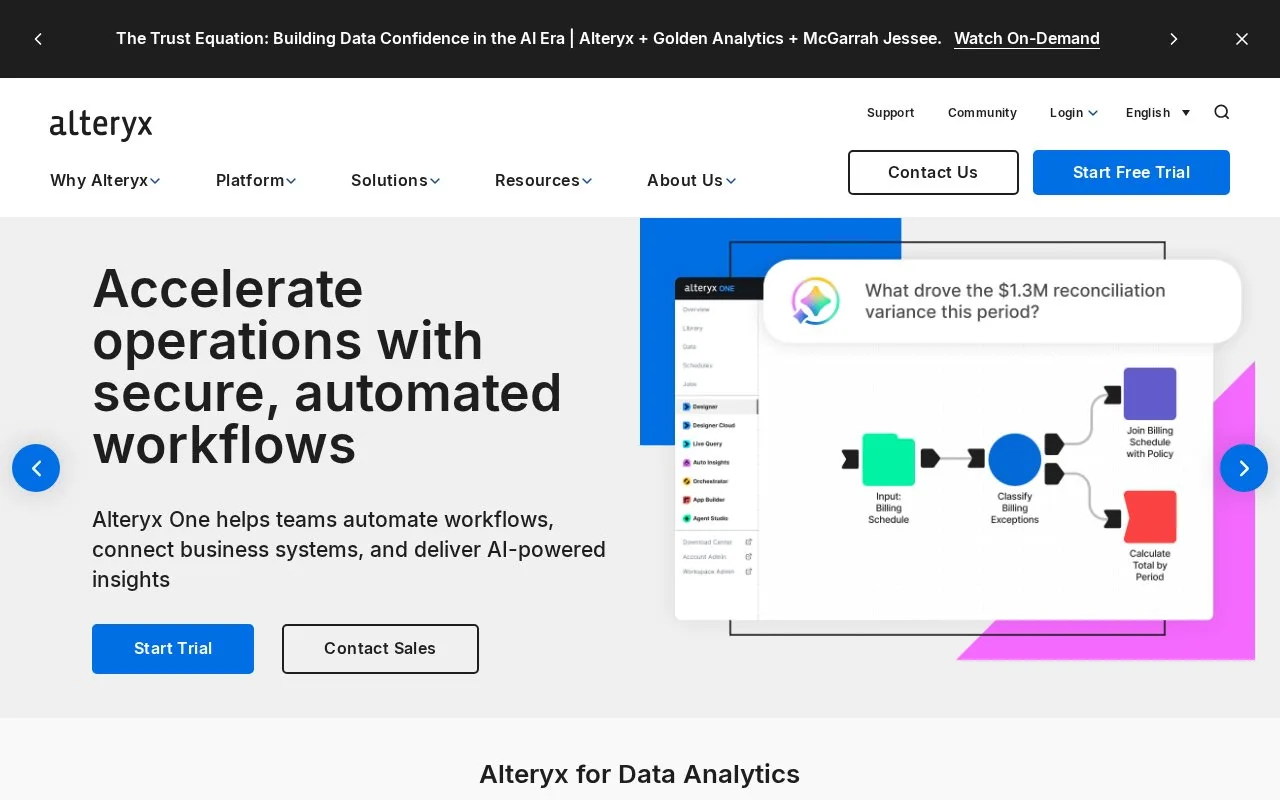
Alteryx One combines data preparation, visual analytical workflows and reporting automation. Teams can use Designer or AI-assisted building to work with files, databases and business systems. Paid editions differ in desktop access, connectivity and automation; a 30-day trial requires an Alteryx account.
Designer provides Alteryx One's drag-and-drop workflow builder. A customer analysis can combine data inputs, apply grouping rules and produce repeatable reporting. AI-assisted workflows can also be opened in Designer, where the steps remain available for review and editing.
| Edition | Price | Main scope |
|---|---|---|
| Starter | USD 250 per user/month, billed annually | Cloud preparation and analytics; CSV, Excel and JSON files; 1-10 basic users |
| Professional | Contact sales | Desktop and cloud, broader connections, advanced preparation and essential scheduling |
| Enterprise | Contact sales | Advanced automation, governance, analytics applications and viewer licences |
The subscription combines an edition, user roles and an allowance for automated work. A viewer uses shared work without editing its analytical logic.
Trial access and recurring runs
The trial lasts 30 days. Register with business and contact details, then sign into Alteryx One to download the desktop app if needed. Designer activation uses Sign In to Your Trial, your Alteryx email, an emailed verification code and your password. Trial activation needs an internet connection; there is no trial licence key.
Scheduled runs, API-triggered runs and viewer-initiated work generally consume one Alteryx Credit per qualifying run. An Auto Insights email subscription also uses a credit per send, regardless of recipient count. Failed runs do not count. Additional capacity is arranged through the account team when the included allowance is used up.
Strengths
- Keeps visual and assisted workflow outputs available for inspection in Designer.
- Combines preparation, analysis and recurring reporting within a unified platform.
Watch out for
- Desktop access, advanced connectivity and viewer roles depend on the selected edition.
- Automated and viewer-triggered execution can consume contracted automation capacity.
Best for
- Business analytics teams maintaining repeatable preparation, segmentation and management-reporting workflows
Sources
- Alteryx One Pricing | Plans & Enterprise Options (Oct 27, 2026)
- Alteryx One 30-Day Trial (Oct 27, 2026)
- Get Access to Alteryx One App and Designer with Alteryx One Platform (Oct 27, 2026)
- What Counts Toward Your Credits (Oct 27, 2026)
- Alteryx: Automate Data Workflows & Get AI-Powered Insights (Oct 26, 2026)
- Generate Actionable Insights Using Self-Service Analytic Workflows - Alteryx (Oct 26, 2026)