
What it does
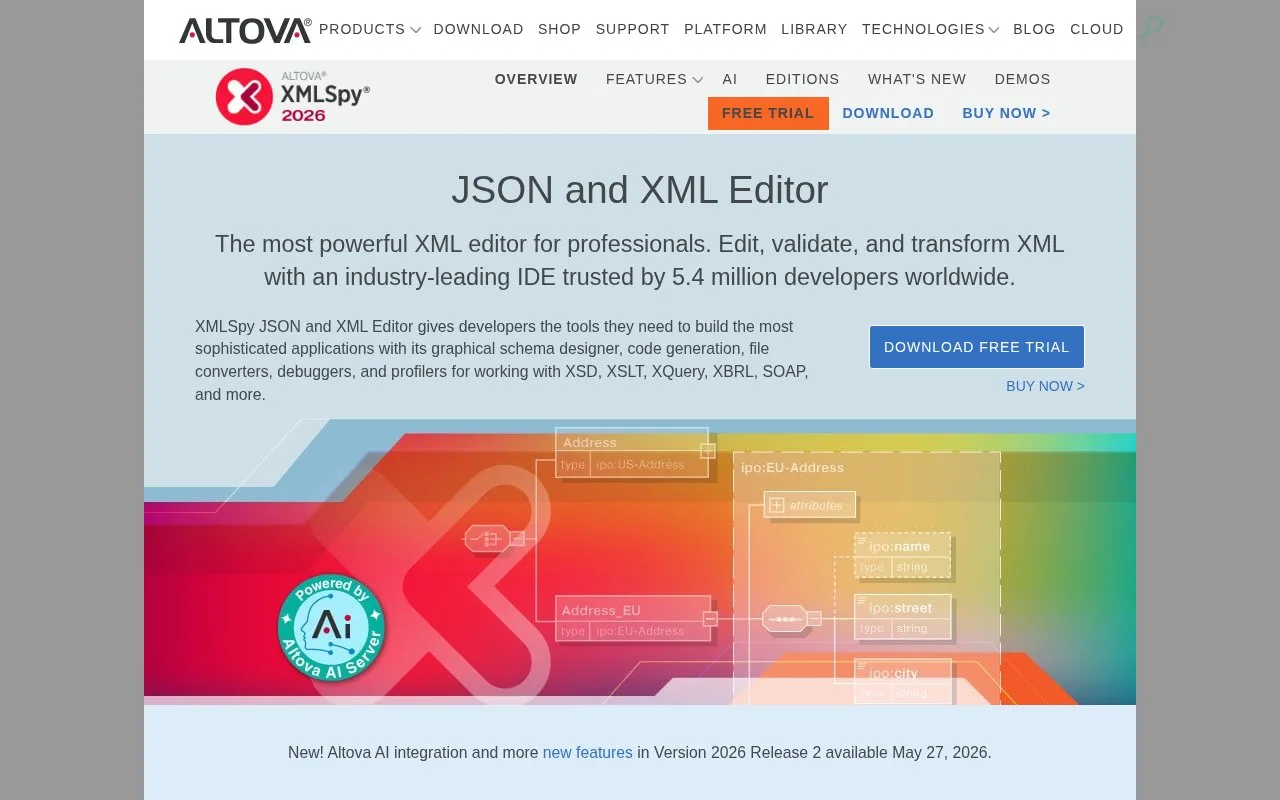
XMLSpy is Altova's structured editor for XML, JSON, XML Schema, XSLT, and XQuery work. Its documentation describes text and grid views, schema design tools, validation, and a guided tutorial that moves from creating a schema to editing and transforming XML. The Enterprise edition adds capabilities for technologies such as XBRL and web services, while Professional provides a subset of that toolset. XMLSpy is one desktop product in Altova's wider development-tool range, rather than the whole MissionKit suite.
A schema-first editing workflow
The XMLSpy tutorial is practical for a team that needs to author or inspect structured data rather than edit general application source. It walks through creating an XML Schema, defining namespaces and a content model, adding elements, and validating an XML document. A developer can then assign an XSLT stylesheet and run a transformation. The manual also documents text and grid views, including tabular editing for XML and JSON/YAML data.
For a service integration, this can help inspect a request or response against a schema, adjust the document, and validate it before passing it to another tool. These are documented editor workflows, not results from a live XMLSpy installation.
Altova's shop distinguishes Professional and Enterprise editions. It says Professional has a subset of Enterprise features; the latter lists items such as XBRL, web services, code generation, and additional XSLT/XQuery functions. The shop displays starting amounts, but the material accessed did not establish a billing interval, so this listing does not repeat a price or classify the license as a subscription or perpetual purchase.
Strengths
- The tutorial covers XML Schema construction, document validation, and XSLT transformation in one editor.
- Text and grid views provide different ways to inspect structured XML and JSON/YAML data.
- Separate Professional and Enterprise editions let teams choose between a core editor and a broader enterprise XML toolset.
Watch out for
- The Professional edition has fewer capabilities than Enterprise, so users should check edition-specific requirements for technologies such as XBRL and web services.
Best for
- Developers authoring or validating XML schemas and documents
- Teams working with XML, JSON, XSLT, XQuery, or web-service formats
Sources
- XML Editor - Professional XML Editing Tools in XMLSpy | Altova (Oct 26, 2026)
- Altova XMLSpy 2026 Professional Edition (Oct 26, 2026)
- Altova XMLSpy 2026 Enterprise Edition (Oct 26, 2026)
- XMLSpy | Altova Online Shop (Oct 26, 2026)