
What it does
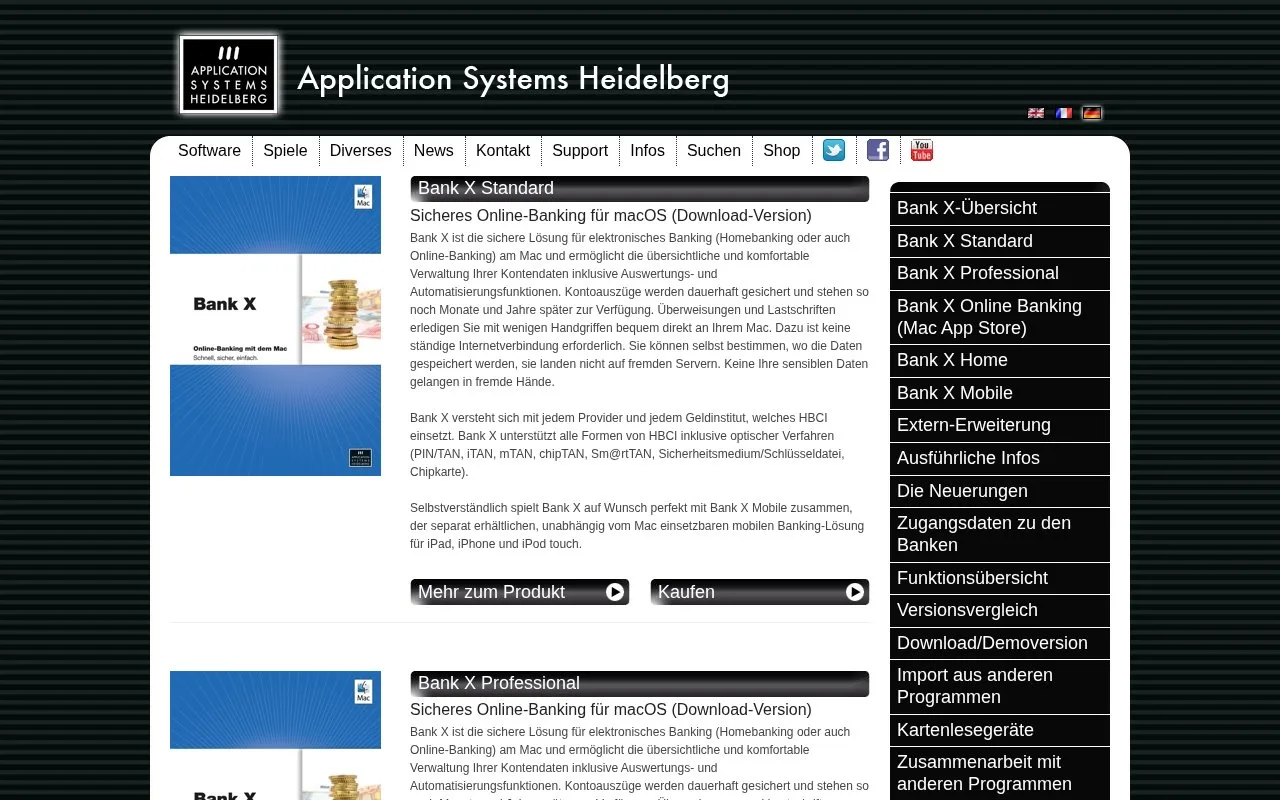
Bank X is Application Systems Heidelberg’s Mac software for supported German bank accounts. It keeps downloaded statements locally and handles transfers, account categories and budgets. Professional adds transaction exports and roles that separate preparing a payment from authorizing it.
Keeping account files on your Mac makes older downloaded transactions available for later review. You choose where those files are stored. A bank connection is still needed to retrieve new activity or submit payments.
Standard supports multiple accounts, recurring-payment templates, split entries and attachments such as invoice PDFs. Bank-managed scheduled transfers appear in the order book under Terminüberweisungen. Their context menu lets you send a cancellation request to the bank.
Professional is useful when someone prepares account work for another person to approve. It adds payment roles, transaction exports and a preview before applying rules to older entries.
Purchase options
| Product | Download price | Purpose |
|---|---|---|
| Bank X 11 Standard | €69.95 | Mac account management and payments |
| Bank X 11 Professional | €99.95 | Mac banking with exports and additional controls |
| Bank X Mobile 4 | €4.99 | Separately sold iPhone and iPad banking app |
The version 10 to 11 upgrade costs €10 for either desktop edition. The demo truncates incoming transaction descriptions to five characters and does not execute transfers. A purchased serial number activates the full version.
Bank X 11 supports macOS 10.14 through macOS 26 and runs natively on Apple Silicon. Its bank support is limited to German institutions. Version 11 also handles the bank’s recipient-name check, allowing you to stop a transfer when a mismatch warning appears.
Retrieving earlier transactions
Open Bearbeiten, Kontenliste, double-click the account and select Online. Set the requested start date under Buchungen ab ... beim nächsten Abgleich abholen. The bank decides how much older activity it can supply; keeping an existing local history does not guarantee that missing years can be downloaded again.
Strengths
- Downloaded statements remain available locally
- Professional separates payment preparation from authorization
- Scheduled bank transfers can be reviewed and cancellation requested
Watch out for
- Only German banks are supported
- The demo does not execute transfers and shortens transaction descriptions
- The mobile app is a separate purchase
Best for
- Mac users keeping German banking records locally
- Small teams needing separate preparation and approval roles
Sources
- Bank X Local Banking Records (Oct 27, 2026)
- Bank X Standard and Professional Features (Oct 27, 2026)
- Bank X Purchase and Upgrade Prices (Oct 27, 2026)
- Bank X Demo Restrictions and Mac Requirements (Oct 27, 2026)
- Bank X 11 Recipient-Name Checks (Oct 27, 2026)
- Bank X Earlier-Transaction Retrieval (Oct 27, 2026)