
What it does
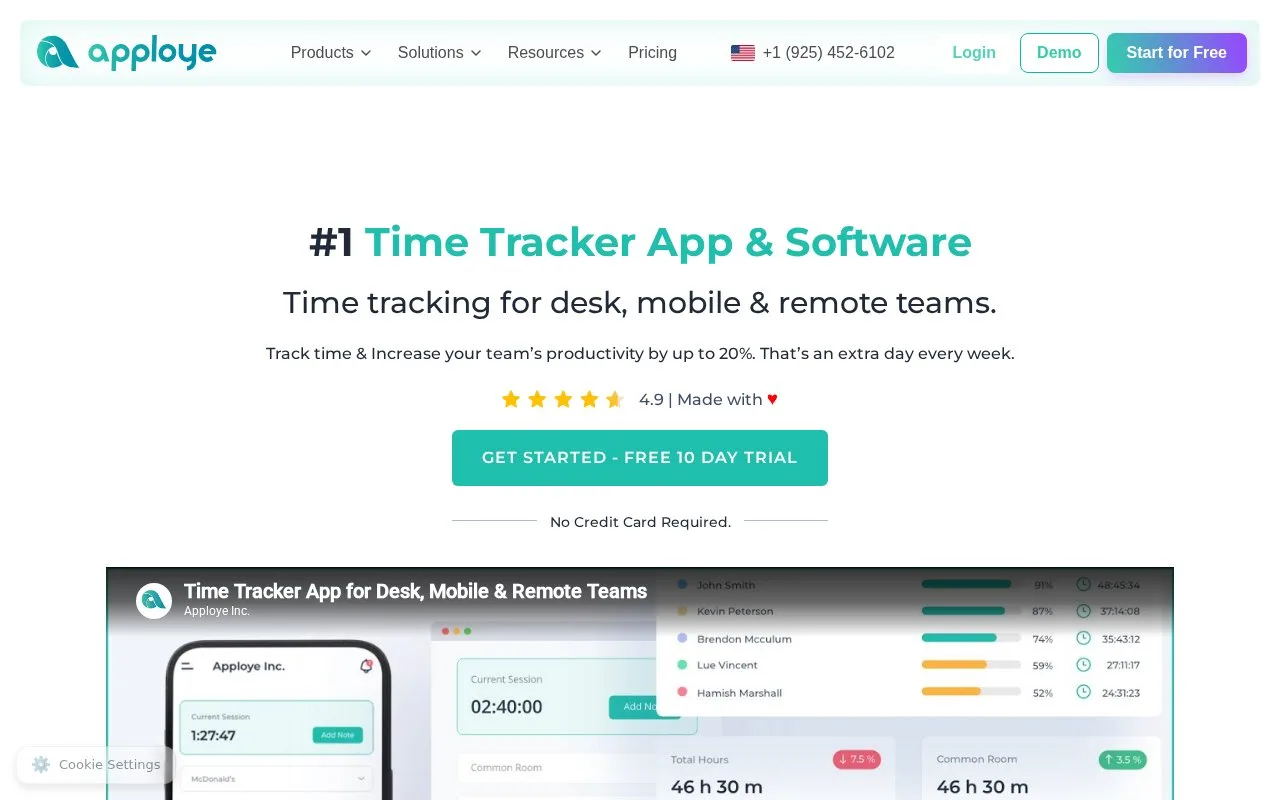
Apploye combines time tracking and timesheets with project/task logs, attendance, reports and employee activity monitoring. Its pricing page lists a free plan for up to ten users and paid tiers with different limits for screenshots, app/URL tracking, activity analytics, approvals and exports. It is aimed at remote and distributed teams rather than personal time journaling alone.
A team can organize projects and tasks, record work in daily, weekly or monthly timesheets, and review hours through dashboards and reports. The pricing page distinguishes ordinary time entries from monitoring features: the free plan lists limited screenshots taken while a timer is running, app/URL tracking and activity analytics; higher plans add more monitoring and approval features.
Because screenshots, visited apps/sites and keyboard/mouse activity levels are sensitive workplace data, treat this as an employee-monitoring product as well as a time tracker. The public pages do not establish the organization's consent process, retention settings or legal compliance, and none of those controls were tested. The vendor lists a free tier for up to ten users and paid tiers; no account or monitoring feature was enabled.
Strengths
- Supports daily, weekly and monthly time records associated with projects and tasks.
- The free tier is listed for up to ten users and includes basic timesheets and reports.
- Paid plans list timesheet approvals and data export.
Watch out for
- The free plan includes limited screenshot and activity monitoring while the timer runs.
Best for
- Remote teams that need project time records and employee activity reporting
- Managers comparing tracked hours with attendance and submitted timesheets
Sources
- #1 Time Tracker App & Software (Oct 25, 2026)
- Apploye Pricing | Simple, Transparent Plans for Every Team (Oct 25, 2026)