
What it does
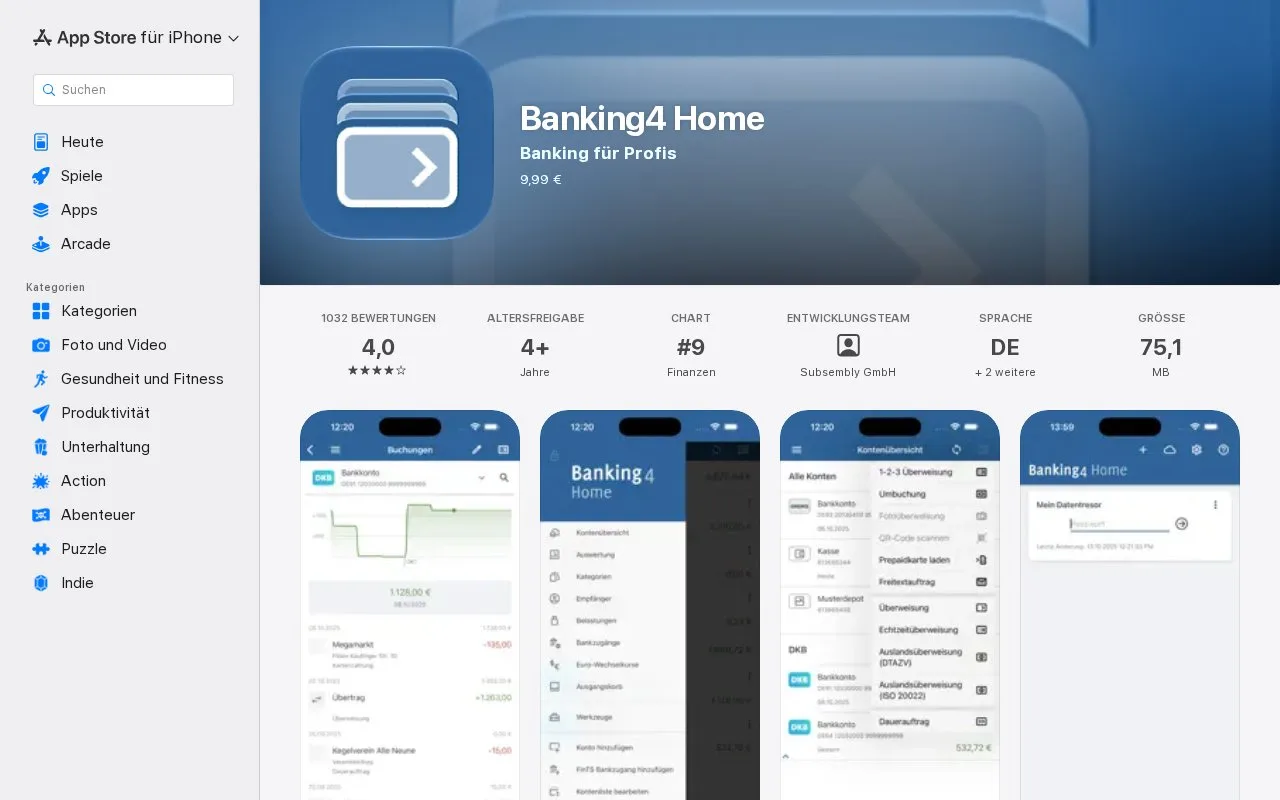
Banking4 by Subsembly brings supported bank accounts, payments and spending records into one application. Its Home edition adds category rules, budgets, electronic statements and local accounts for cash or other manually tracked balances.
A mixed purchase can be split without changing the bank's original transaction. In the mobile app, open the entry and choose Splitbuchung in the lower toolbar. Add each part with + Neue Teilbuchung, set its amount and category, then save. The parts must add up to the original total before the app accepts them. For example, a supermarket payment can be divided between groceries and household supplies.
Create a named, password-protected data vault when you start. You can keep records locally or connect supported cloud storage for use across devices. Bank connections use FinTS/HBCI, which your bank may need to enable. Where Banking4 uses a screen scraper instead, it can retrieve account data but cannot send payment orders.
Home can download original PDF account statements and import or export records in formats including CSV. This is useful when you want both a spending analysis and files that can leave the application.
Home purchase options
| Platform | Purchase price |
|---|---|
| Windows and macOS desktop licence | €40 |
| Android | €9.99 |
| iOS | €9.99 |
The desktop licence covers the named purchaser's own Windows and Mac computers. Mobile purchases are separate and tied to the relevant app-store account. Home is a one-time purchase with updates for the purchased major version; Windows and Mac have a 30-day trial. Professional and Business editions serve different payment workflows and use separate licensing.
Strengths
- Split categories with a check that the amounts balance
- PDF statements and exportable transaction records
- Local vaults with optional cloud storage
Watch out for
- Scraper connections cannot submit payments
- Desktop and mobile purchases are separate
Best for
- People organizing several compatible bank accounts
- Households that want detailed categories and portable records
Sources
- Banking4 Home by Subsembly, Apple App Store (Oct 27, 2026)
- Banking4 Home features and supported bank connections (Oct 27, 2026)
- Banking4 Home downloads and purchase prices (Oct 27, 2026)
- Banking4 mobile manual: data vaults and split entries (Oct 27, 2026)