
What it does
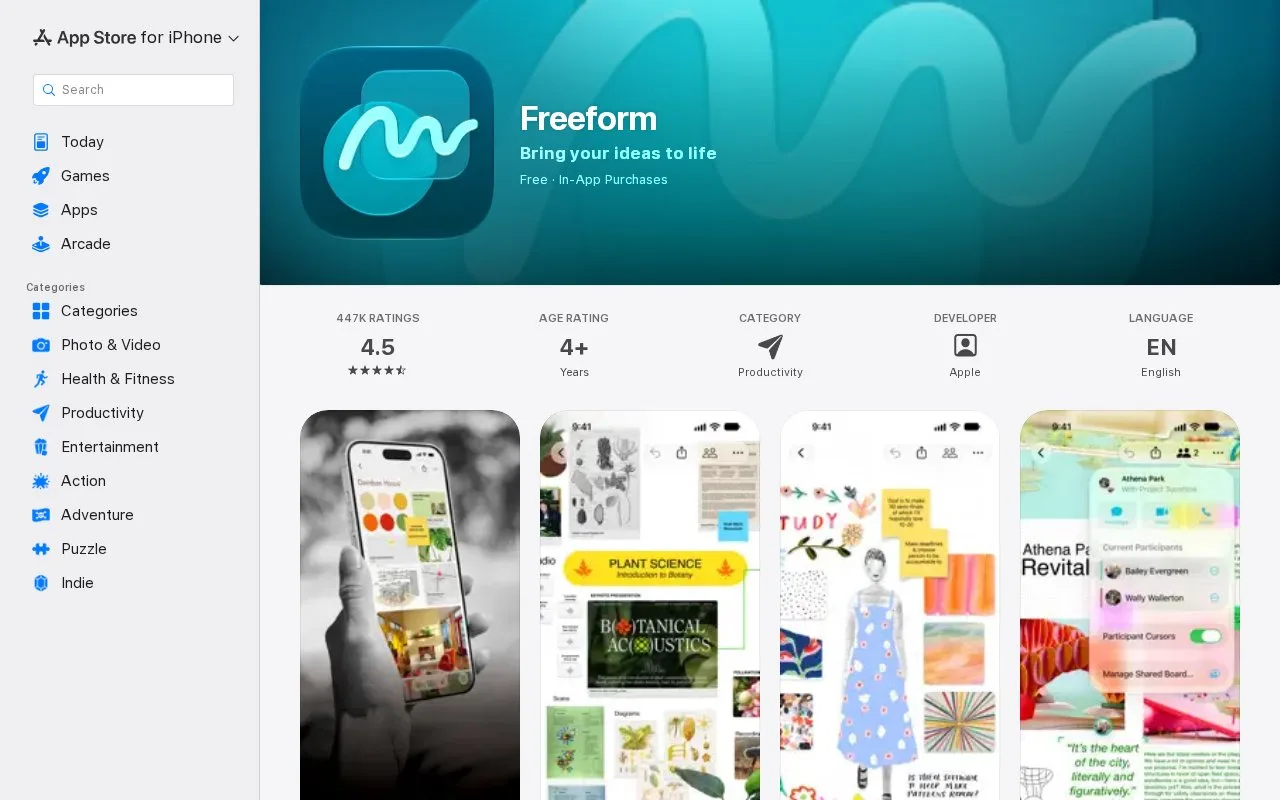
Freeform provides a flexible canvas for placing photos, video, audio, documents, PDFs, web links, sticky notes, and drawings. Apple describes it as a space for brainstorming, project sketches, and mood boards. Boards can sync through iCloud, and the App Store listing says creating, editing, and collaborating on boards does not require a subscription.
Freeform is a flexible canvas for collecting visual material and arranging it without fixed page boundaries. Apple's App Store listing describes adding photos, video, audio, documents, PDFs, web links, sticky notes, and drawings, making the board useful for a mood board, project sketch, or brainstorming session. Boards can stay synchronized through iCloud, and Apple describes real-time collaboration with other users.
The basic board experience does not require a subscription according to the App Store listing. That makes it easy to try for someone already using Apple devices, although the sources reviewed do not establish equivalent access on non-Apple platforms. I reviewed Apple's App Store listing; I did not test collaboration or syncing on a device.
Strengths
- The canvas supports a mix of images, video, documents, links, stickies, and drawings.
- iCloud sync and real-time collaboration support shared boards across Apple devices.
Best for
- Apple-device users assembling visual research, project sketches, or mood boards.
- Small groups brainstorming together on a shared canvas.
Sources
- Freeform App - App Store (Oct 25, 2026)