What it does
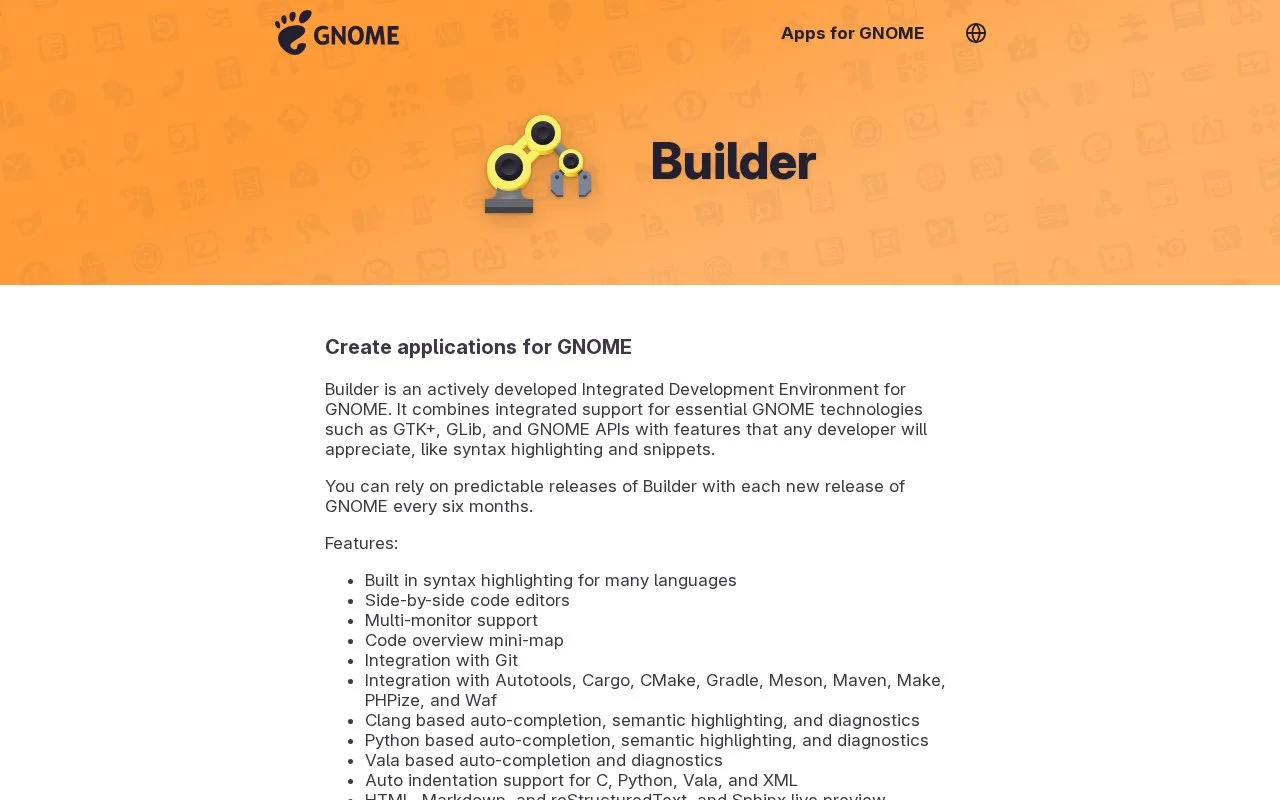
GNOME Builder is an actively developed IDE designed for applications built with the GNOME platform. It combines language tools such as syntax highlighting, completion, and diagnostics with Git, build-system integration, native debugging and profiling, and Flatpak build-and-run support. The project template workflow gives a developer a starting application, while file and symbol search help navigate a larger codebase. Builder is most relevant to developers working in the GNOME and Linux application ecosystem.
Create and run a small GNOME app
The GNOME developer introduction recommends installing Builder from Flathub or a Linux distribution repository. Launch it, choose Start New Project…, set the project name and application ID, and choose Create Project. The documented template creates a GNOME application with an initialized Git repository and a license file. Use the play control in the header bar to build and run the project. These are documented steps; no application was created or launched for this listing.
Builder is more than a text editor for that workflow. The GNOME feature guide lists completion and diagnostics for several popular languages, integrated Git, build-system support, an integrated debugger and profiler for native applications, and live previews for HTML, Markdown, reStructuredText, and Sphinx. It also supports optional Vim-, Emacs-, and SublimeText-style editing.
The strongest fit is someone building or contributing to GNOME applications. The first-party documentation specifically describes Flatpak builds and GNOME technologies such as GTK and GLib; it is not a hosted browser IDE or a neutral substitute for every language's preferred tooling. The app page describes Builder as actively developed. The official GitLab repository returned HTTP 406 during this research, so its license terms could not be confirmed and no license claim is made here.
Strengths
- The official GNOME template can create an application project with a Git repository and a starter license file.
- Integrates Git, build tools, debugging, profiling, language diagnostics, and Flatpak workflows in one IDE.
- The GNOME app page identifies Builder as actively developed.
Watch out for
- Its strongest documented workflow is for GNOME and Linux applications, including GTK, GLib, and Flatpak projects.
Best for
- Developers building GNOME desktop applications
- Contributors who want integrated Flatpak build and run support
- Linux developers who value native debugging and build tooling in the editor
Sources
- Builder – Apps for GNOME (Oct 25, 2026)
- GNOME Builder - GNOME Developer Documentation (Oct 25, 2026)