
What it does
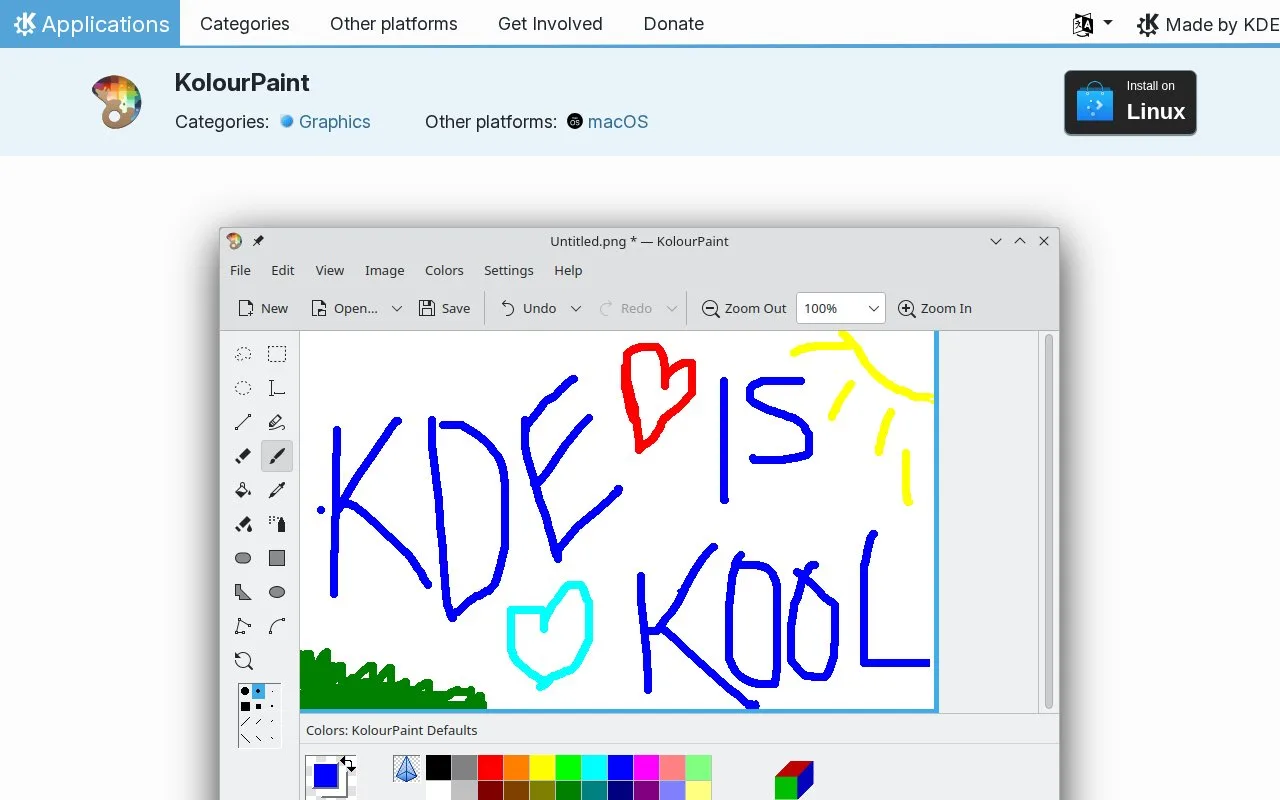
KolourPaint is KDE’s free raster painting and image touch-up application. It includes shapes, curves, text, selections and colour tools, with a stable Linux installation route through distribution packages or Flathub. macOS downloads are identified as nightly testing builds.
Replace a colour without painting over everything
Set the foreground colour to the shade you want to remove and the background colour to its replacement. Drag the Color Eraser across the relevant area. Increasing Color Similarity beyond Exact also catches nearby shades, which can help with dithered edges.
The ordinary eraser paints in the background colour; it does not automatically create transparency. Right-clicking reverses the erasers’ colour direction. Double-clicking the Color Eraser applies the replacement across the whole image.
For close work, drag with the Zoom tool to enlarge a region, then double-click its icon to fit the image to the page. Shape and selection tools cover small diagrams, labels and other straightforward raster edits.
Strengths
- Color Similarity can include near-matching shades
- A colour replacement can be applied to the entire image
- Zoom offers both area selection and Fit to Page
Watch out for
- The eraser uses the background colour rather than automatically making transparency
- macOS downloads are nightly testing builds
Best for
- Small raster diagrams and labels
- Selective colour replacement on Linux
Sources
- KDE KolourPaint features, installation and licences (Oct 27, 2026)
- KolourPaint handbook introduction (Oct 27, 2026)
- KolourPaint eraser and Color Eraser controls (Oct 27, 2026)
- KolourPaint zoom controls (Oct 27, 2026)