
What it does
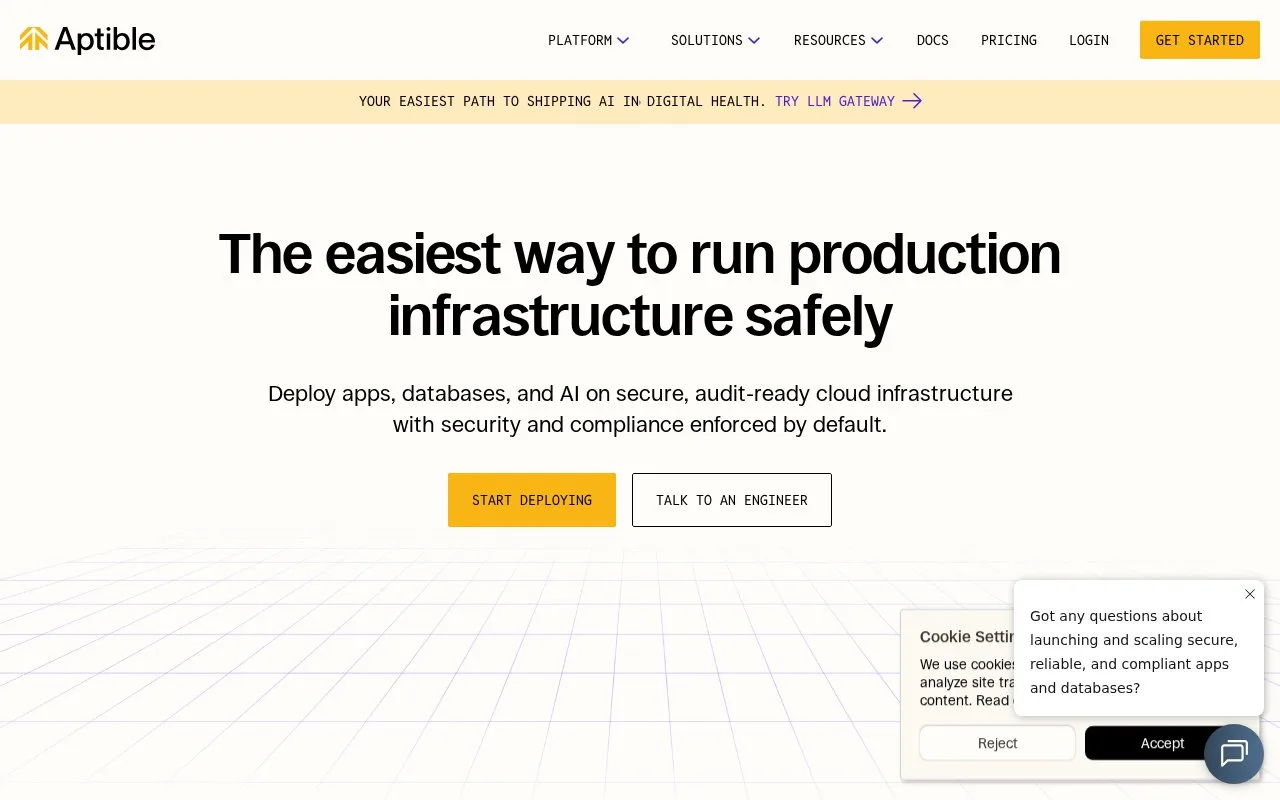
Aptible is a managed application platform for deploying containerized software. Developers can push a repository through Aptible's Git remote, where the platform builds an image, or deploy a Docker image built elsewhere. Each app combines an image, one or more container services, and optional configuration such as environment variables; managed databases and public endpoints can be added to the environment. Aptible handles the deployment infrastructure and release process, with plan features for private networking and production use. It is aimed at teams that want an application deployment workflow rather than direct administration of virtual machines.
Package the application, then choose a deployment path
Aptible's getting-started guide expects a Git repository and Dockerfile for custom code. In the dashboard, the setup path includes adding an SSH key, selecting a stack and region, pushing to Aptible's Git server, configuring the app, and optionally provisioning a managed database. You can instead build and push a Docker image in your own CI system, then deploy that image. Aptible models the resulting app as an image, services that set container count and resource limits, and configuration values passed as environment variables.
For a small HTTP API, an illustrative setup is to deploy the web container, put persistent data in a managed database or external storage, and expose the service through an Aptible-managed endpoint. The docs describe releases, real-time logs, and rollback behavior; endpoint-backed services use a load-balancer cutover for zero-downtime deployment.
Check runtime constraints and pricing
Aptible apps must run on Linux in Docker containers. Endpoints accept HTTP or TCP traffic, not UDP, and application filesystems are not persistent by default. A single-container service can use a Persistent Disk for a small amount of durable local state, but shared volumes across multiple containers require a different design.
The pricing page shows monthly plan base fees plus infrastructure usage charges for containers, databases, endpoints, and storage. A free-trial path is advertised, but it should not be read as a no-cost production environment; estimate the actual workload before comparing plans.
Strengths
- Teams can deploy either from a Git remote that builds the image or from a Docker image produced by their own build system.
- Apps are expressed as container services plus environment configuration, with managed databases available alongside application workloads.
- The documented release workflow includes deployment history and rollback options, with load-balancer cutover for endpoint-backed services.
Watch out for
- Apps must run in Linux containers; endpoints accept HTTP or TCP but do not serve UDP.
- Persistent local storage is not enabled by default, and shared volumes across multiple app containers require redesign.
Best for
- Teams deploying Dockerized web services that want a managed application release workflow.
- Organizations that want managed databases, environment configuration, and private networking in the same application platform.
- Regulated production teams evaluating a provider that offers compliance-oriented plan features.
Sources
- Deploy your custom code - Aptible (Oct 26, 2026)
- Deploying Apps - Aptible (Oct 26, 2026)
- Pricing for Compliant Production Infrastructure | Aptible (Oct 26, 2026)