
What it does
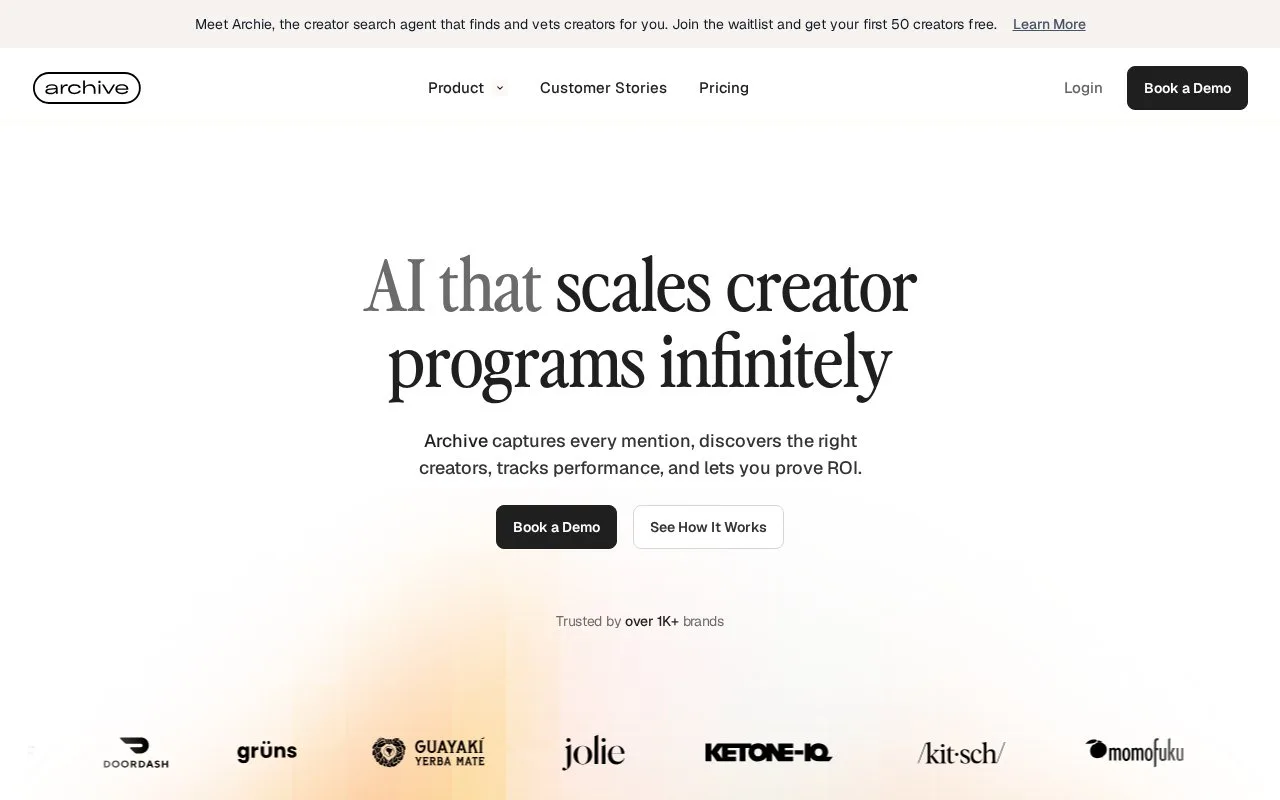
Archive helps brand teams find creators, collect social content and report on their programs. Its Manage Rights workspace tracks requests and permission scopes for reuse. Team members use accounts, and commercial access is arranged around the plan and usage.
For content covered by an existing agreement, choose Request Usage Rights, then Set Status Manually. Select the status and scope and save without contacting the creator again. Otherwise, choose the request option, select the connected brand account, customize the message and submit it.
Instagram's Approve and Reject buttons update the response automatically; a text reply saying yes does not. Creators can change a button response later. Check the current status before relying on an earlier approval.
In Manage Rights, use Add Filter to combine scope, status, platform and response date. Usage Rights, Instagram Partnership Ad Code and TikTok Spark Code are separate scopes. For example, combine Spark Code with Requested to see outstanding code requests, then inspect Failed requests separately for delivery problems.
| Plan | Main scope |
|---|---|
| Startup | Creator search, content capture and reporting |
| Growth | Adds AI sentiment analysis, filters, radar and research |
| Enterprise | Custom usage, procurement review and dedicated support |
Archive prepares an offer around the program's usage and requirements. The order form sets the subscription term and fees; permitted team members access the workspace with their own user credentials.
Strengths
- Existing agreements can be logged without sending another creator request
- Filters distinguish content permissions from platform-specific advertising codes
Watch out for
- Instagram text replies do not automatically update request status
Best for
- Brand teams organizing creator content and permission-request follow-up
Sources
- AI Creator Marketing Platform (Oct 26, 2026)
- Archive plans and tailored commercial offers (Oct 27, 2026)
- Archive usage rights request workflow (Oct 27, 2026)
- Filter Archive content permission requests (Oct 27, 2026)
- Archive account access and order-form terms (Oct 27, 2026)