
What it does
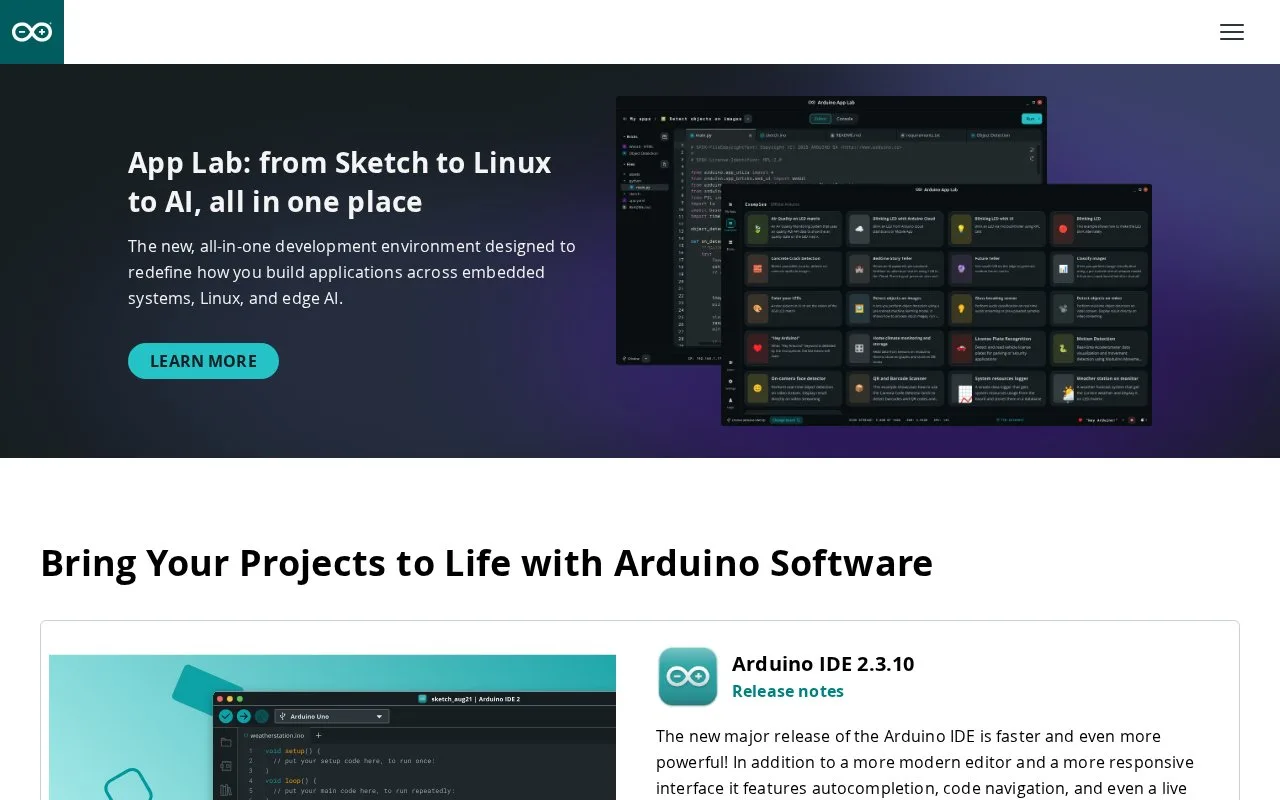
Arduino IDE 2 is the desktop environment for editing Arduino sketches and sending them to a selected board. Its editor includes code completion and navigation, while the surrounding workflow manages board packages and libraries, compiles sketches, and uploads them over a connected board port. It is aimed at people developing firmware and interactive hardware projects rather than editing arbitrary code alone.
A first project needs more than a source file: install Arduino IDE 2, connect a compatible board with a data USB cable, and make sure the board's package is installed. Select the board and port, then use Verify to compile the sketch before choosing Upload to transfer it to the connected board. The board package supplies files needed for that board, and IDE 2's board and library managers help add those components.
The software page describes IDE 2's editor additions, including autocomplete, code navigation, and a live debugger. Hardware is part of the workflow: the upload guide calls out the connected board and matching port, and a charge-only cable is not sufficient for data transfer. Arduino publishes IDE 2's source under the GNU Affero General Public License version 3. The public software page provides downloads and source links, but I did not find an explicit price statement for the desktop edition, so the classification reflects the established open-source license rather than an assumed price.
Identity matters on Arduino's software page: this record is for desktop IDE 2, not legacy IDE 1.x or the separate browser-based Arduino Cloud Editor.
Strengths
- IDE 2 combines sketch editing with board and library management, compile verification, and upload controls.
- The official software page lists autocomplete, code navigation, and a live debugger among IDE 2 features.
- The official guide documents Windows, macOS, and Linux installation routes.
Watch out for
- Uploading requires a connected board, a data-capable USB cable, a selected port, and the appropriate board package.
- Board-dependent workflows require users to identify and configure the hardware target before upload.
Best for
- Writing and uploading Arduino sketches for a connected microcontroller board
- Hardware learners who want editing, board packages, libraries, and serial workflow in one desktop IDE
Sources
- Software | Arduino (Oct 25, 2026)
- Downloading and installing the Arduino IDE 2 (Oct 25, 2026)
- Upload a sketch in Arduino IDE – Arduino Help Center (Oct 25, 2026)
- LICENSE.txt — arduino/arduino-ide (Oct 25, 2026)