
What it does
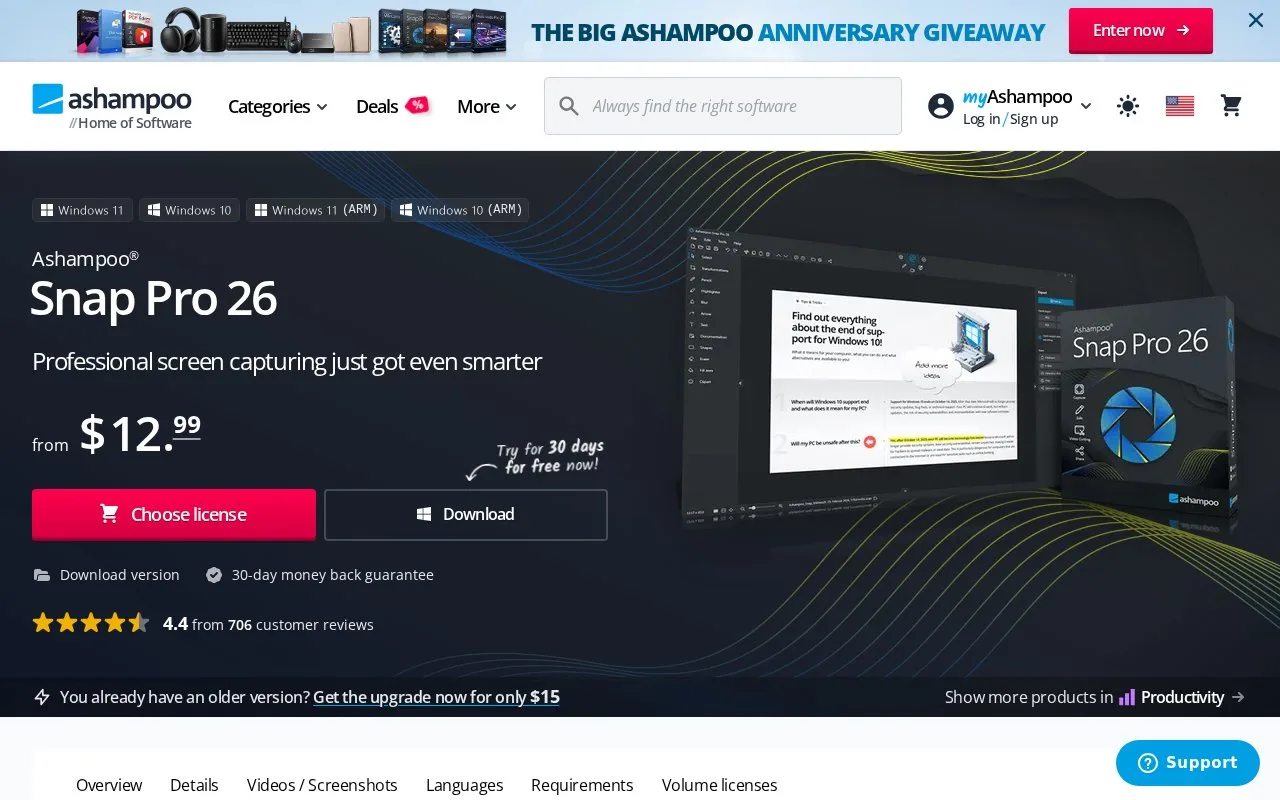
Ashampoo Snap provides Windows screenshots and screen recordings. Pro’s Live Edit overlays arrows, text and highlights while the desktop remains active, then captures the result. Snap FREE covers basic screenshots; Pro adds recording, advanced editing and automation.
Mark the desktop before capture
Live Edit places a transparent drawing layer over the screen. Add arrows, notes or highlights, switch back to move windows or adjust the content, then continue annotating. The screenshot is created from that prepared view. You can also capture scrolling pages, use delayed captures and number steps automatically.
Text recognition uses installed Windows language packs. Choose Add language to extend the available recognition languages. Images save to formats including PNG, JPG and BMP; recorded video exports as MP4 or WMV. To create an animated GIF, choose a video segment’s start and end points and run the converter.
Access and devices
Snap FREE has basic screenshot tools. Pro offers a 30-day trial and either a yearly subscription for three devices with upgrades or a one-time licence for one device.
Current Pro requirements are 64-bit Windows 10 or 11, .NET Desktop Runtime 9 and Edge WebView2. Internet access is required for activation, and Ashampoo checks the licence again at regular intervals. Multi-device use must match the purchased licence.
Strengths
- Live Edit keeps the desktop active while annotations are prepared.
- Video segments can become GIF animations using start and end points.
Watch out for
- The free edition excludes video recording and advanced editing.
- Text-recognition languages depend on installed Windows language packs.
- Activation needs internet access and the licence is checked periodically.
Best for
- Windows users preparing numbered software instructions and narrated demonstrations.
Sources
- Ashampoo Snap Pro features and FAQ (Oct 28, 2026)
- Choose an Ashampoo Snap licence (Oct 28, 2026)
- Ashampoo Snap Pro requirements (Oct 28, 2026)
- Ashampoo Snap Pro product information (Oct 28, 2026)
- Ashampoo Snap End User License Agreement (Oct 28, 2026)