
What it does
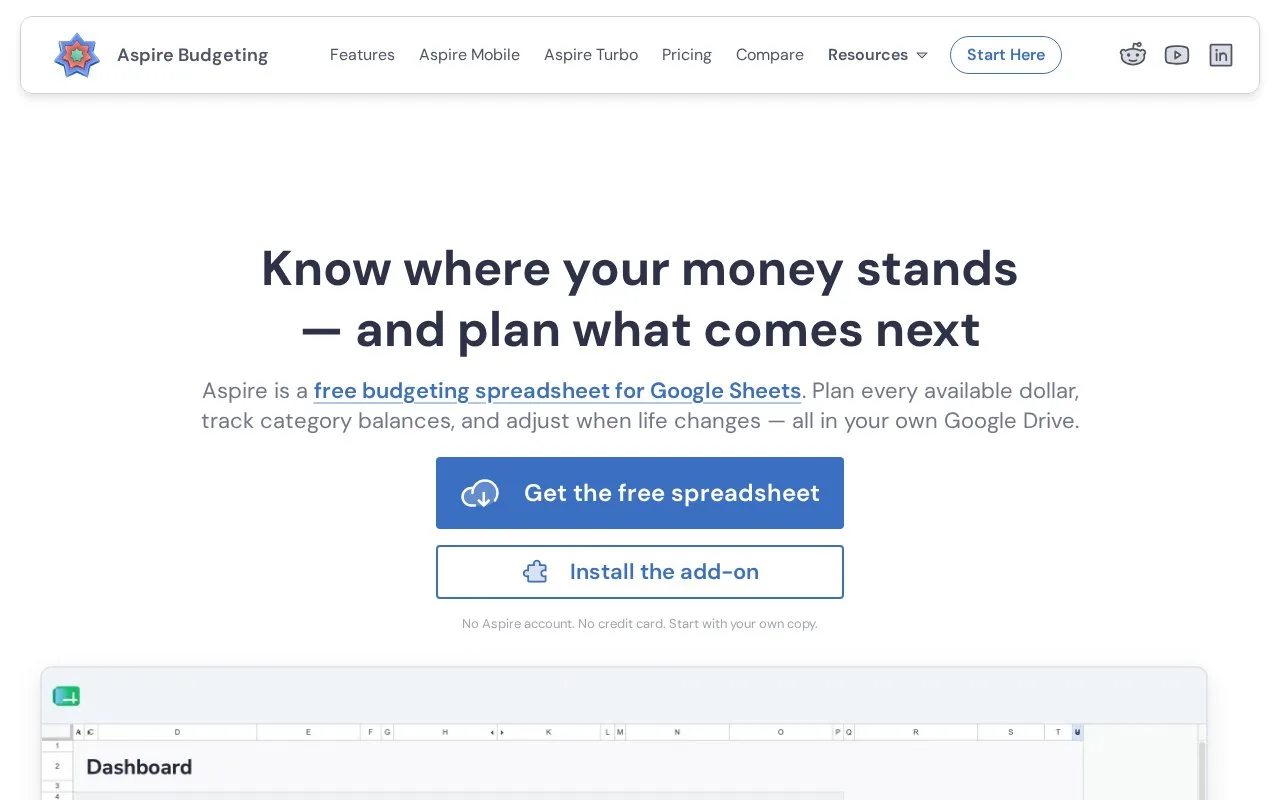
Aspire Budgeting is a free envelope-budget spreadsheet that lives in your Google Drive. It helps assign available money to categories and track what remains, with an optional $5-per-month Turbo subscription for CSV imports and faster entry. A Google account is required, but a separate Aspire account is not.
Begin on Configuration by naming your accounts and categories, then enter a starting-balance transaction for each budget account. On Category Transfers, move money from Available to budget into categories such as groceries, transport or an annual insurance bill. These transfers allocate money within the plan rather than spending it.
Record a purchase on the next empty Transactions row: date, Outflow, memo, account and category. Mark it Pending until it clears, then change it to Settled. Income goes in Inflow and can be assigned through Category Transfers. The Dashboard updates the category balances, while the free reporting add-on compares monthly targets with actual spending and lets you open the transactions behind a category.
A couple can use the same workbook: click Share and add the partner's Google account as an Editor. Keep custom views on separate tabs so the budget's existing layout stays intact.
The spreadsheet and reporting add-on remain free. Turbo costs $5 a month and adds CSV import, categorization, quick category funding, forecasts, recurring-expense tools, split transactions and Aspire Mobile. Its 30-day trial requires a payment method and automatically becomes paid unless canceled; taxes may apply. The free spreadsheet also works through the Google Sheets mobile app.
Strengths
- The free add-on includes a YNAB import tool
- Budget snapshots and diagnostics are available without Turbo
Watch out for
- Aspire does not maintain a connection to your bank accounts
- Cutting cells, deleting rows or changing existing formulas can disrupt the workbook
Best for
- Households comfortable allocating money and recording spending in Google Sheets
Sources
- Aspire Budgeting overview and FAQ (Oct 27, 2026)
- Aspire pricing (Oct 27, 2026)
- Setting up your spreadsheet (Oct 27, 2026)
- How to add a transaction (Oct 27, 2026)
- How to budget as a couple (Oct 27, 2026)