
What it does
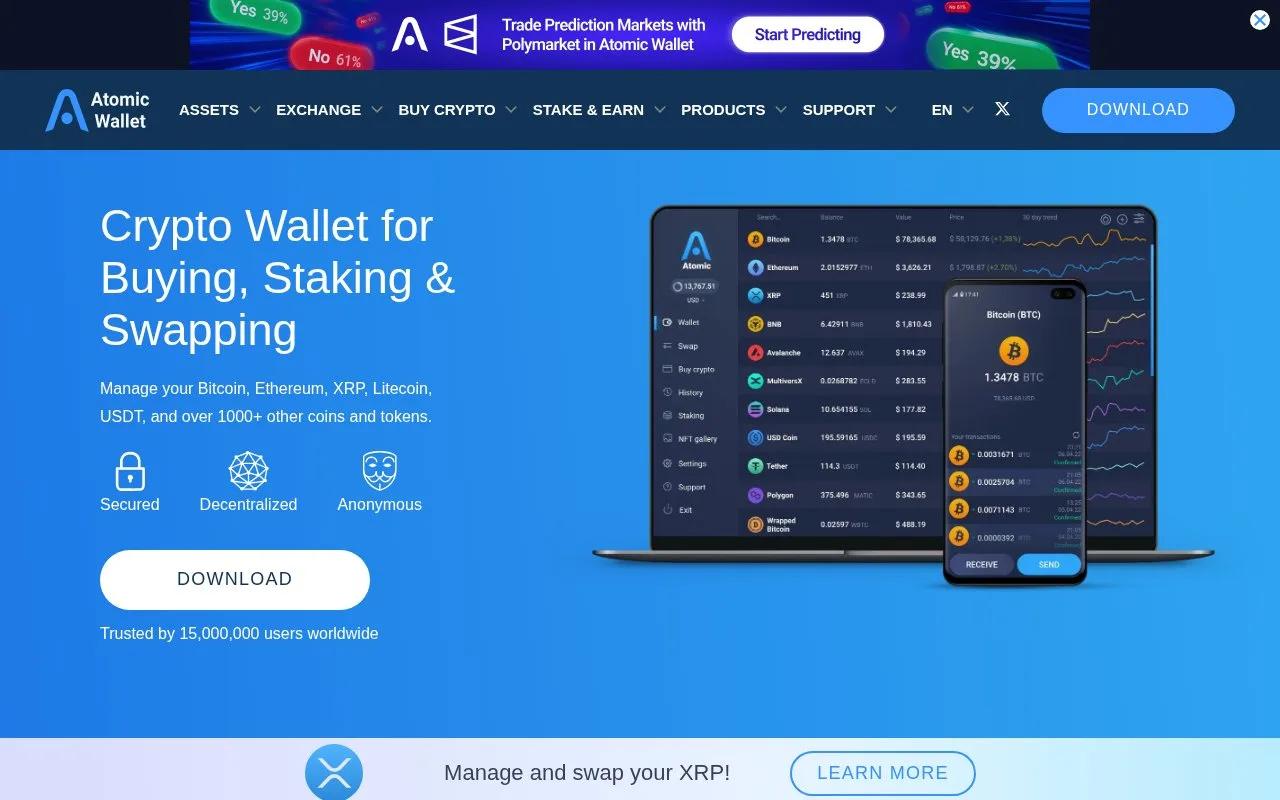
Atomic Wallet’s free software keeps supported crypto keys on your device and organizes holdings by amount or market value. Integrated swaps and purchases carry separate charges.
Atomic Wallet can sort a portfolio by coin amount or market value, giving two useful views of the same balances. Its basic wallet does not require an account or identity verification. The application is free, while sending crypto still incurs the relevant network charge.
Desktop downloads cover Windows, Mac and Linux; Windows support is limited to Windows 10 and 11. Android is available too. For a new iPhone installation, check the official App Store link before relying on that option: Atomic's download page carries a temporary iOS availability notice.
On desktop, select Create Wallet, choose a unique password and save the 12-word recovery phrase before opening the wallet. Sending diagnostic logs is optional during setup. The mobile guide uses the three-dot menu and New Wallet. Atomic does not keep a recoverable copy of your password or phrase, so preserve the words independently of the installation.
Bitcoin transfers illustrate the fee controls. Select BTC, choose Send and enter the destination and amount. Set Fee lets you replace the suggested network charge. Review the details, authorize the send and use the transaction hash to check its progress in a block explorer. A very low fee can leave a transfer waiting for a long time; increasing a fee does not change the destination or undo a mistaken payment.
Atomic's fee guide distinguishes ordinary transfers from swaps. It adds no wallet fee to regular sends, but lists a 0.5% Atomic swap fee plus the partner's commission. The displayed swap estimate includes the network and other applicable charges. Card purchases and additional financial services come from outside providers, whose identity checks, access rules and prices are separate from basic wallet setup. Crypto values can fall, and recovery words exposed to someone else give them access to the funds.
Strengths
- Portfolio sorting separates coin quantities from market values
- Manual network-fee controls are documented for supported transfers
- Basic wallet setup does not require a hosted account
Watch out for
- An overly low network fee can delay a payment
- Swap charges include a partner commission as well as Atomic’s fee
- The download page carries an iOS availability notice that new users should check
Best for
- Desktop users managing several supported crypto assets
- People who want to inspect and adjust a transfer’s network fee
Sources
- Atomic Wallet portfolio and basic account requirements (Oct 27, 2026)
- Atomic desktop and mobile downloads and iOS notice (Oct 27, 2026)
- Create an Atomic Wallet and save its recovery words (Oct 27, 2026)
- Atomic Wallet manual network-fee controls (Oct 27, 2026)
- Atomic Wallet transaction and swap charges (Oct 27, 2026)
- Atomic Wallet official developer listing (Oct 27, 2026)