
What it does
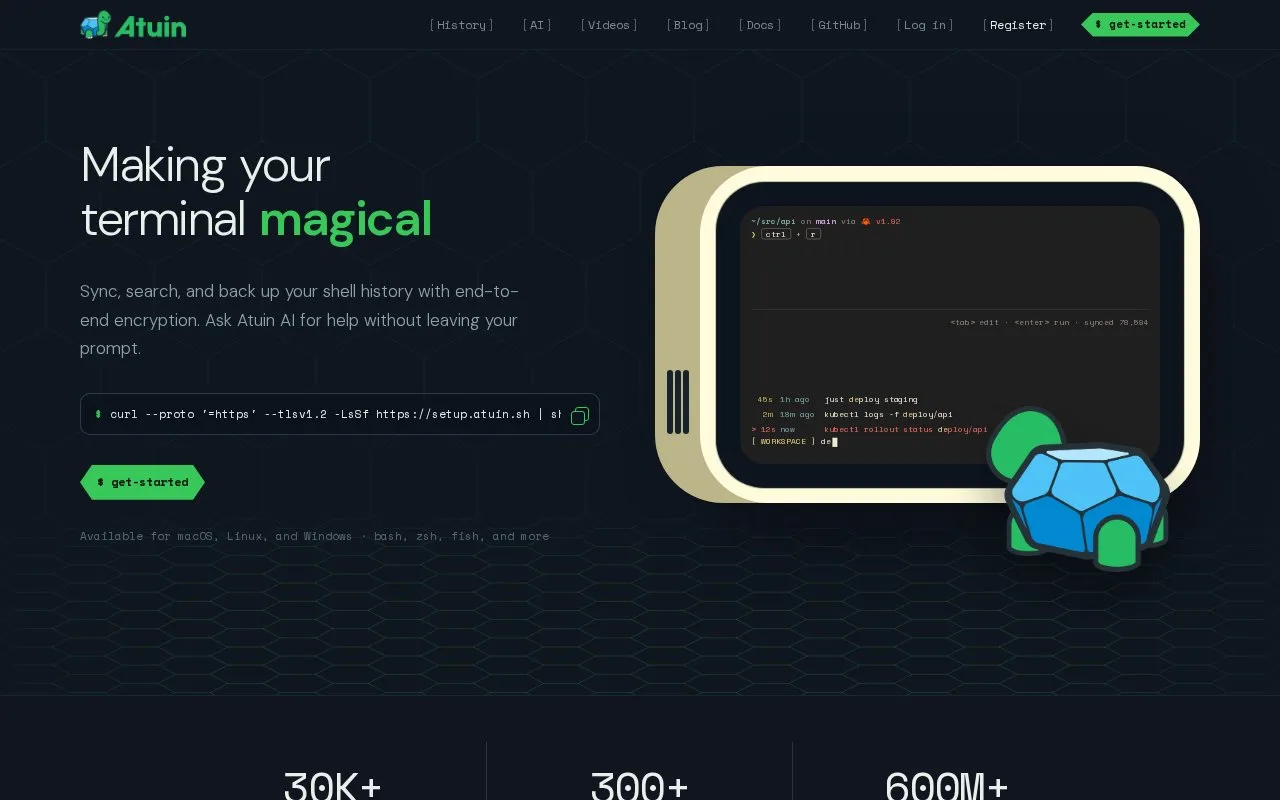
Atuin replaces the usual shell-history search with a full-screen interface backed by a local SQLite database. It records useful context such as the command, working directory, exit code, duration, host, and shell session. Optional synchronization can use Atuin’s server or a self-hosted server, and the project supports several common shells.
Install Atuin, configure its shell integration, and import an existing history file using the documented import flow. The README describes opening search with Ctrl-R or the Up key: press Enter to run a selected command or Tab to put it back on the command line for editing. Search filters can narrow results to a directory, session, or other context, which helps when the same command appears in many projects.
Sync is optional. The README describes end-to-end encrypted synchronization through Atuin’s hosted server or a self-hosted server, and says the old history file is not replaced. Bash integration uses bash-preexec and has documented limitations, so check the shell-specific setup before relying on it. The CLI repository is MIT-licensed; hosted sync pricing was not established from the pages opened.
Strengths
- Stores shell history with context such as working directory, exit code, duration, host, and session.
- The search interface can filter by context and lets the user execute or edit a selected command.
- Sync is optional and the project documents self-hosted server support.
Watch out for
- Shell integration must be configured for history capture; the README notes limitations in the Bash hook setup.
- Synchronization is optional rather than automatic, and self-hosting the sync server adds an operations component.
Best for
- Developers who want searchable command history across projects and shell sessions.
- Users who want optional encrypted history synchronization or a self-hosted sync path.
Sources
- Atuin - Making Your Terminal Magical (Oct 25, 2026)
- README.md | atuinsh/atuin (Oct 25, 2026)
- LICENSE | atuinsh/atuin (Oct 25, 2026)