
What it does
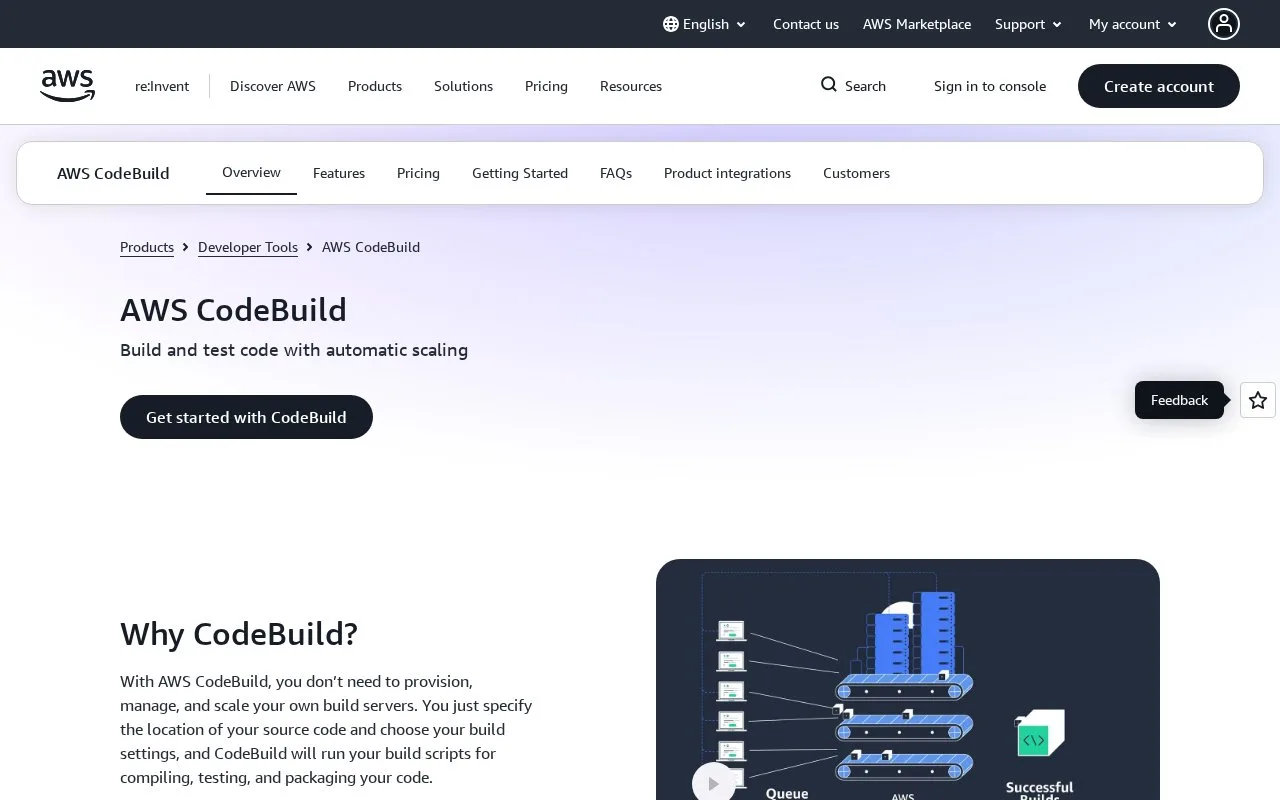
AWS CodeBuild is a managed cloud build service. Its getting-started guide shows how to supply source code and a YAML buildspec, create a build project, run a build, and review the resulting artifact and logs. AWS describes billing in terms of consumed build minutes.
The official console tutorial is a useful guide to the shape of a CodeBuild job: prepare source files, place a buildspec.yml at the repository root, configure source and output storage, create a build project, and inspect the result. AWS also offers CLI and SDK paths. The tutorial calls out that example S3, KMS, and CloudWatch resources can incur separate charges, so estimate the whole build path rather than only the build service.
Strengths
- AWS documents both console and CLI onboarding paths, with a YAML buildspec defining the build phases and artifacts.
- The managed service scales on demand and charges according to consumed build minutes, as described in its official guide.
Watch out for
- The getting-started tutorial uses supporting resources such as S3 buckets and CloudWatch Logs that may add separate charges.
- Buildspec YAML must be valid and correctly indented for the build to execute as intended.
Best for
- AWS teams that need a managed build stage to turn source into test results or deployment artifacts.
- Projects that can describe repeatable build phases in a versioned YAML buildspec.
Sources
- Managed Build Server - AWS CodeBuild - AWS (Oct 25, 2026)
- Getting started with CodeBuild - AWS CodeBuild (Oct 25, 2026)
- What is AWS CodeBuild? - AWS CodeBuild (Oct 25, 2026)
- Pricing (Oct 25, 2026)