
What it does
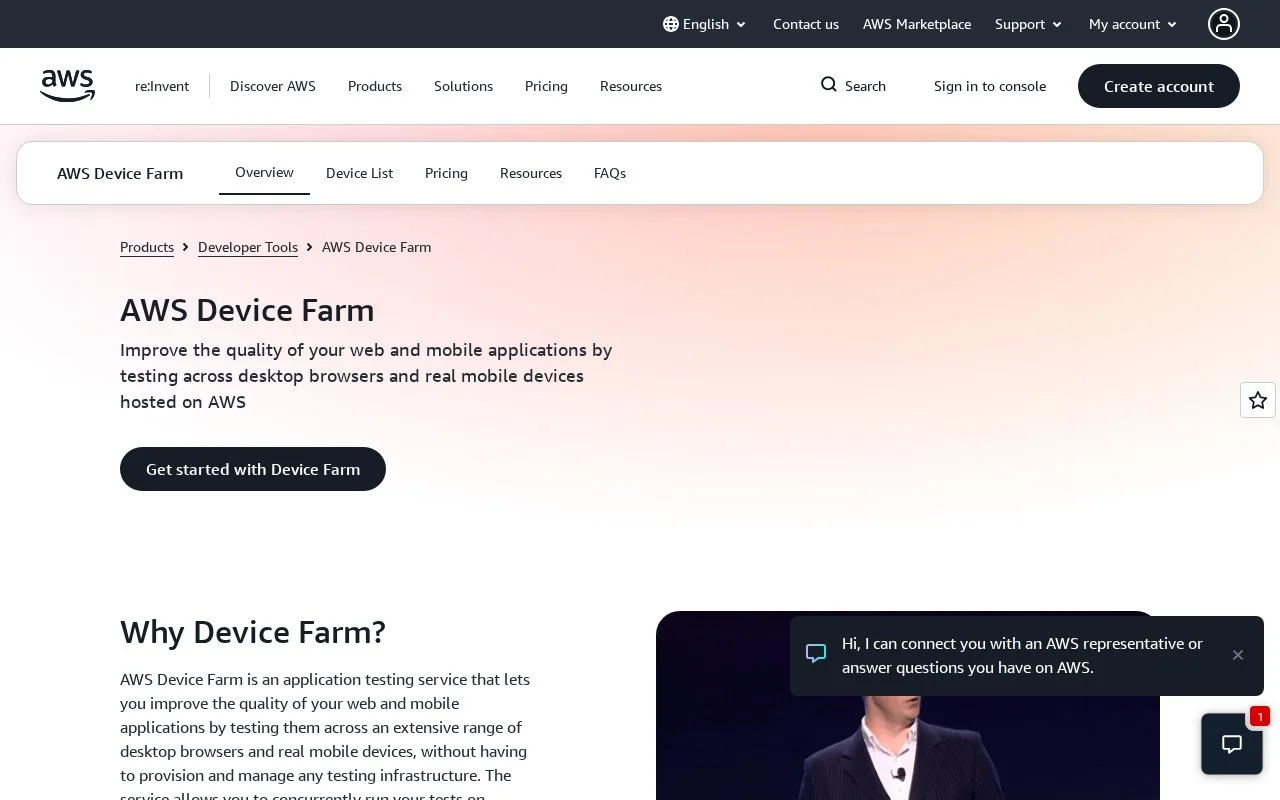
AWS Device Farm is a managed service for testing mobile and web applications across desktop browser instances and real mobile devices. Teams can upload an app and test package, run built-in or framework-based tests in parallel, or use remote access to reproduce an issue manually. Device Farm produces run logs, screenshots, videos, and performance data to help diagnose results, while AWS manages the test infrastructure.
Bring an app build or start with a sample
The AWS getting-started guide begins with an AWS account and an IAM user permitted to access Device Farm. Create a project in the Device Farm console, then upload an Android .apk or an iOS .ipa built for a physical device. A test package is optional for the first run: the guide allows a built-in test suite, while an existing framework package can be uploaded when the team already has tests. After selecting a device or run configuration, start the run and inspect its results.
The service is useful when a team needs a quick device check without purchasing and maintaining a local fleet. The product page describes real devices, parallel runs, manual remote sessions, and environmental controls such as location, language, and network conditions. Its API and plugins can connect a run to an IDE or CI workflow, but the test case and expected behavior still come from the team.
Check region and cost before a pipeline
The documented mobile workflow is available only in AWS's us-west-2 (Oregon) region. The iOS package must target a device rather than a simulator. The pricing page opened during this research showed a per-minute price for desktop browser instances but did not expose a clear current mobile-device price in its visible text; confirm the applicable mobile pricing and free-tier allowance in AWS before budgeting. No app was uploaded and no run was submitted for this listing.
Strengths
- The service runs automated suites on physical mobile devices and can execute across multiple devices in parallel.
- Built-in tests allow an initial check even when a team has not packaged a supported framework suite yet.
- Run artifacts include logs and videos, while configurable location, language, network, and app state help reproduce real-world conditions.
Watch out for
- The AWS getting-started guide limits its Device Farm mobile workflow to `us-west-2`; an iOS upload must be built for a real device, not a simulator.
Best for
- Mobile teams checking Android and iOS builds across real device models without maintaining an in-house lab
- CI pipelines that need parallel device runs and downloadable evidence for diagnosing failures
- QA or support teams reproducing a mobile issue through a remote device session
Sources
- Mobile and Web Application Testing - AWS Device Farm - AWS (Oct 26, 2026)
- Getting started with Device Farm - AWS Device Farm (Oct 26, 2026)
- AWS Device Farm Pricing | Mobile & Web App Testing | Amazon Web Services (Oct 26, 2026)