
What it does
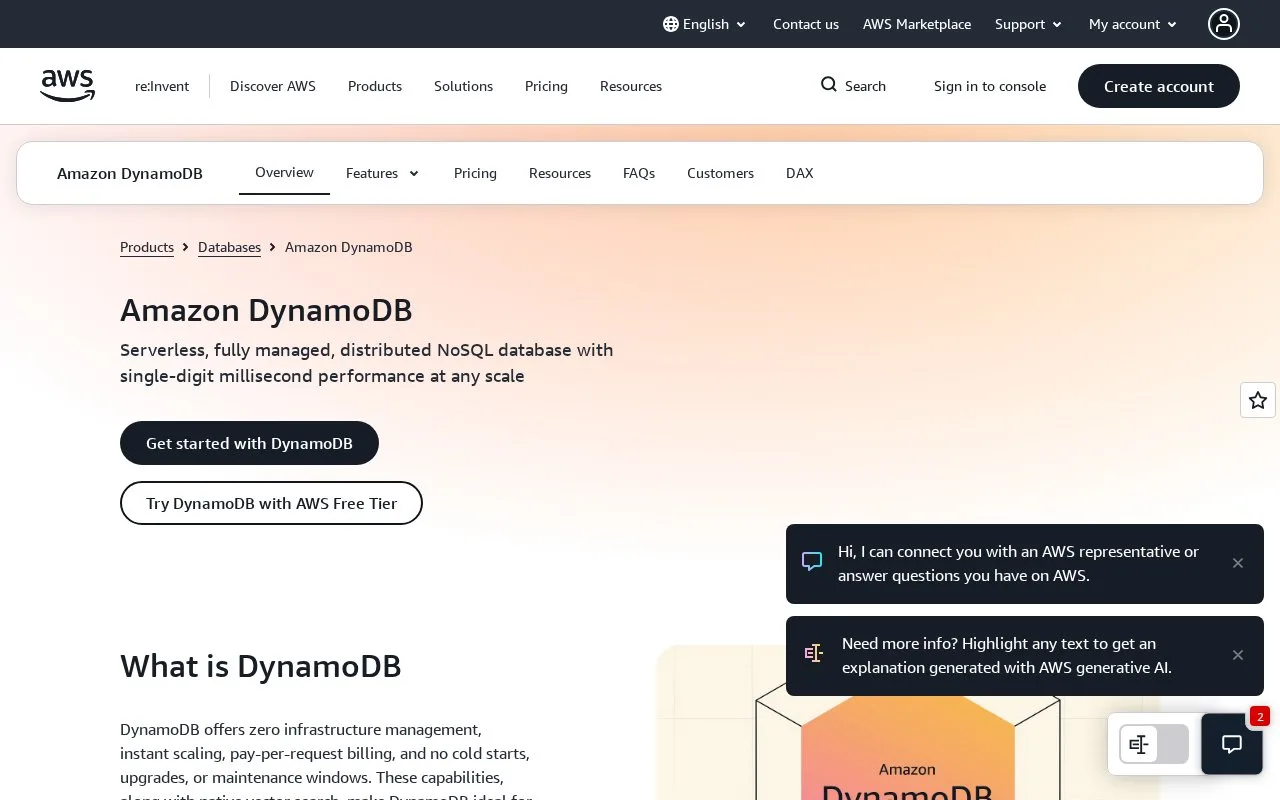
Amazon DynamoDB is AWS’s managed NoSQL database for operational applications. Tables hold key-value or document items, and an application reads data through operations such as key lookups and queries rather than relying on relational joins. AWS manages the hosted service’s servers, maintenance, backups, and scaling. Developers can use the AWS console, APIs, or SDKs; a downloadable DynamoDB Local option is also documented for development without connecting to the cloud service.
DynamoDB works best when a team can describe the reads and writes an application needs before it settles on a table design. It is not a relational database with a different console: its key structure is central to how an application retrieves records.
Start with the query the application must serve
For an illustrative shopping-cart service, write down a first access pattern such as “load a customer’s current cart.” Then follow AWS’s getting-started guide to create a disposable table, write an item, read it, update it, and query it. The guide also has an optional cleanup step for deleting the test table. The same guide points to DynamoDB Local for developers who want to experiment without an AWS account or cloud endpoint.
Design tradeoffs to understand first
DynamoDB supports key-value and document data, and the on-demand capacity mode charges for read and write requests as they are used. That removes capacity provisioning for that mode, but it does not make every data model a good fit. DynamoDB does not support a relational JOIN; AWS recommends denormalizing data to reduce round trips. Think through the access patterns and duplication strategy before importing real records.
The managed service requires an AWS account and can incur usage charges. AWS documents a Free Tier path, but eligibility depends on the account’s remaining benefits. On-demand is one capacity choice; compare the current service documentation and regional cost details before creating long-lived tables. DynamoDB Local is a development option, not the cloud service itself.
Strengths
- AWS operates the hosted database service, including server maintenance and scaling, rather than requiring users to run database servers.
- The key-value and document data models support operational access patterns without requiring an application server to manage a database process.
- DynamoDB Local provides a documented way to develop and test without a cloud connection or AWS account.
Watch out for
- DynamoDB does not support relational `JOIN` operations, so data models often need denormalization around known access patterns.
- Hosted use requires an AWS account and can incur charges; the Free Tier is conditional on remaining account benefits.
Best for
- Operational application data retrieved by known key and query patterns
- Teams that want AWS to manage the database service rather than patch database servers
- Local development against DynamoDB’s downloadable development option
Sources
- What is Amazon DynamoDB? - Amazon DynamoDB (Oct 25, 2026)
- Getting started with DynamoDB - Amazon DynamoDB (Oct 25, 2026)
- DynamoDB on-demand capacity mode - Amazon DynamoDB (Oct 25, 2026)