
What it does
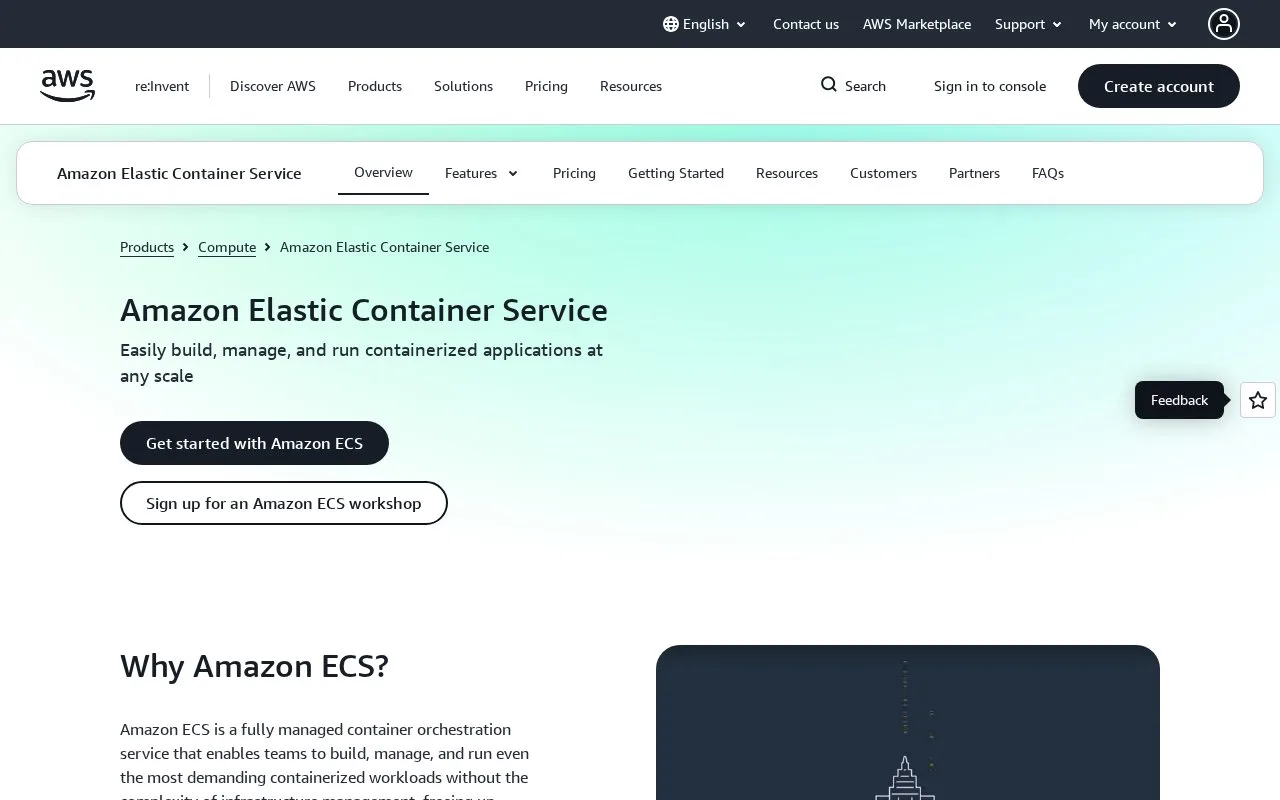
Amazon ECS is AWS's managed container orchestrator. A task definition describes a container image and its runtime settings; a cluster provides capacity, and an ECS service keeps a long-running application at its desired task count. Teams can run tasks on serverless AWS Fargate, on EC2 instances they manage, or on other ECS capacity options. ECS is useful for containerized applications and batch work, especially when the team already uses AWS networking, identity, image storage, and monitoring services.
A first service on Fargate
The official Linux/Fargate tutorial expects an AWS account, suitable IAM permissions, and network security rules. In the console, create a cluster, define a task with a container image, CPU and memory settings, and port mapping, then create an ECS service that uses that task definition and Fargate launch type. Set a desired task count and select a security group; the tutorial's sample opens HTTP on port 80 and then uses the task's public IP to view the running service. This is a documented example, not a deployment performed for this listing. Restrict inbound rules for production rather than copying a public test rule without review.
A service is intended for a long-running application; a task can run work and stop. ECS also supports EC2 capacity, where the customer chooses instance type and manages capacity, and ECS Managed Instances, where AWS handles more of the provisioning, patching, and lifecycle work for an additional management fee. Fargate avoids server selection and capacity planning, but the application still needs a task definition, IAM permissions, and correct network configuration.
Price the capacity, not the scheduler
AWS states that ECS orchestration itself has no additional charge. The bill comes from the selected compute and related resources: Fargate CPU, memory, and optional storage; EC2 instances; load balancing, networking, logs, and other AWS services. Fargate is billed by the second with a one-minute minimum, while other ECS capacity choices have different charging rules. There is no single ECS monthly price without a region, resource requests, replica count, and workload duration.
The tutorial's cleanup also distinguishes ECS resources from resources such as load balancers, EC2 instances, and Auto Scaling groups that may need separate cleanup. Review the cluster's related resources before leaving a test deployment running.
Strengths
- The task and service model supports both one-off container work and long-running services with a desired task count.
- Fargate runs ECS tasks without requiring the customer to provision or manage server instances.
- The product supports alternative capacity strategies including EC2 instances and AWS-managed instances, with AWS networking and security integrations.
Watch out for
- With EC2 capacity, the customer chooses and manages the underlying instances; even with Fargate, IAM, network, task sizing, and deployment settings remain important setup work.
- ECS orchestration is not the whole bill: compute and related AWS resources are charged separately, and the tutorial's example resources may require separate cleanup.
Best for
- Deploying containerized web services or APIs on AWS without operating Kubernetes
- Running scheduled or batch container tasks alongside long-lived services
Sources
- Fully Managed Container Solution – Amazon Elastic Container Service (Amazon ECS) - Amazon Web Services (Oct 25, 2026)
- What is Amazon Elastic Container Service? - Amazon Elastic Container Service (Oct 25, 2026)
- Set up to use Amazon ECS - Amazon Elastic Container Service (Oct 25, 2026)
- Learn how to create an Amazon ECS Linux task for Fargate - Amazon Elastic Container Service (Oct 25, 2026)
- Fully Managed Container Orchestration – Amazon ECS Pricing– Amazon Web Services (Oct 25, 2026)