
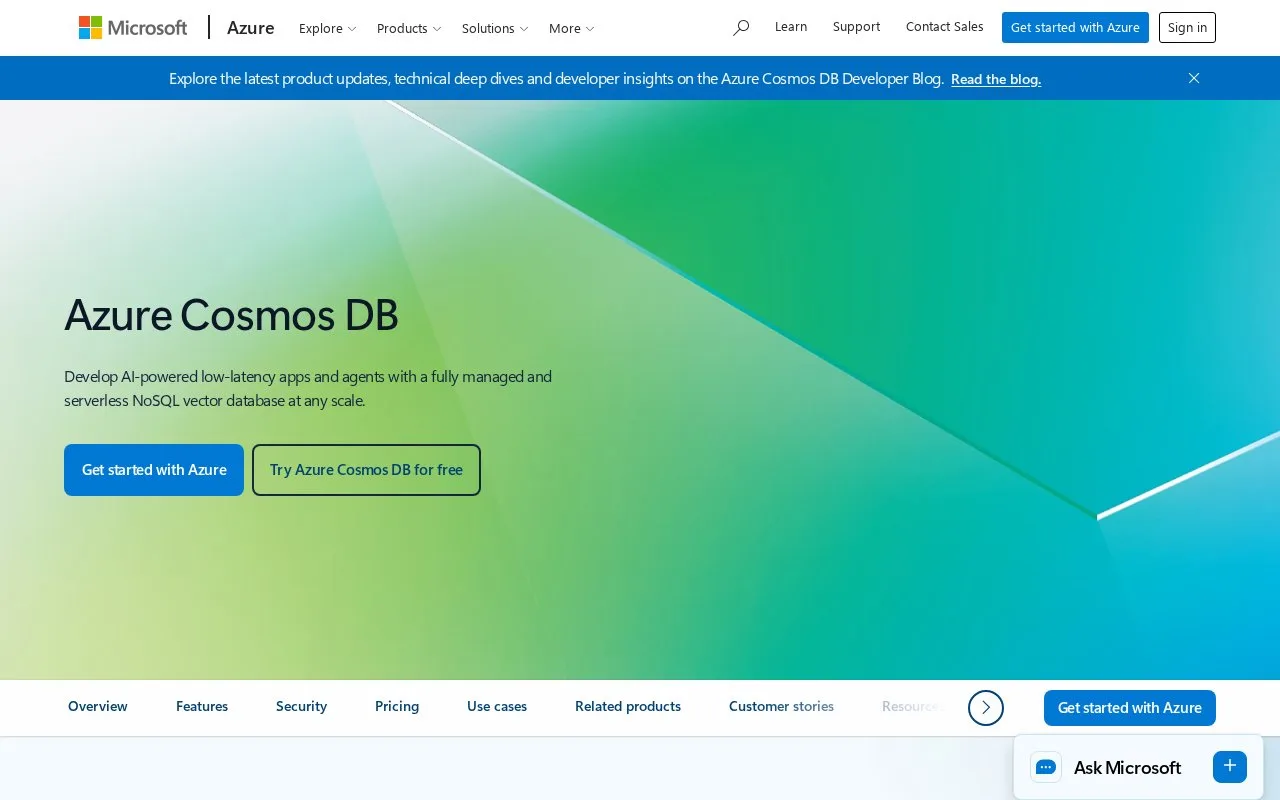
What it does
The Azure Cosmos DB for NoSQL quickstart creates an account in the Azure portal, then uses Data Explorer to create a database and container, add sample data, and issue a query. The documented container setup includes a partition key and autoscale throughput settings.
The portal walkthrough takes a reader from account creation to a query in Data Explorer, and makes the partition key and throughput settings visible during container setup. Those choices affect the data model and operations, so plan them around the workload rather than treating the sample values as production recommendations.
The quickstart requires an Azure subscription and a supported region. Its pricing page did not expose the relevant rate table during the source check, so no current price or complete billing model is quoted. This record covers the NoSQL API workflow only; Cosmos DB has other API paths with different documentation.
Strengths
- The quickstart covers account creation, database and container setup, sample data, and a query in Data Explorer.
- The documented path shows partition-key and autoscale-throughput settings during setup.
Watch out for
- Creating a database account requires an Azure subscription and a supported region.
- Container and throughput settings require workload-specific planning.
Best for
- Azure teams building applications on the Cosmos DB for NoSQL API.
- Developers who prefer a portal-led first database and query workflow.
Sources
- Azure Cosmos DB | Microsoft Azure (Oct 25, 2026)
- Quickstart - Azure portal - Azure Cosmos DB | Microsoft Learn (Oct 25, 2026)
- Pricing - Azure Cosmos DB | Microsoft Azure (Oct 25, 2026)