
What it does
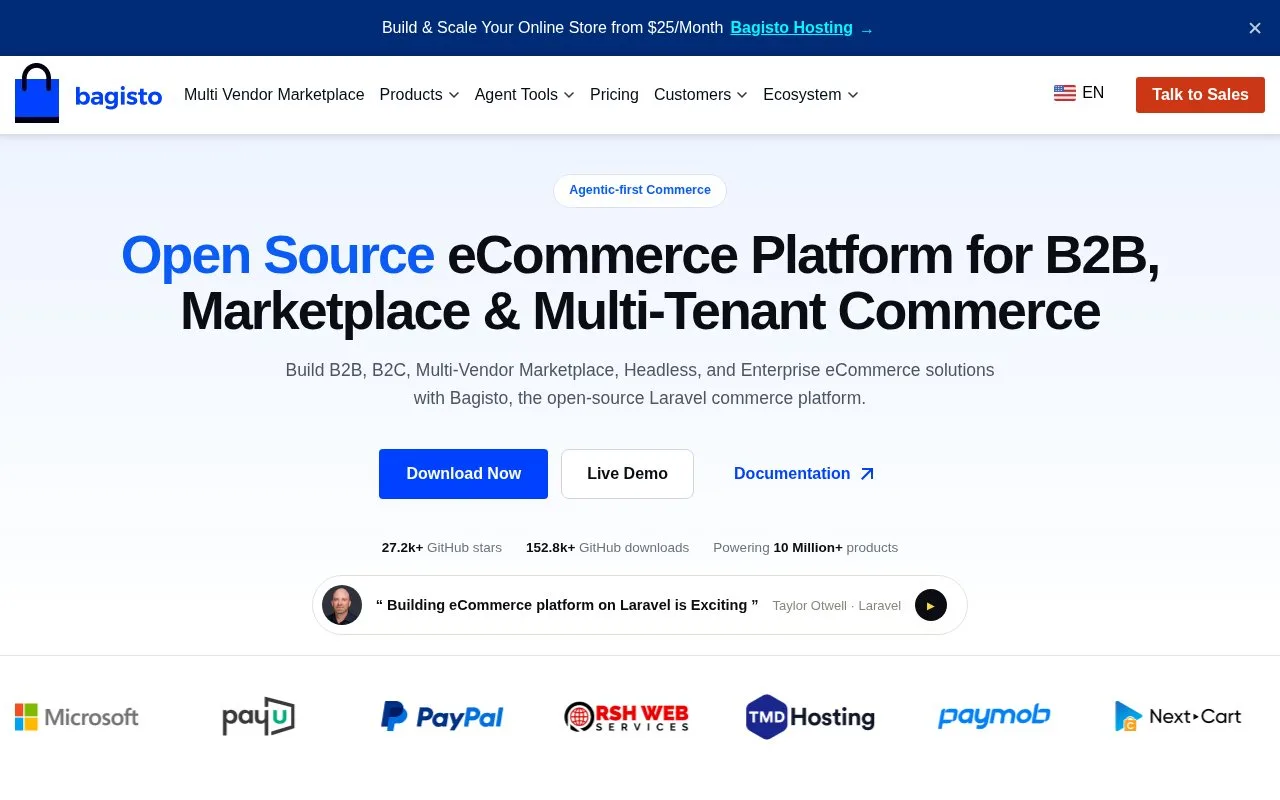
Bagisto is a Laravel ecommerce framework with a free downloadable core. Merchants can assign stock sources to sales channels and choose a stock location for each shipment. Marketplace, B2B and retail POS workflows are offered through additional products and extensions.
Bagisto's free download is the core framework, not the whole extension catalogue. A Laravel team can add marketplace operation, retail POS or other integrations to match the business. Check the selected extension's licence and supported version separately from the core MIT licence.
Connect stock locations to a channel
Sign into the store's administrator account with its email and password. The usual address is /admin, although the installer can change it. Roles determine which sections each colleague can open.
Under Settings > Inventory Sources, create a source with its code, name, contact and address, turn Status on and save. Assign it to the intended store under Settings > Channels, then save the Channel. For simple or virtual products, enable Manage Stock in the product's Inventories section, enter quantities by source and save the product.
A stock location's Priority value does not choose where an order ships from. Bagisto leaves that decision to the person creating the shipment. Channel availability combines stock from its active sources and subtracts quantities already ordered but not shipped.
Record an actual shipment
Open Sales > Orders, select the order and choose Ship. Select the Source, enter the quantities leaving it and optionally add a carrier and tracking number. Set an item to zero when it is staying behind, then Create Shipment.
The selected source must have enough stock, and the quantity cannot exceed what remains to ship. The saved shipment appears on the order and reduces that source's tracked stock. Shipments cannot be edited or deleted, so check the stock location and quantities before confirming. The Shipments list can export CSV or Excel files.
The core is free to keep using. Managed hosting is a separate option covering infrastructure and maintenance; custom integrations, specialist extensions and self-hosted operation need their own budget.
Strengths
- Channel stock can combine several active inventory sources
- Shipment records identify the chosen source and quantities sent
Watch out for
- POS, marketplace and specialized workflows require additional product or extension evaluation
- Saved shipments cannot be edited or deleted
Best for
- Laravel teams managing a custom store with stock in several locations
Sources
- Bagisto - Open Source eCommerce Platform for Marketplaces and B2B Stores (Oct 25, 2026)
- Bagisto free framework download (Oct 27, 2026)
- bagisto/LICENSE at master · bagisto/bagisto · GitHub (Oct 25, 2026)
- Bagisto managed hosting (Oct 27, 2026)
- Bagisto administrator sign-in and roles (Oct 27, 2026)
- Bagisto inventory sources and channel stock (Oct 27, 2026)
- Create a shipment in Bagisto (Oct 27, 2026)