
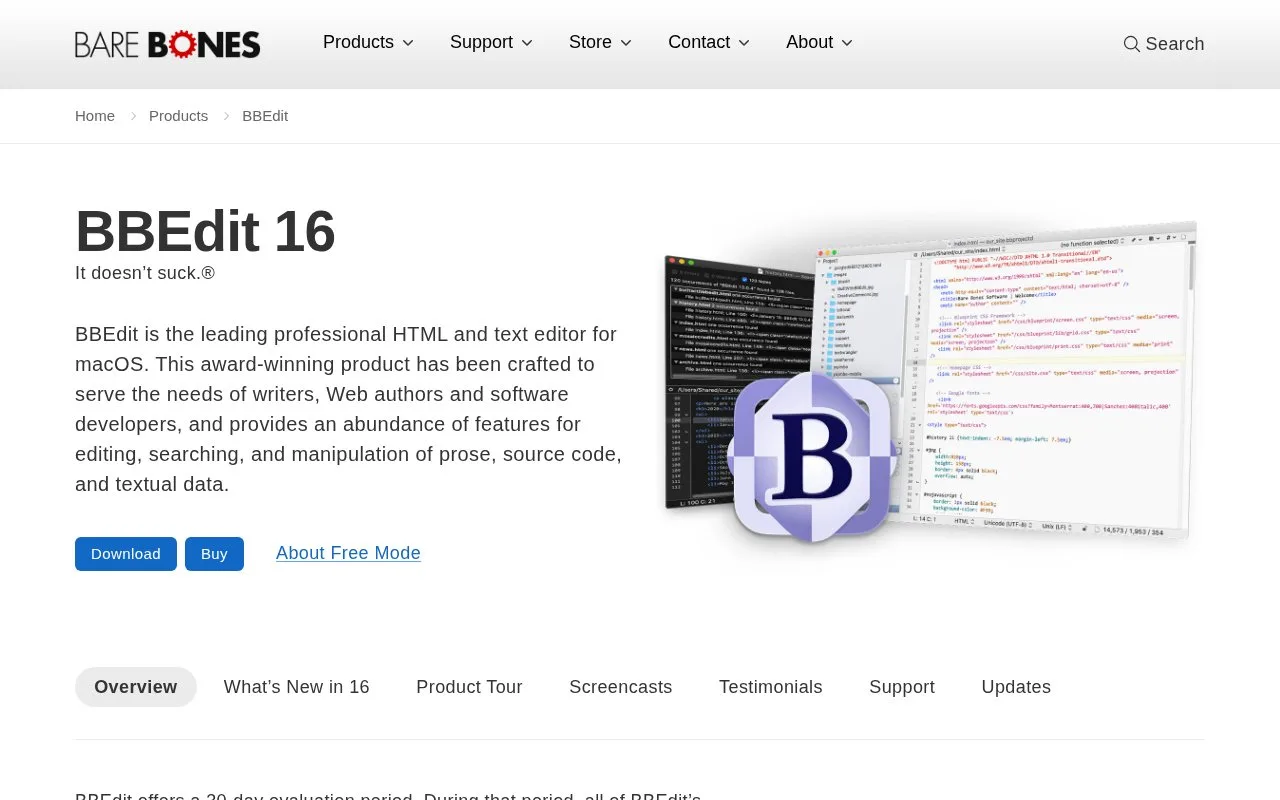
What it does
BBEdit is a native macOS text editor for writers, web authors, and software developers. Its tools include multi-file search and replacement with grep patterns, project definitions, language-aware syntax coloring and function navigation, code folding, Git and Subversion integration, and FTP/SFTP access. After its full-featured evaluation ends, the editor remains usable in a free mode; the advanced feature set can be restored with a license purchase or Mac App Store subscription.
A practical place to start
Open a project or a collection of source files and use BBEdit's multi-file search to locate a function, markup fragment, or configuration value across the working set. Grep patterns can narrow the match, while function navigation, syntax coloring, and code folding help inspect the surrounding source. For a web editing task, BBEdit also includes HTML markup tools; teams that keep code in a remote server can open and save over FTP or SFTP.
Fit it to an existing project
The product page lists project definitions, Git and Subversion integration, AppleScript, and macOS Unix scripting alongside editing features. The support page points to a PDF manual, a language-server installation note for advanced editing/navigation, and separate references for language modules and preferences. That makes BBEdit useful as a text-centric editor that can join an established toolchain rather than requiring the project to be rebuilt around a new IDE.
BBEdit is macOS-only and requires macOS 14 or later. The official store lists a perpetual individual license as well as Mac App Store availability; after the 30-day full-feature evaluation, Free Mode continues without the exclusive paid features. The store's prices are in US dollars and exclude tax, so check the current store for the edition and purchase route that applies.
Strengths
- Search and replace across multiple files with grep-pattern matching.
- Includes Git and Subversion integration, project definitions, code folding, and language-aware navigation.
- Supports opening and saving files over FTP and SFTP.
- Free Mode remains available after the full-feature evaluation ends.
Watch out for
- The editor is available only for macOS, with macOS 14 or later required.
- Advanced features are no longer all available after the evaluation unless a license is purchased or a Mac App Store subscription is used.
Best for
- Mac developers who want a text-focused editor with multi-file search and source navigation
- Web authors editing local files or working with remote FTP/SFTP files
- Writers and developers who need to inspect or transform large collections of text
Sources
- BBEdit | Bare Bones Software (Oct 25, 2026)
- BBEdit Support | Bare Bones Software (Oct 25, 2026)
- Online Store | Bare Bones Software (Oct 25, 2026)