
What it does
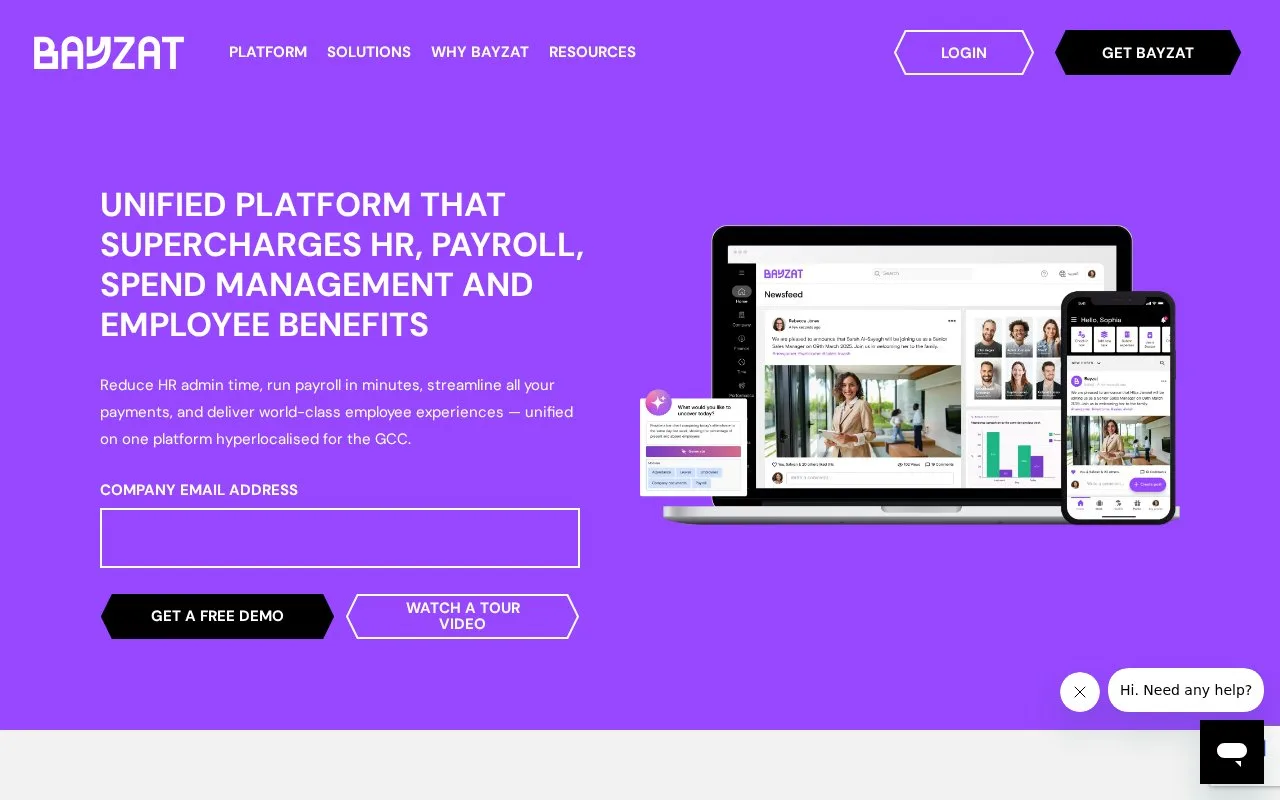
Bayzat combines employee administration, payroll and workforce tools. Its workflow builder connects an employee event to criteria and actions using data from employee profiles.
For an offboarding notification, start in Settings → Workflows → Create New. Choose the employee-offboarded event and filter by department. Only configured departments appear, so create a missing department first. Give the workflow a name that identifies the event, audience and action.
Employee → Direct Reports To addresses that person's line manager; Employee → Department addresses colleagues in the same department. Messages go to the work email stored on the profile, including for people who have not completed Bayzat registration. Set the recipients, subject and body, using event variables where useful.
Employee Position is free text, while Employee Role is a defined list with different matching rules. A job title containing 'manager' and a system permission role can select different people.
Bayzat's subscription price and invoicing follow your order form. Purchased quantities generally cannot be reduced during the term unless that order allows it. Budget using the agreed seats, not just current usage. People operating the platform receive individual user credentials; email recipients do not need the same access.
Strengths
- Message recipients can follow the event employee's reporting relationship
- Workflow conditions distinguish profile fields and role lists
Watch out for
- Purchased quantities generally cannot be reduced during the subscription term unless the order permits it
Best for
- HR administrators routing event notifications to the appropriate managers or teams
Sources
- Master Subscription Agreement - Bayzat Terms and Conditions - Bayzat (Oct 27, 2026)
- Steps to set up Workflow – English (Oct 27, 2026)
- Workflows: Actions – English (Oct 27, 2026)
- Workflows: Criteria – English (Oct 27, 2026)
- Best Cloud Based HRMS & Payroll Software in UAE, KSA, & GCC- Bayzat - Bayzat (Oct 26, 2026)