What it does
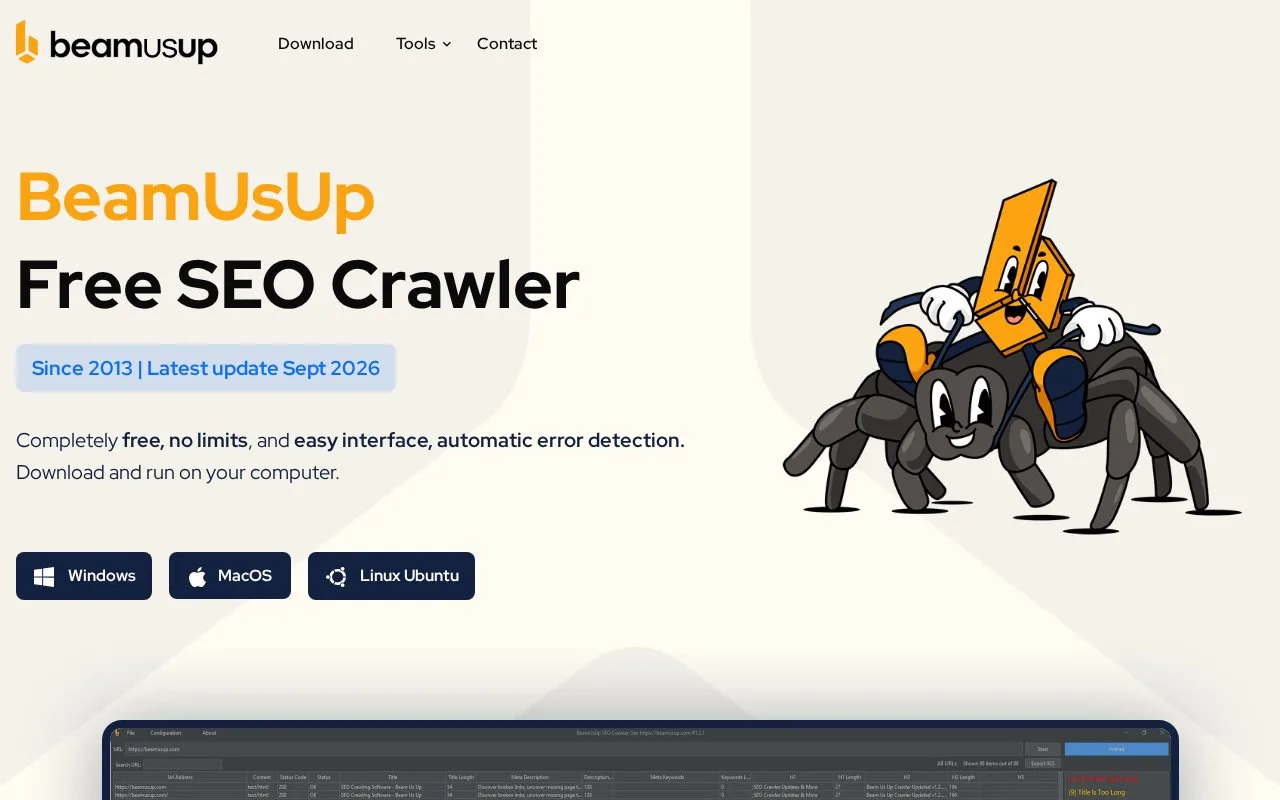
BeamUsUp is a free desktop SEO crawler for Windows, Mac and Linux. It checks links, response codes, duplicate pages, metadata, canonicals and sitemaps, with additional rendering and comparison tools in version 2.0.
Check whether a technical fix worked
BeamUsUp runs locally on Windows, Mac or Linux and is completely free. Version 2.0 includes link and metadata checks, sitemap auditing, duplicate-content analysis and saved-crawl comparisons.
For a JavaScript site, open Settings > Crawl Settings > Crawling. Rendering is off by default. AUTO renders pages that appear to need it; ALWAYS renders every page and takes longer. It uses Chrome or Edge installed on your computer.
After crawling, select a problem in the Filter list and then a URL for its page-specific explanation. Fix the issue and make a second crawl with the same settings. In File > Compare Crawls, select the two saved version 2.0 crawls to see new, fixed and remaining problems. Export the comparison as CSV files in a ZIP for your developer or client.
Raw-versus-rendered comparisons also flag changed titles, canonicals, links and main text, helping locate important information that only appears after JavaScript runs.
Strengths
- Provides free cross-platform technical crawling.
- Compares saved version 2.0 crawls and raw versus rendered page data.
Watch out for
- JavaScript rendering needs an installed Chrome or Edge browser.
- Excel export is limited to 65,536 rows per sheet.
Best for
- Site maintainers checking technical fixes with repeatable local crawls
Sources
- BeamUsUp: Free SEO Crawling Software (Oct 27, 2026)
- BeamUsUp 2.0 Release and Feature Guide (Oct 27, 2026)