
What it does
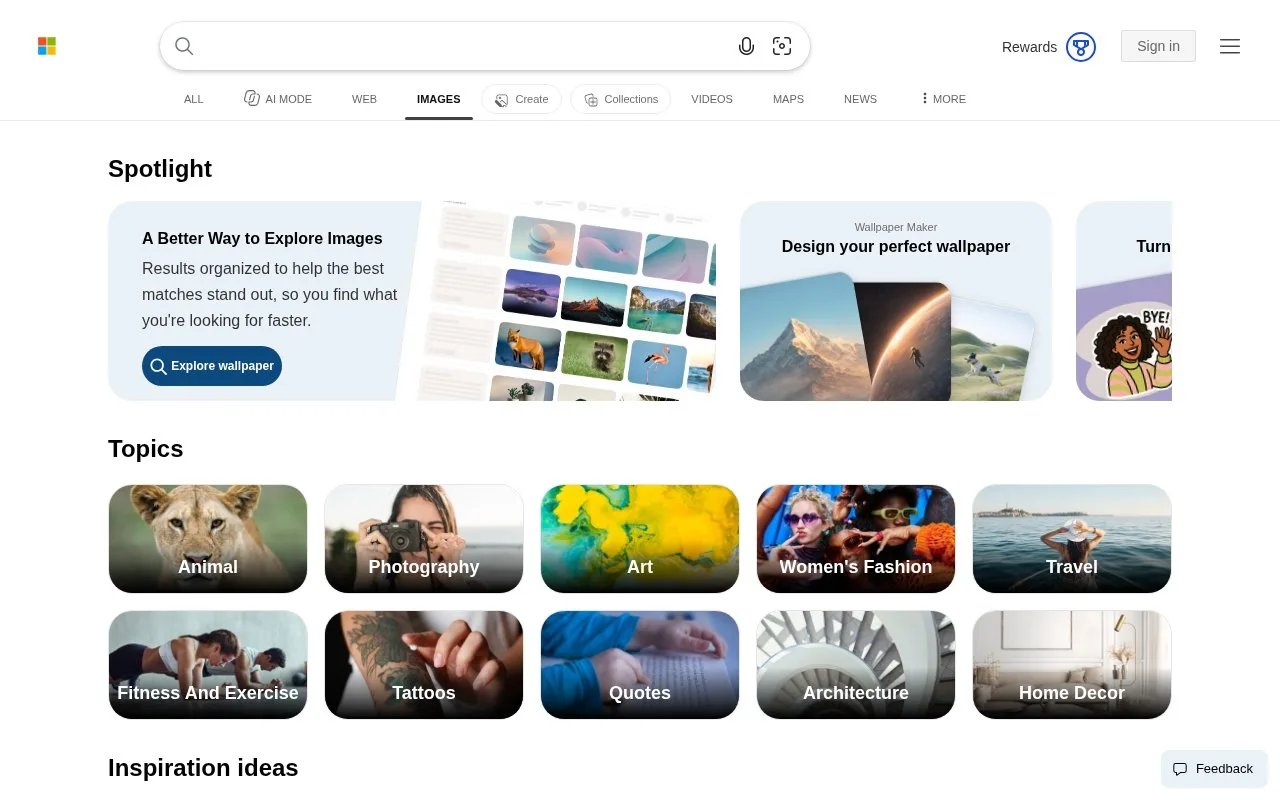
Bing Images helps you discover pictures across the web and find visually related results from an existing image. Its licence filters distinguish sharing, modification and commercial-use requirements.
For a visual reference, choose the camera icon in the image-search box. On a computer you can upload or drag in a picture, or paste an image URL. Bing returns related images and webpages containing the image, which can help trace a cropped picture or find alternative views.
When choosing artwork for a design, select a licence filter that matches whether you will modify the image and whether the use is commercial. Microsoft lists separate options for those combinations, as well as public-domain results. Visit the originating website for the actual licence: Bing does not verify that a result has the displayed permissions.
Bing search is free. The pictures it finds can still carry a fee or restrictions set by their owners. Microsoft says photos submitted to Visual Search may be used to improve its image-processing services.
Strengths
- Visual Search accepts files and image URLs and finds related pictures or matching webpages.
- Licence filters distinguish adaptation from simple sharing and commercial use.
Watch out for
- Bing does not verify the licence assigned to an individual result.
- Microsoft says uploaded reference pictures may be used to improve its image-processing services.
Best for
- Designers looking for related imagery from an existing visual reference
- Researchers narrowing image results by intended reuse
Sources
- Bing Images (Oct 27, 2026)
- Using Bing Visual Search: Microsoft Support (Oct 27, 2026)
- Filter images by license type: Microsoft Support (Oct 27, 2026)
- Bing Web Search: Microsoft Bing (Oct 27, 2026)