
What it does
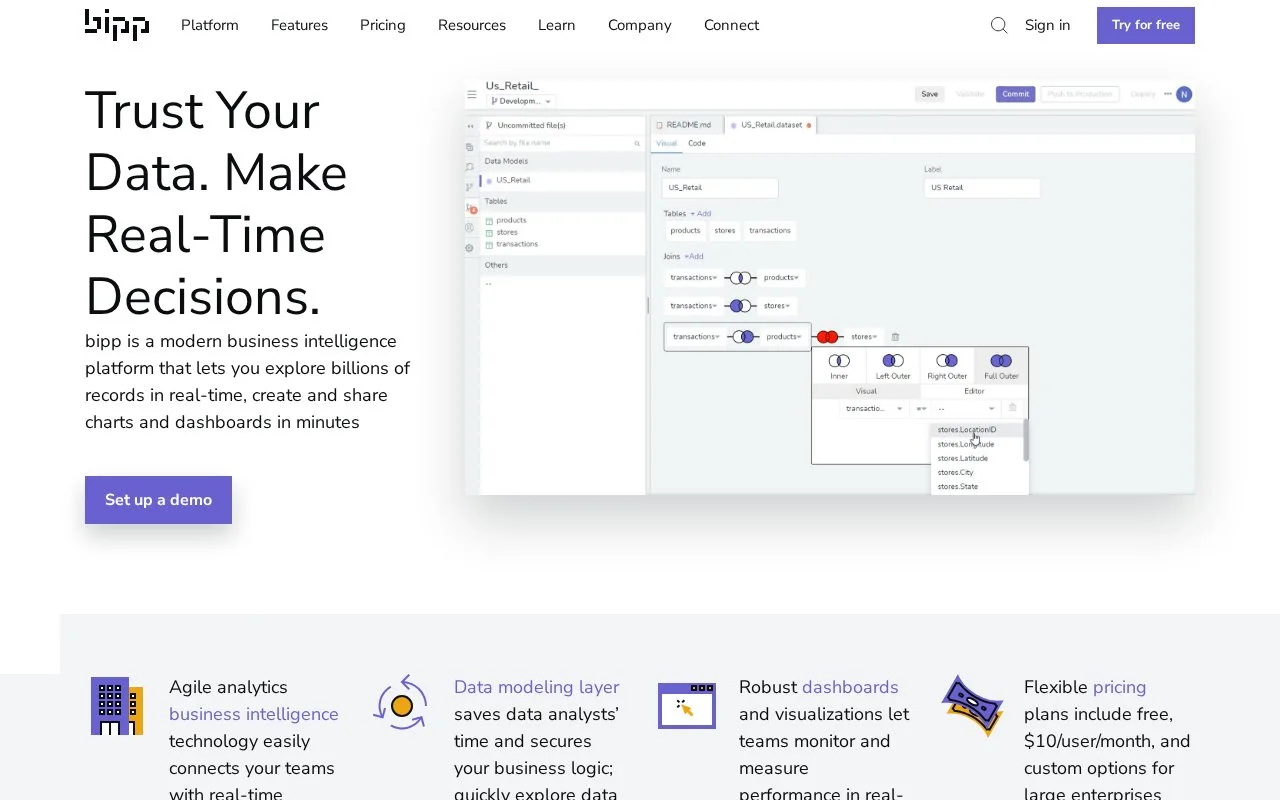
bipp is a business-intelligence platform with visual or SQL data modeling, a point-and-click data explorer, interactive dashboards and in-database analysis. Technical teams define joins and metrics, while business users reuse those models to build reports and filter results.
The reusable model is bipp's bridge between database work and business reporting. An analyst defines joins and metric expressions in SQL or a visual interface, then colleagues explore that model without rewriting its logic. Dashboard cross-filtering changes related tiles together, while grid charts compare several variables.
The Visual SQL Data Explorer supports drag-and-drop exploration and allows a switch to text SQL for direct changes. Processing runs in the connected database. Scheduled delivery can send multiple dashboards as PDF or JPG attachments, with controls for frequency, time, time zone and email recipients. Alerts instead send a message when a defined threshold or change is detected.
| Plan | Main allowances and differences |
|---|---|
| Forever Free | 3 explorers, 2 dashboards, 10 reports; unlimited models and ad hoc exploration |
| Premium | Paid per explorer; unlimited dashboards and reports; 2 included viewers and 4 scheduled sends per explorer |
| Enterprise | Custom pricing; audit logs, self-hosting and connections to Impala, Oracle and Teradata |
An explorer can create and edit resources; a viewer can interact with them. Free users can start a 30-day Premium trial from within the platform. That trial includes all add-ons. Embedding remains a separately paid add-on even on Enterprise.
Sign up for a bipp account to start with Forever Free. Its database support excludes Impala, Oracle and Teradata, so those connections require Enterprise.
Strengths
- Reuses shared joins and metric definitions in self-service reports.
- Combines SQL and visual exploration with interactive dashboard filtering.
Watch out for
- Embedding is a separately priced add-on, including on Enterprise.
- The free tier limits explorers, dashboards and reports.
Best for
- Teams pairing analyst-defined SQL models with business users' recurring reporting questions
Sources
- Pricing | BI Tool Pricing | bipp Analytics (Oct 27, 2026)
- Business Intelligence Software | bipp Analytics (Oct 27, 2026)
- Visual SQL Data Explorer (Oct 27, 2026)
- Scheduled Delivery and Alerts (Oct 27, 2026)
- Terms of Service (Oct 27, 2026)