
What it does
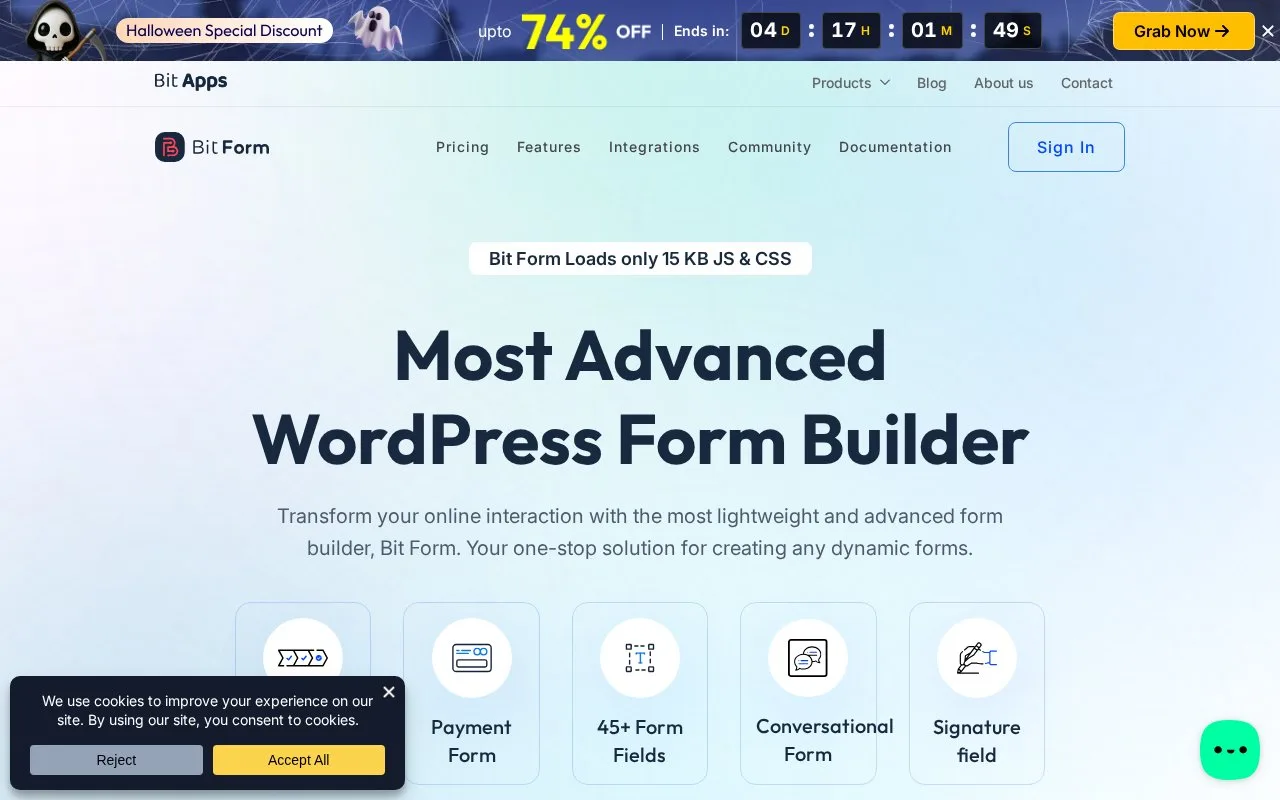
Bit Form builds WordPress forms with drag-and-drop fields, conditional questions and a separate style editor. Free access includes unlimited forms and submissions, multi-step layouts, file uploads and integrations. Pro adds payment fields, signatures, PDFs and more advanced entry and styling tools.
Arrange the questions, then refine their appearance
Bit Form separates form layout from its style controls. A service enquiry can collect contact details, reveal questions for the chosen service and accept a supporting file in the free plugin. Multi-step layouts and repeating fields are also included, and entries stay available in the WordPress dashboard.
Install and activate the repository plugin through WordPress without a separate vendor account. Forms can be placed with a block or shortcode. Google Sheets, CRM connections and webhooks provide destinations beyond the saved entry.
Pro is required for payment fields, signatures, email verification codes and the draft button. It also adds PDFs, partial submissions, entry editing and individual field styling. A quote request that becomes a payment or approval document may therefore need Pro even if its initial questions fit the free edition.
Paid licence options
| Licence | Sites | Updates and support |
|---|---|---|
| Starter Annual | 1 | One year |
| Agency Annual | Unlimited | One year |
| Starter Lifetime | 1 | Lifetime |
| Agency Lifetime | Unlimited | Lifetime |
Each paid option includes the full feature set. Annual and lifetime refer to the licence arrangement for Bit Form; the broader Bit Apps bundle is a separate purchase.
Strengths
- Drag-and-drop form layout with a separate style editor
- Annual and lifetime access choices
Watch out for
- Payment fields, signatures and generated PDFs require Pro
- Annual licences include one year of updates and support
Best for
- WordPress builders customizing a form's layout and appearance
Sources
- Bit Form features and pricing (Oct 27, 2026)
- Bit Form official WordPress plugin (Oct 27, 2026)