
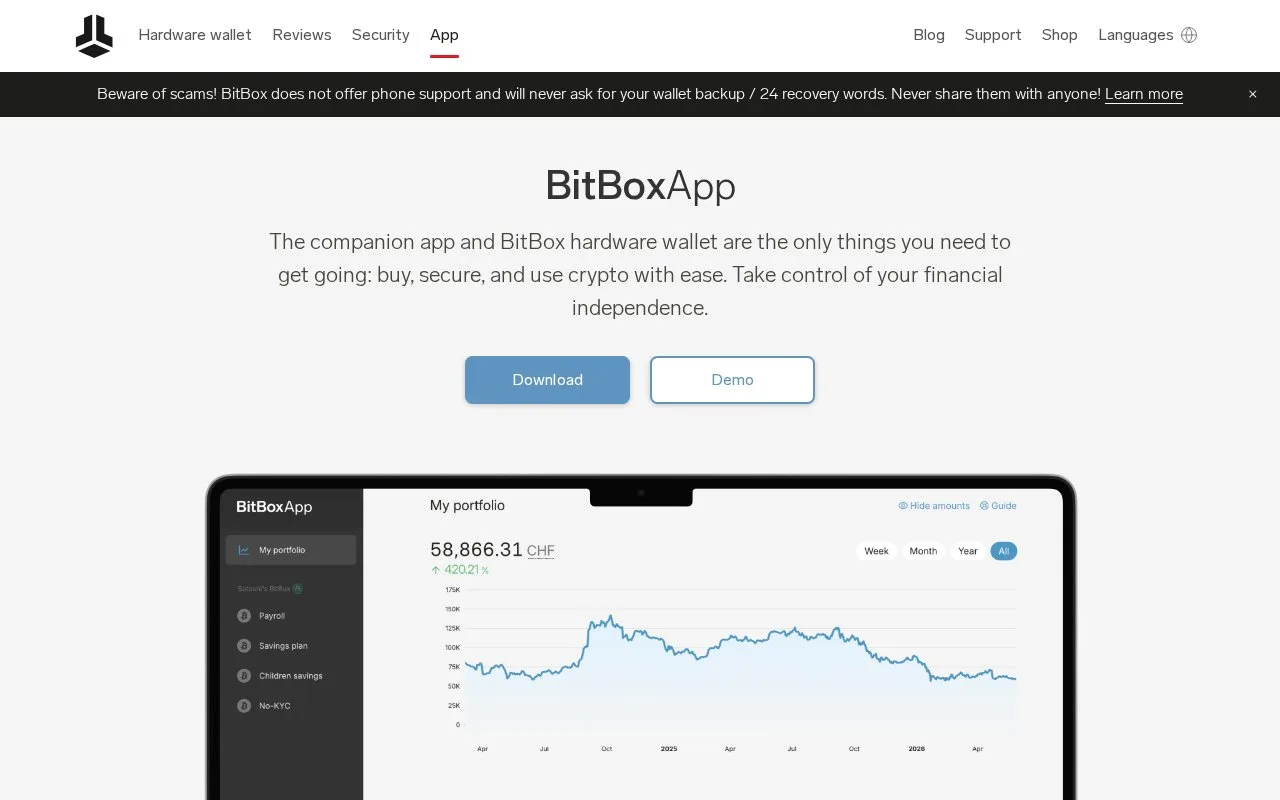
What it does
BitBoxApp is the companion software for BitBox hardware wallets, with account views, transaction notes and tools for sending or receiving supported assets. Desktop and mobile versions are available, but phone compatibility depends on the hardware model and connection. The app code uses the Apache 2.0 license; the hardware wallet is a separate purchase.
The important screen in a hardware-wallet transfer is the device's own display. BitBoxApp's Bitcoin receive guide makes that comparison part of the workflow: choose the Bitcoin account, select Receive Bitcoin, then use Verify address on BitBox to see the complete address in the app and on the device.
Copy or scan the full address while that verification window is open. The device check mark closes the window, so confirming too early means reopening it before copying. Recheck the destination after pasting it into the sending service, and use the Bitcoin network for this on-chain address.
An incoming Bitcoin payment remains Pending in BitBoxApp until six confirmations, even if it already has some confirmations. The device can be disconnected while the payment confirms.
Check the device and phone together
| Platform | Hardware connection |
|---|---|
| Supported Windows, Mac or Linux desktop | Original BitBox02 or Nova over USB |
| Android 9 or later | Original BitBox02 or Nova; phone must support USB OTG |
| iOS or iPadOS 16 or later | Nova only; Bluetooth carries data and a physical connection supplies power |
Windows and Linux downloads require x86-64; Windows on ARM and Chromebooks are not officially supported. The original BitBox02 cannot connect to the iPhone or iPad app.
Use your own Bitcoin backend
Settings > Advanced settings > Connect your own full node accepts an Electrum-server endpoint, not a Bitcoin Core RPC address. Check and add your server, then remove the public alternatives and restart if you want Bitcoin queries to use only your infrastructure. That setting covers Bitcoin account data and broadcasts, not every integrated app service.
The app is open-source software. Hardware, network fees and optional purchase or swap services have separate costs.
Strengths
- Receiving includes an explicit full-address comparison with the hardware display.
- Bitcoin backend settings can use an Electrum server you operate.
Watch out for
- iPhone and iPad connections require the Nova rather than the original BitBox02.
- Using only your own server makes Bitcoin updates depend on that server being reachable.
Best for
- BitBox owners checking device and mobile compatibility
- People who want hardware signing with a personally operated Bitcoin backend
Sources
- BitBoxApp companion features (Oct 27, 2026)
- BitBoxApp Apache 2.0 license (Oct 27, 2026)
- BitBoxApp repository architecture (Oct 27, 2026)
- BitBoxApp device and OS compatibility (Oct 27, 2026)
- Receive Bitcoin with BitBoxApp and BitBox02 (Oct 27, 2026)
- Connect an Electrum backend to BitBoxApp (Oct 27, 2026)