
What it does
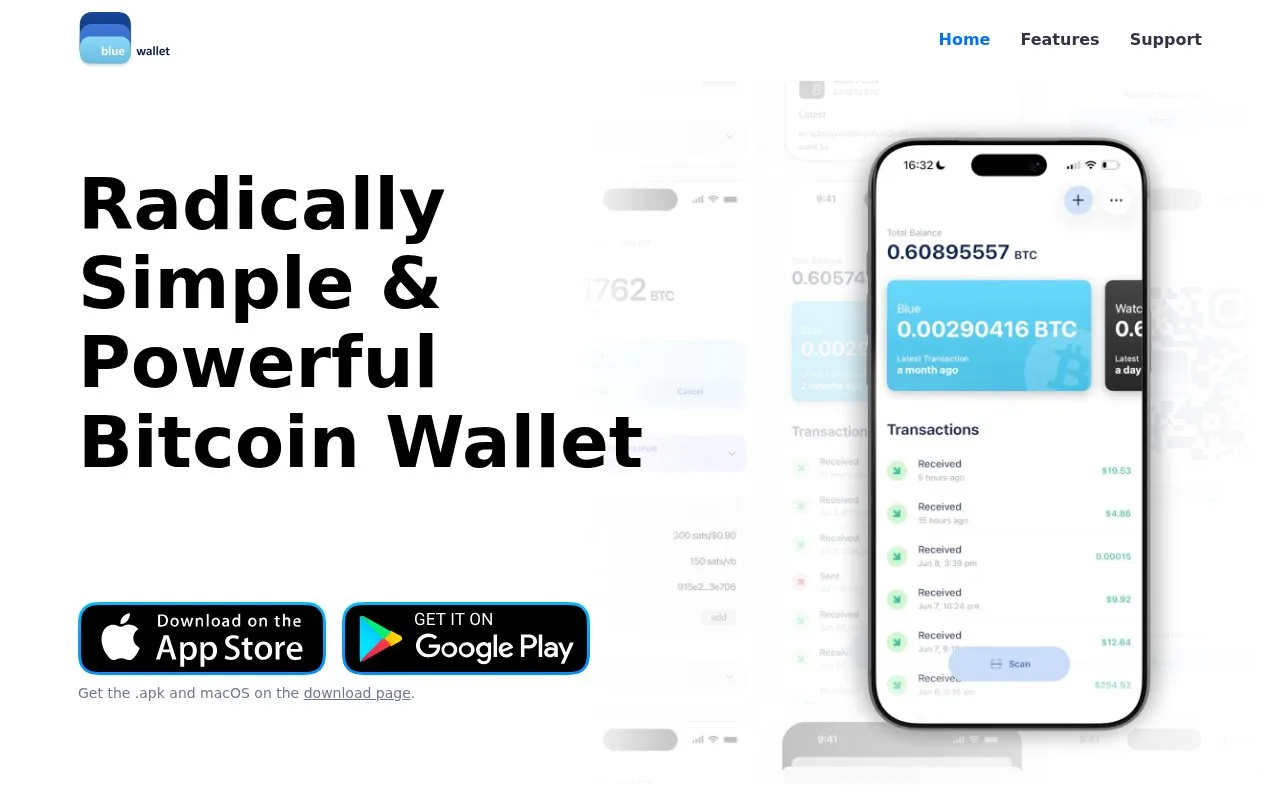
BlueWallet is a free Bitcoin wallet with watch-only monitoring, multisignature vaults and hardware signing. Its coin controls let you label, freeze or choose individual amounts before sending.
A BlueWallet watch-only view can follow a public address or a wallet's master public key without holding the private keys needed to spend. It is useful for checking incoming payments to a wallet signed elsewhere. The visible balance is not spending authority: an offline wallet or compatible hardware device must provide the required signature.
For a regular Bitcoin wallet on the phone, tap Add now or the plus icon, choose Bitcoin, name the wallet if desired and select Create. The advanced wallet-type options are separate from this basic path. BlueWallet is free MIT licensed software, with no service account required for a local Bitcoin wallet. Sending Bitcoin still pays the network fee selected for the transaction.
Back up each wallet individually. Open the wallet, tap its three-dot menu, then scroll to Export/Backup. The export shows recovery information for that wallet, usually a word sequence and QR code. Write the words down and keep them offline; BlueWallet warns against screenshots in cloud photo services. A second wallet has a different backup, so saving one does not protect every wallet in the app.
Coin control is useful when received amounts have different purposes. From Wallet details, open Coins. Tap a row to change its label, freeze it or use that coin in a payment. Tap the coloured circles to select several rows, then Use coins to carry the selection into the send screen. The Coins selected banner confirms which amounts are being used and lets you change or clear the selection.
Freezing is a spending preference inside the app. Frozen coins remain yours and are normally skipped, but they can still be spent when explicitly selected. Keep that distinction in mind when separating savings from day-to-day payments. BlueWallet also supports Partially Signed Bitcoin Transactions, or PSBTs, for compatible external signers; the transfer method depends on the device.
Strengths
- Watch-only views keep spending keys off the monitoring device
- Coin labels and selection make the inputs to a payment visible
Watch out for
- A watch-only balance needs a separate signer before it can be spent
- Each wallet needs its own recovery backup
Best for
- Monitoring Bitcoin held with a separate hardware signer
- Phone users who want to label or select individual Bitcoin coins
Sources
- BlueWallet self-custody Bitcoin wallet (Oct 27, 2026)
- BlueWallet source code and MIT licence (Oct 27, 2026)
- BlueWallet watch-only wallets (Oct 27, 2026)
- Create a Bitcoin wallet in BlueWallet (Oct 27, 2026)
- Back up and export a BlueWallet wallet (Oct 27, 2026)
- BlueWallet coin selection and freezing (Oct 27, 2026)