
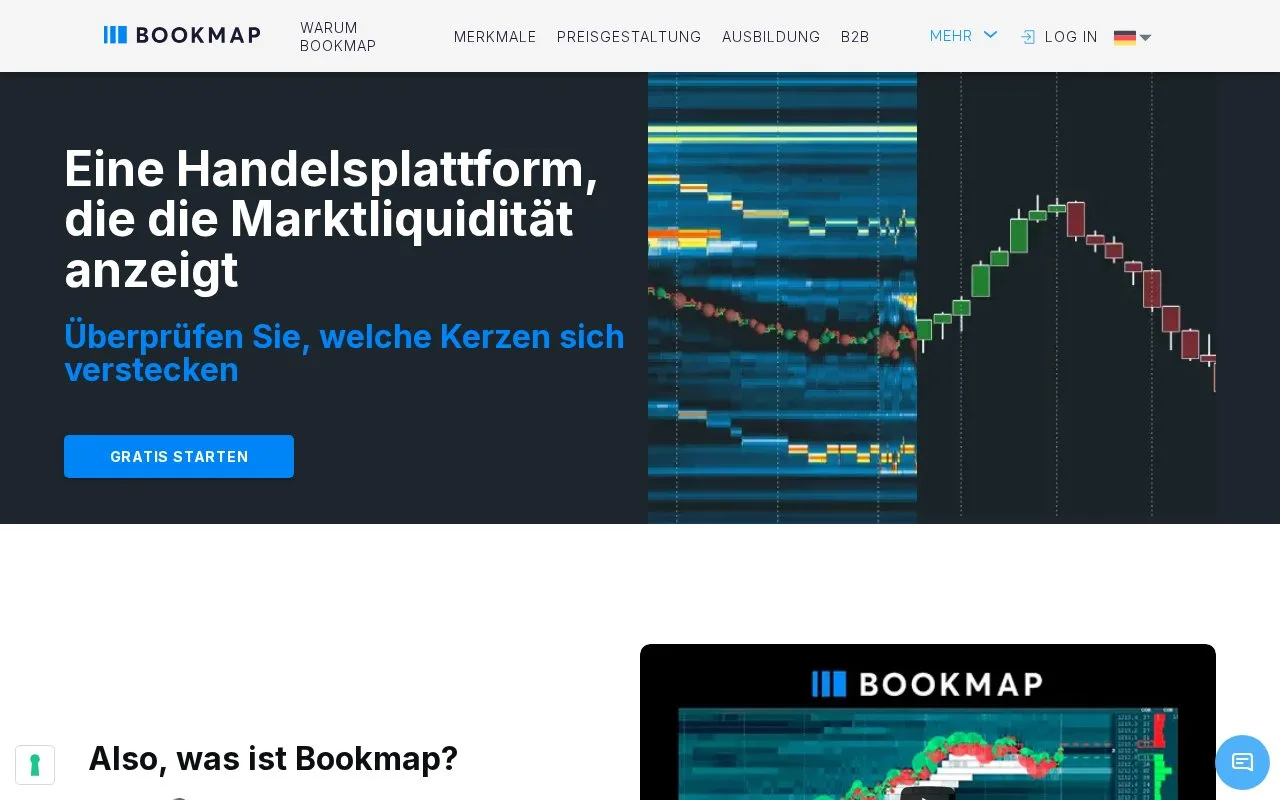
What it does
Bookmap displays historical order-book liquidity as a heatmap alongside traded volume and other order-flow tools. Traders can inspect a live feed or replay recorded depth data, depending on their package. A free Digital plan covers one displayed symbol; paid plans and separate stock or futures data subscriptions expand access.
A resting order and a completed trade are different observations. Bookmap's heatmap preserves how displayed liquidity changed over time, while volume tools help examine what actually traded. Use both when studying whether liquidity stayed at a price or disappeared as the market approached it.
Packages and data
| Package | Monthly software price | Simultaneous symbols |
|---|---|---|
| Digital | Free | 1 |
| Global | $49 per month | 10 |
| Global Plus | $99 per month | 20 |
| Global Premium | $199 per month | 20 |
Annual and lifetime payment options are also offered. Real-time stock and futures feeds cost extra; crypto connections and delayed stock/futures access have different coverage. Digital does not include trading or replay modes. Choose the feed as carefully as the software package.
Register for a package, then use Get Started in the Bookmap Portal to download the Windows, Mac or Linux app. The setup instructions provide your activation route; version 7.5 and later use a browser sign-in when launching the app.
To open an instrument, click + on the top tab panel, choose the data feed under Platforms and enter its symbol. Help > Symbols provides common symbol names. Subscribe opens the chart, with historical backfill available according to the feed and plan.
For a recorded session, select Replay Data, restart when prompted and use Load Feed File. The replay panel controls speed, pause and navigation. Its next-data-point command advances within the whole recording, so it may move to an event for another instrument.
Developers can add indicators through the Add-ons API or build data connections through the Connect API. Stock and futures API development uses delayed data under the stated vendor limits, and non-display uses need the relevant data licence.
Strengths
- Preserves order-book changes alongside traded-volume analysis
- Provides replay speed and navigation controls for recorded sessions
- Supports custom indicators and connections through distinct APIs
Watch out for
- Real-time stock and futures feeds are billed separately
- Digital is limited to one symbol and excludes replay and trading
Best for
- Order-flow traders studying changing market liquidity
- Researchers comparing recorded depth and executed volume
Sources
- Bookmap liquidity heatmap and volume features (Oct 27, 2026)
- Bookmap package prices and data limits (Oct 27, 2026)
- Register and download Bookmap (Oct 27, 2026)
- Subscribe to an instrument in Bookmap (Oct 27, 2026)
- Bookmap run modes and replay controls (Oct 27, 2026)
- Bookmap APIs and data-use limits (Oct 27, 2026)