
What it does
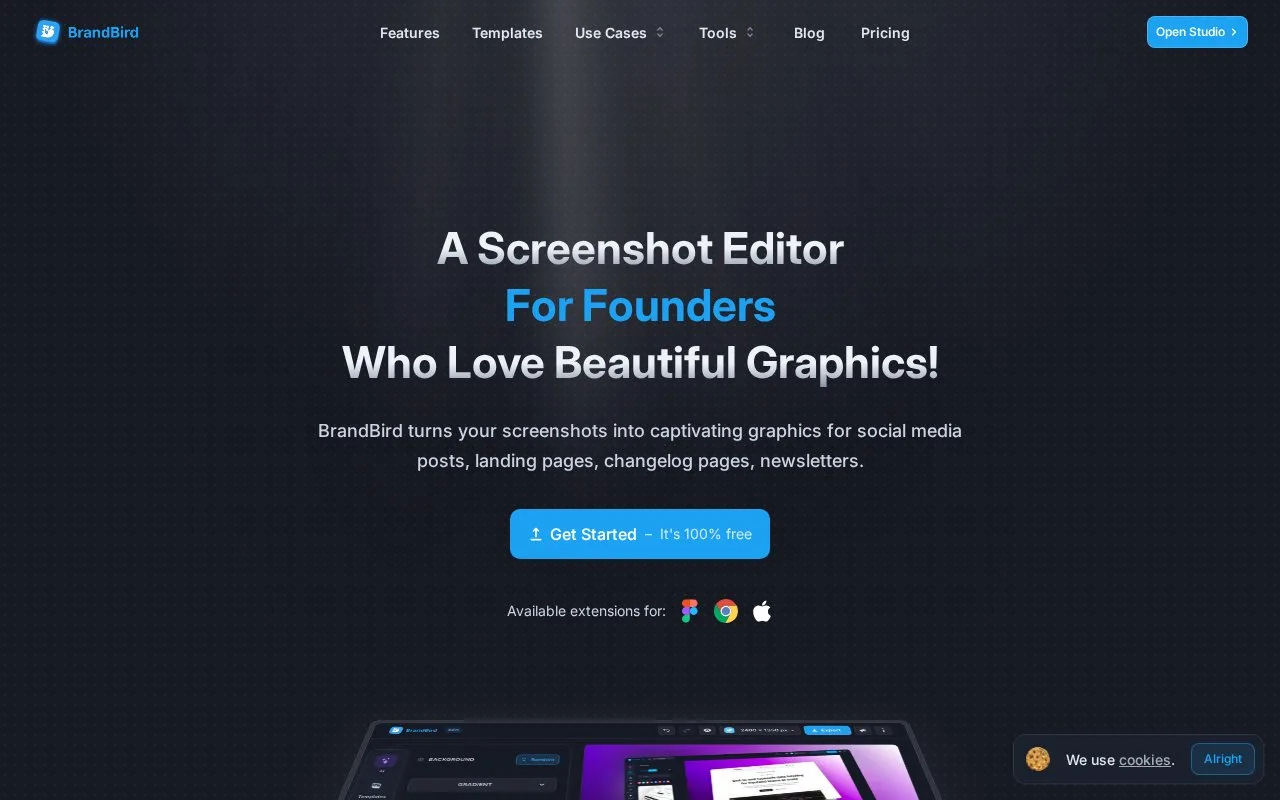
BrandBird is a screenshot presentation editor with backgrounds, presets, annotations and perspective effects. It is aimed at images for social posts, landing pages, newsletters and changelogs.
BrandBird starts with an uploaded, dropped or pasted screenshot. Add a solid, gradient, mesh, image or pattern background, then use the 3D controls to tilt the image or the annotation tools to add labels, arrows and numbered steps. Export downloads the finished graphic or copies it to the clipboard.
Its paid mockup panel places the selected screenshot into a device or browser frame automatically. Frames include phones, tablets, laptops and watches, and the resulting mockup can still be repositioned or tilted. Paid layouts arrange several images, while saved templates and brand kits keep colours, fonts and logos available for recurring release graphics.
The free tier permits unlimited exports but retains a watermark and upload restrictions. Pro removes the watermark and supplies the premium tools; a lifetime purchase also provides Pro access. That distinction matters when planning a repeated series around device frames or saved layouts, since the help guide marks those features as Pro.
Strengths
- Upload, paste and clipboard export shorten a screenshot-to-post workflow.
- Saved templates and brand kits support recurring release graphics.
Watch out for
- Device mockups and multi-image layouts are Pro features.
- Free output has a watermark and unspecified upload restrictions.
Best for
- Founders and product teams preparing recurring screenshot graphics
Sources
- BrandBird — Turn Screenshots into Beautiful Social Media Graphics (Oct 27, 2026)
- BrandBird Pricing - Plans & Features (Oct 27, 2026)
- Mockups & Frames – BrandBird Screenshot Editor (Oct 27, 2026)
- 4 Steps To Get You Started On BrandBird - BrandBird (Oct 27, 2026)
- BrandBird Features: A quick overview - BrandBird (Oct 27, 2026)
- Terms of use – BrandBird (Oct 27, 2026)