
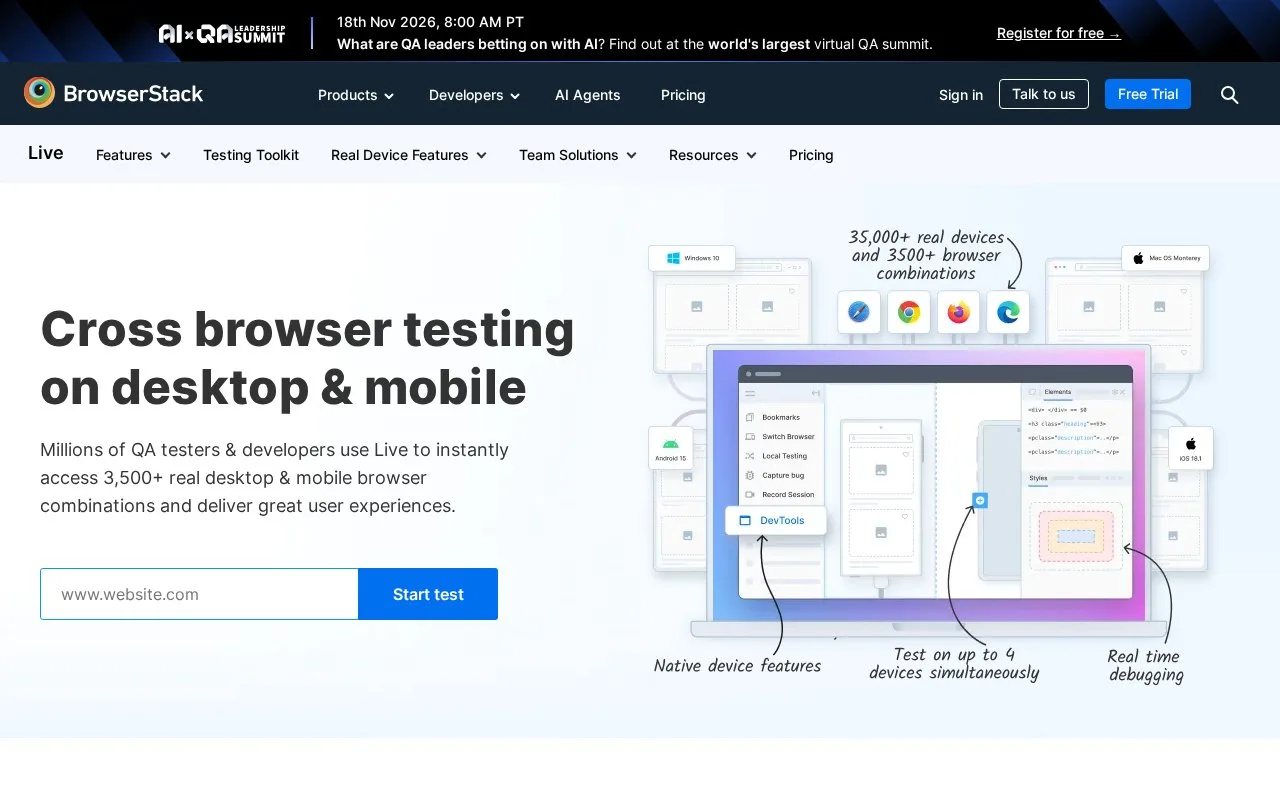
What it does
BrowserStack Live is a hosted manual cross-browser testing service. A tester opens a website or web app in a session on a selected browser or device and explores its behavior directly, rather than authoring an automated test suite. The service also supports local testing for development, staging, or internal sites through a BrowserStack Local connection. It is a separate manual-testing workflow from BrowserStack's automated browser testing product.
A manual pass across browsers
Start by signing in to the Live dashboard and launching a session, then open the site you want to inspect. This is a hands-on workflow: the tester supplies a web app and drives it through the browser session, checking layout and interactions on the selected configuration. BrowserStack's docs also describe multi-device testing and accessibility checks with screen readers such as NVDA and VoiceOver.
For a private development or staging target, Live needs a Local Testing connection from a machine that can reach the site. The official setup guide offers a desktop app or a command-line binary; the binary can be used on Windows, macOS, or Linux. BrowserStack's documentation describes the connection as an outbound encrypted tunnel, so the internal site need not be made public. An account with access to Live is required, and the local binary needs the access key.
Live makes sense for exploratory checks and reproducing a browser-specific issue on real configurations. It is not the same thing as writing an automated regression suite: the person testing supplies the steps and decides what behavior should pass. The accessible pricing page did not expose Live-specific prices, billing terms, or plan entitlements, so the pricing model is left unclassified.
Strengths
- Live is documented for hands-on checks of websites across real browser and device configurations.
- Local Testing can route a cloud browser to localhost, staging, or internal websites without publishing them publicly.
- The docs describe comparing multiple devices and checking web accessibility with supported screen readers.
Watch out for
- Live is a manual testing product, so a person must drive the session and judge the expected behavior rather than relying on an authored automated suite.
- Testing a private site requires a separate Local Testing app or binary on a machine that can reach the site, plus an account with Live access.
Best for
- Manually reproducing a browser- or device-specific web interface issue
- Checking a private staging site on real browsers without exposing the site publicly
- Exploratory web accessibility checks using supported screen readers
Sources
- Cross browser testing on desktop & mobile | BrowserStack (Oct 26, 2026)
- Live | BrowserStack Docs (Oct 26, 2026)
- Set up Local Testing in BrowserStack Live | BrowserStack Docs (Oct 26, 2026)
- BrowserStack Pricing | Plans Starting From Just $12.50 A Month (Oct 26, 2026)
- Overview of BrowserStack Live | BrowserStack Docs (Oct 26, 2026)
- How Local Testing works with Live | BrowserStack Docs (Oct 26, 2026)