
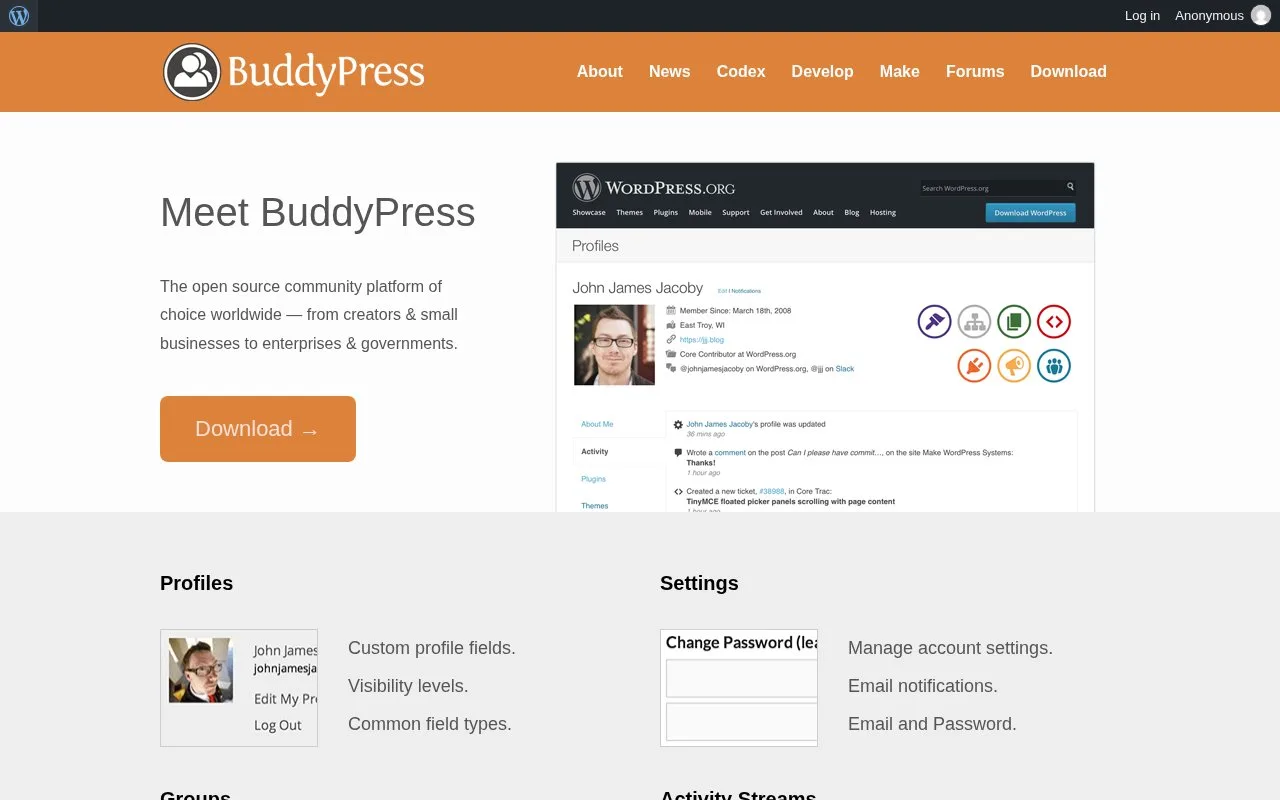
What it does
BuddyPress adds profiles, groups, activity streams and messaging to WordPress. Site builders enable the community components they need, with menus adapting to those choices. The free GPL-licensed software runs on your own site and is configured through a WordPress administrator account.
A specialist interest network could begin with member profiles and private groups, then introduce messaging or friendships later. BuddyPress lets you choose components, and disabling one removes its related menus, pages and controls.
From your WordPress dashboard, open Plugins > Add New, search for BuddyPress, install it and activate it. Then use Settings > BuddyPress > Components to choose features. Check Pages for directory assignments and Settings for the remaining options.
Groups can be public, private or hidden. Activity streams collect site-wide, personal or group contributions, with threaded comments and mentions. Forum discussions are available through the separately maintained bbPress integration.
BuddyPress is free GPLv2 software. It uses your WordPress hosting, and an existing theme may need styling adjustments even with its theme compatibility support. Those design and maintenance tasks remain part of running the community.
Strengths
- Enabled components determine which community menus and controls appear
- Groups can be public, private or hidden
Watch out for
- An existing WordPress theme may need styling adjustments
Best for
- WordPress site builders shaping a member network from selected social components
Sources
- BuddyPress.org (Oct 26, 2026)
- GNU GENERAL PUBLIC LICENSE (Oct 26, 2026)
- About BuddyPress (Oct 27, 2026)
- BuddyPress WordPress Plugin (Oct 27, 2026)