
What it does
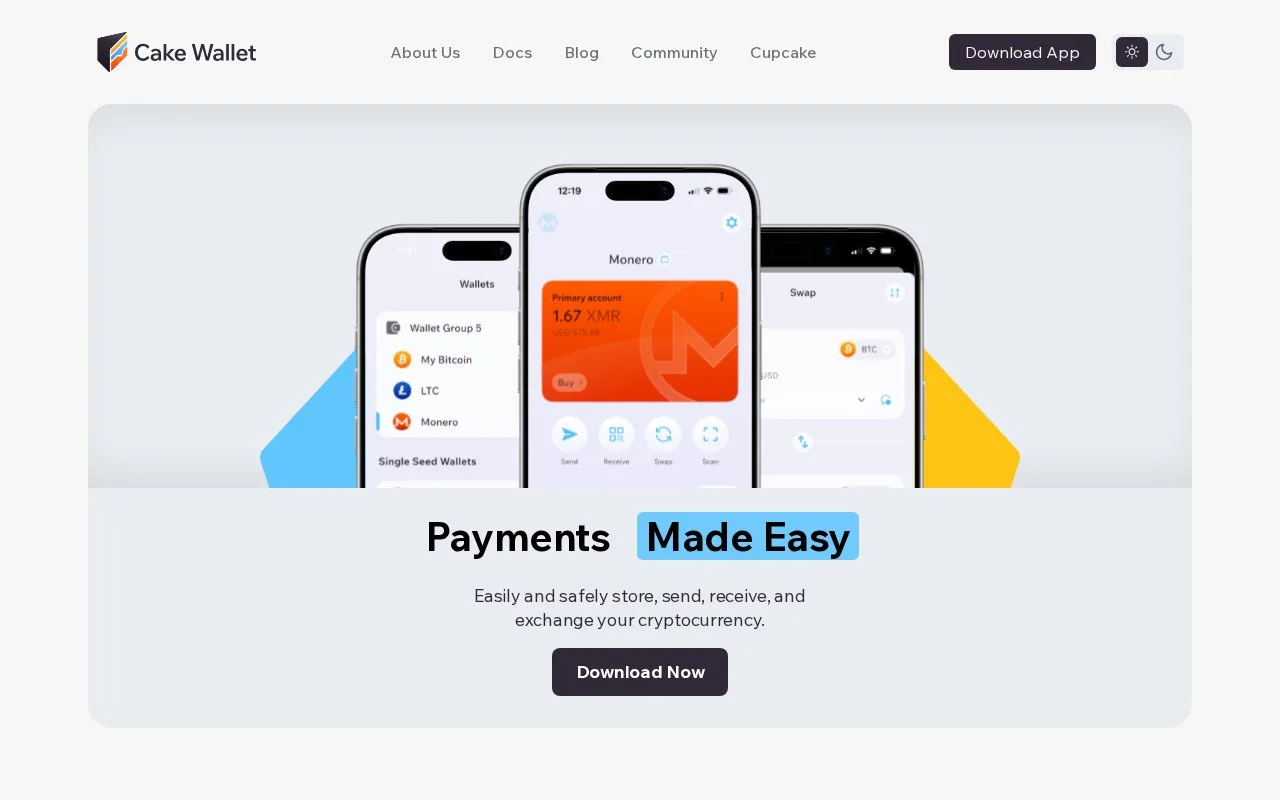
Cake Wallet is free software for managing Bitcoin, Monero and other supported assets in separate wallets. Recovery tools, exchange integrations and Android background-sync controls help with ongoing wallet use.
Cake Wallet combines several cryptocurrency wallets in one free, MIT-licensed application. It adds no wallet charge to ordinary sends or receives; sending still costs the blockchain network fee. Swaps and purchases use providers whose rates and fees are included in the quote.
First setup asks for a PIN, with four digits by default and an option for six. That code unlocks this installation; it cannot recover funds on another device. Select Create New Wallet, choose a currency and name the wallet. Monero defaults to a 16-word Polyseed. If you want several currencies to share a wallet group, choose the BIP39 recovery format instead; Polyseed wallets cannot join those groups. Record and verify the words, and preserve any optional passphrase separately because losing it makes that wallet inaccessible even with the words.
Cake's complete backup file has a different role. It restores wallets and app settings together, but only into a fresh installation containing no wallets. Choose Restore Existing Wallet, then Backup file, supply the backup password and select the original ZIP before importing. That password is separate from the app PIN. Keep the individual recovery phrases too.
Android users can enable background synchronization under Settings, App settings, Connections, then Background sync. Daily, Hourly and Aggressive modes trade battery use for frequency, with controls for charging and unmetered networks. Android determines the actual timing. Hardware wallets and Decred wallets are excluded, and enabling battery optimization again switches background sync off.
Hardware setup begins in Wallets, Restore Wallet, then Hardware wallet. Compatibility depends on the device, currency and operating system: BitBox is supported on Android, while SeedSigner, Keystone and Foundation Passport are marked Coming Soon. Choose from the working combinations before buying a signer for this particular app.
Strengths
- Several wallets and supported currencies can be managed in one application
- Android sync settings account for battery and network conditions
- Documents seed recovery, whole-app backups and hardware compatibility separately
Watch out for
- Complete backup-file restoration requires a fresh installation
- Background sync excludes hardware wallets and Decred
- Optional recovery passphrases cannot be replaced by the app PIN
Best for
- People managing Bitcoin, Monero and other supported assets together
- Android users who want control over background wallet synchronization
Sources
- Cake Wallet software, fees and custody (Oct 27, 2026)
- Cake Wallet PIN and first-wallet setup (Oct 27, 2026)
- Cake Wallet seed types and recovery-word backup (Oct 27, 2026)
- Restore a complete Cake Wallet backup (Oct 27, 2026)
- Cake Wallet Android background-sync controls (Oct 27, 2026)
- Cake Wallet hardware compatibility and connection steps (Oct 27, 2026)
- Cake Wallet documentation index and supported installation systems (Oct 27, 2026)