
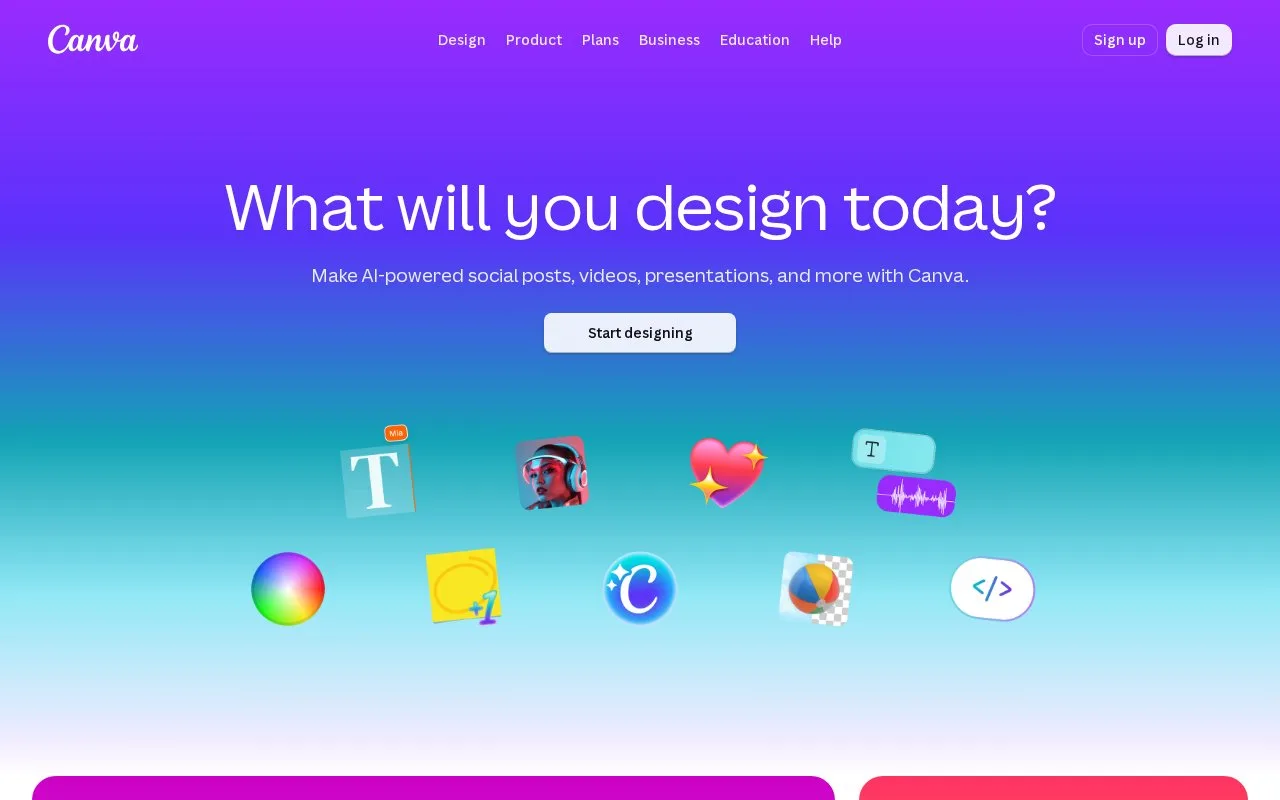
Someone who needs a social post, slide deck or logo without opening a desktop design app would reach for Canva. It runs in the browser, and you can start from a template or a blank design. The site also names AI helpers such as Magic Write, Magic Eraser and Background Remover.
Written from our directory record because the site could not be read automatically, and checked against that record on .
Our take
The background remover is the one workflow the record spells out: upload a JPG, PNG, HEIC or HEIF file or pick a stock photo, then download a PNG. That's a narrow slice of a much bigger tool, though. The rest of the record is a list of design types and AI tool names, so check the specific feature you need on the site first.
Features
-
Template or blank start
Open a design from a template or begin with an empty canvas.
-
One-click background removal
Upload a JPG, PNG, HEIC or HEIF image or choose a stock photo, then download the result as a PNG.
-
Named AI tools
The site lists Magic Write, Magic Eraser and Background Remover among its AI features.
Best for
- Social media posts
- Presentations
- Video editing
- Removing image backgrounds
FAQ
- What can you make with Canva?
- The record names social media posts, presentations, posters, videos and logos.
- How does the background remover work?
- You upload a JPG, PNG, HEIC or HEIF file or pick a stock photo, and the result downloads as a PNG.
Sources
- www.canva.com/ (opens in a new tab) Catalogue record describing the design tool, its AI tools and the background removal workflow