
- SI Score
- 80/100
- Pricing
- Not confirmed
- Free plan
- Not confirmed
- Sign-up required
- Not confirmed
Ask SI about CapCut
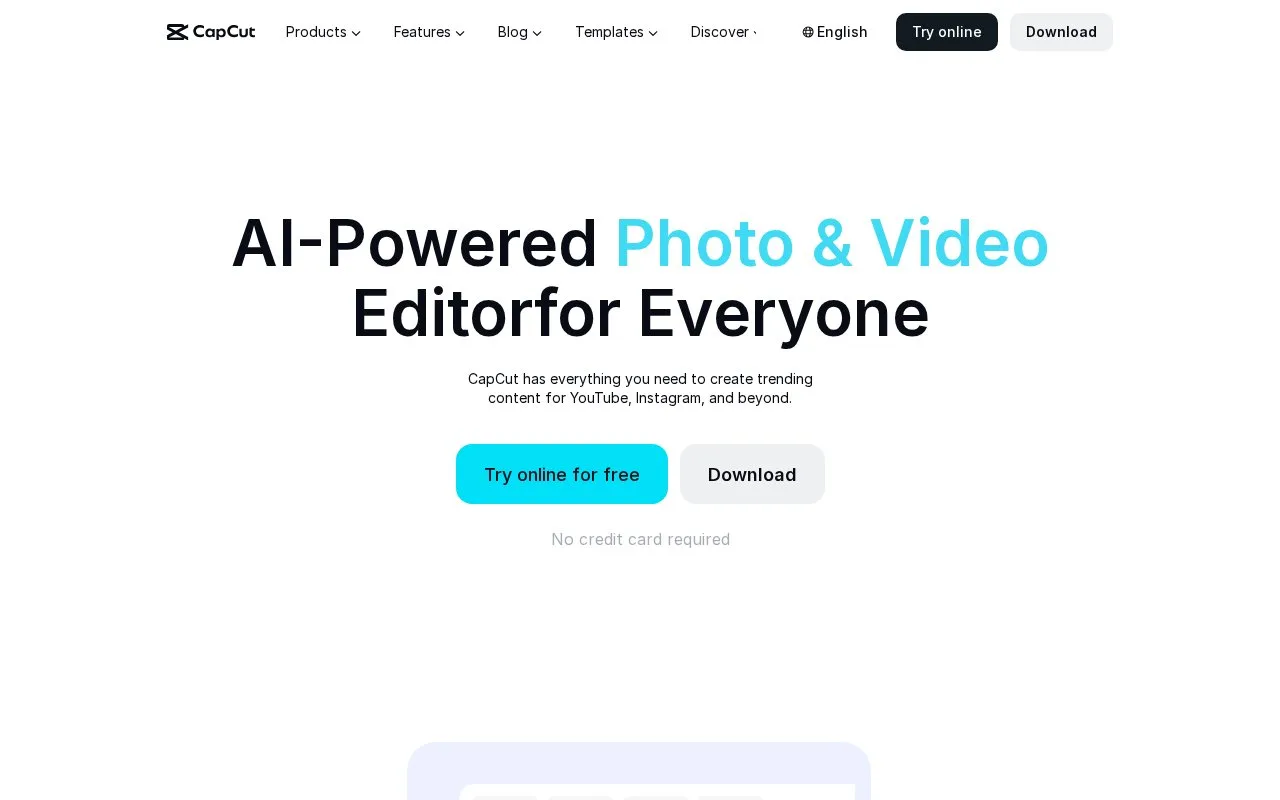
Answers use saved listing facts and recorded sources.Homepage screenshot
What it does
CapCut is a video and photo editing tool with AI features. It offers an online editor, desktop and mobile apps, and an Android APK download. Tools include auto captions, text to speech, background removal, image enhancement, video conversion, and templates for social media. Users can edit in the browser or download the app.
The site lists CapCut Desktop, CapCut Online, CapCut Pad, and CapCut Mobile. AI tools include an image generator, video generator, text to speech, background remover, image enhancer, and image resizer. Video tools include trimming, adding subtitles, removing video backgrounds, and converting video formats. Audio tools include extracting audio, reducing noise, and enhancing voice. Templates cover social media, business, and effects. The Android page describes a free APK download and a Pro option with 4K export and advanced keyframe animation.