
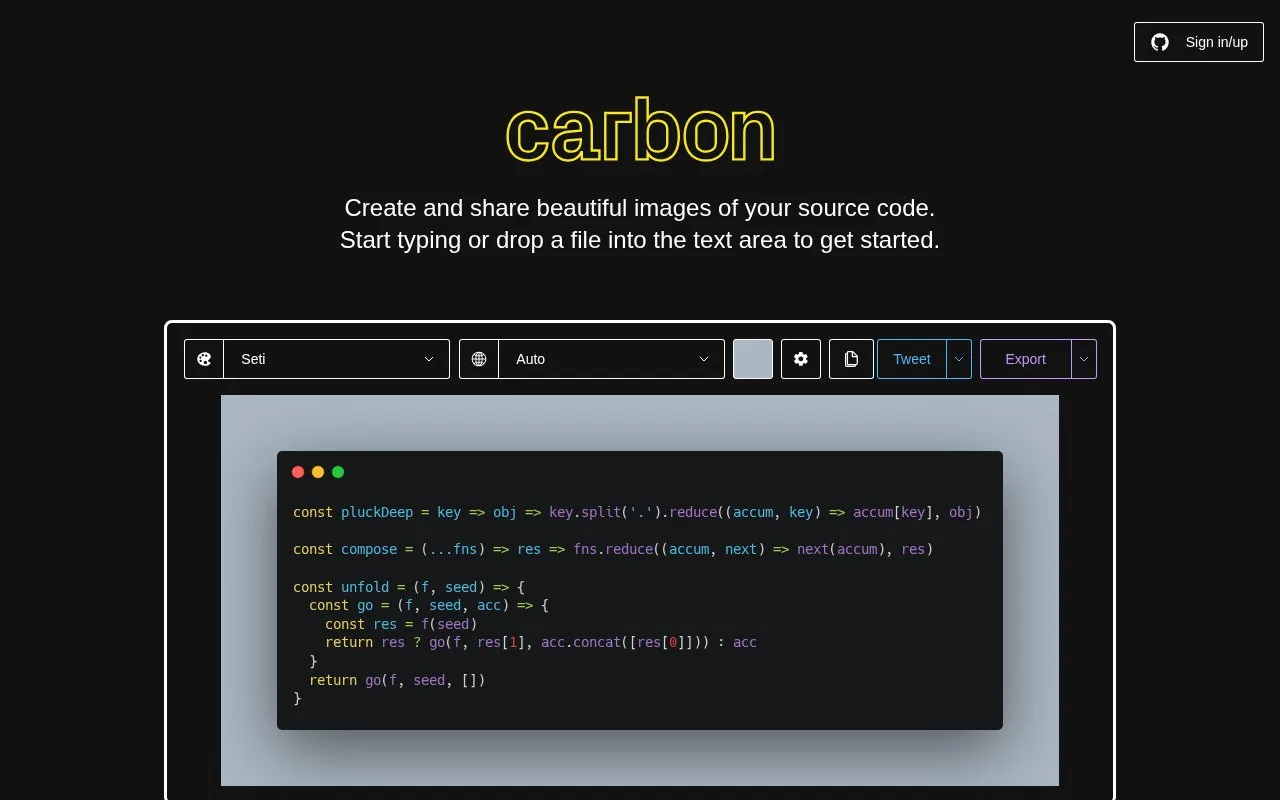
What it does
Carbon creates images of code snippets. Paste code, drop a file or load a GitHub gist, then adjust syntax styling, the window theme, background and padding. The editor exports PNG and SVG images, with a continuing free plan and an optional Diamond subscription.
- Paste a snippet, drop a file into the editor or append a GitHub gist ID to the Carbon URL.
- Choose the syntax theme, window style and background. An image dropped into the editor can become the background.
- Open Export, set the filename and size, then choose PNG or SVG. Copy → Image sends the result to the clipboard.
Image creation and download do not require sign-in. For saved snippets, use Sign in/up, edit the snippet and copy its URL to share it. Carbon's free plan includes 1,000 saved snippets. Diamond adds unlimited saved snippets, saved custom themes and presets, and an API for requesting images from other software.
A code image can illustrate a small change, such as replacing a repeated expression with a helper function. Include the code as text alongside it: the image alone is not a copyable or accessible code sample. Carbon's embed option also lets visitors copy the code.
The software is MIT-licensed. Keep its copyright and licence notice when distributing copies of the software.
Strengths
- The Copy menu provides an embed code or encoded URL for an interactive snippet.
- Compatible browsers can install Carbon for offline use through Install Carbon in the browser menu.
Watch out for
- Saving a snippet to an account requires sign-in, even though image downloads do not.
Best for
- Short code examples in articles and social posts
Sources
- Carbon | Create and share images of your source code (Oct 27, 2026)
- Carbon: How to use the code-image editor (Oct 27, 2026)
- Carbon: Free and Diamond plans (Oct 27, 2026)
- Carbon README (Oct 27, 2026)
- Carbon MIT License (Oct 27, 2026)
- Carbon editor implementation (Oct 27, 2026)
- Carbon export menu implementation (Oct 27, 2026)