
What it does
Cartpanda combines product selling, checkout, order operations, and payments. Its Order Bump offers an additional item during checkout, while a one-click upsell appears after the order is completed.
An Order Bump adds an item during Cartpanda checkout; a one-click upsell follows the completed purchase and reuses the customer's details. For example, offer a compatible accessory with a main product instead of presenting the same addition to every buyer.
In Apps, Order Bump, choose New Offer, give it an internal name and click Edit. Set an always-on, cart-total or cart-item rule; choose the offered product or variant, discount and appearance. Save each step, then select Active. Percentage discounts accept whole numbers only. Several matching offers can appear together, so check overlapping rules. Analytics reports views, items sold, revenue and conversion.
Global account plans
| Plan | USD per month | Members | Charge per sale |
|---|---|---|---|
| Basics | 0 | Free affiliate or preparation access | Selling requires an upgrade |
| Light | 0.99 | 2 | 9.9% plus USD 1 |
| Starter | 29 | 5 | 9.5% plus USD 1 |
| Premium | 99 | 10 | 9% plus USD 1 |
| Advanced | 299 | 50 | 8.5% plus USD 1 |
These are the English/global plans. Basics is ongoing free access for affiliates or preparation, not a free selling subscription. Include both recurring and per-sale charges when budgeting.
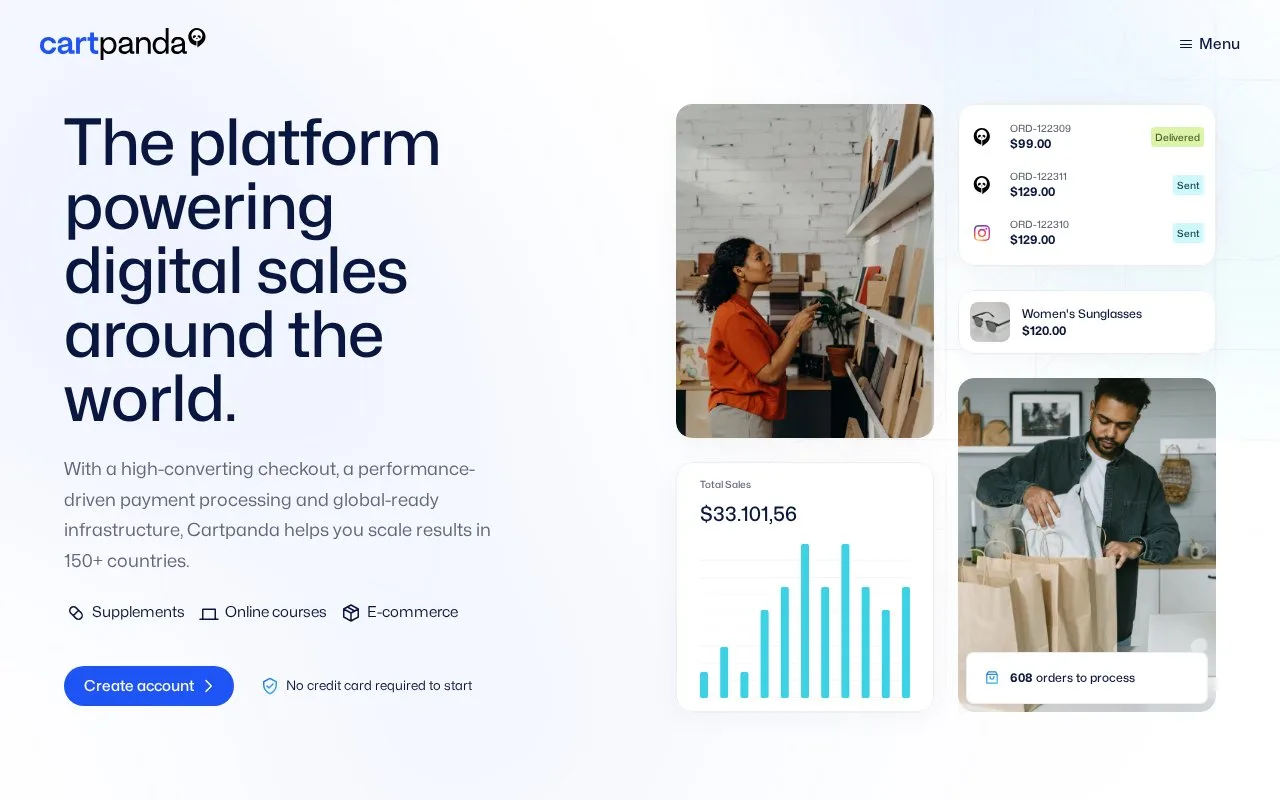
After logging in, Orders to Process on the dashboard opens order management. The dashboard also shows current checkout visitors and date-filtered sales totals.
Strengths
- Cart conditions can make checkout additions relevant to the purchase
- Order Bump analytics connects offers with views and sales
- Post-purchase offers reuse completed checkout details
Watch out for
- Selling combines a subscription with percentage and fixed transaction fees
- Several offers can appear when their rules overlap
Best for
- Merchants configuring additional offers around physical or digital purchases
Sources
- Cartpanda (Oct 25, 2026)
- Cartpanda Checkout Overview (Oct 27, 2026)
- Cartpanda Pricing (Oct 27, 2026)
- Order Bump: setup and performance (Oct 27, 2026)
- Dashboard - home page (Oct 27, 2026)
- Cartpanda Terms and Conditions for Buyers and Suppliers (Oct 27, 2026)