
What it does
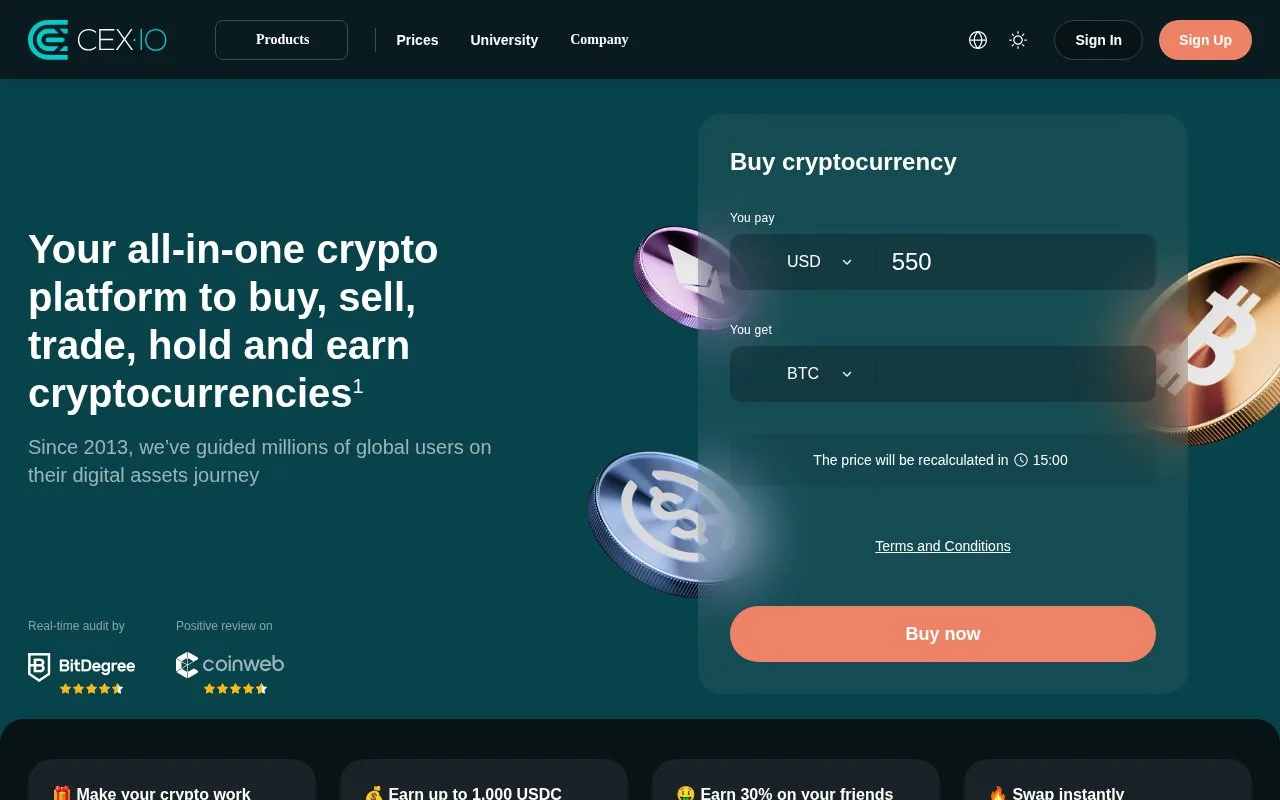
CEX.IO documents instant crypto purchases, spot trading and mobile account management. Its Europe-entity terms currently stop new EU and EEA onboarding and limit existing accounts there to withdrawals and account management. Other routes depend on the serving entity and account eligibility.
Check regional account access before funding
The current Europe-entity terms stop new EU and EEA onboarding and limit existing accounts there to withdrawals and account management. The UK page presents purchase and trading routes separately. Check the terms for the entity serving your account before arranging a deposit.
How its purchase routes are organized
Where buying is enabled, Products → Instant Buy opens the amount-based purchase route. Choose the asset and payment currency, enter the amount, select a permitted payment method, then inspect the payment summary before confirmation. Card purchases can require the issuer's 3D Secure check.
Spot Trading is separate. Choose the market, buy or sell, and a market, limit or stop-limit order. The website guide places the market selector at the upper right of the terminal. In the mobile app, the Trading tab opens these markets.
This distinction matters when comparing an immediate quoted purchase with an order that waits for a chosen price.
Registration and account access
CEX.IO states a minimum age of 18 or the higher local age of majority. The account needs email confirmation, residence details and identity verification. App verification uses an identification document and face scan; US applicants also provide a Social Security Number.
Supported features depend on jurisdiction. The published exclusions include Canada, India, Japan, Singapore, Russia and other listed countries. Passing identity checks does not override regional service restrictions.
For account security settings in the app, open Profile → Security to configure two-factor authentication.
Fees and integrations
CEX.IO charges by transaction, with payment-method costs shown in the confirmation. For Spot Trading, open the name menu, then Profile → Fee Schedule to see the rate linked to your 30-day volume. The separate Limits and Commissions page covers funding and withdrawal methods.
An API lets other software connect to the account. Manage its keys under Profile → API Keys Management. Read-only permission is the default; trading and internal-transfer permissions are separate choices. A new key must be activated using an email confirmation after creation. Editing permissions or the allowed IP addresses deactivates the key until it is activated again. API permissions remain subject to the account’s regional service restrictions.
Strengths
- Separate purchase and spot-order guides explain different ways to enter a trade when enabled
- API keys have distinct permissions, optional IP restrictions and explicit activation controls
Watch out for
- New EU and EEA onboarding is closed; existing accounts there have withdrawal and account-management access only
Best for
- Eligible customers comparing purchase and spot-order controls
- Existing EU and EEA customers checking withdrawal and account-management access
Sources
- CEX.IO and Current MiCA Service Notice (Oct 27, 2026)
- CEX.IO UK Page with MiCA Service Notice (Oct 27, 2026)
- Getting Started with the CEX.IO App (Oct 27, 2026)
- CEX.IO Website Purchase and Trading Guide (Oct 27, 2026)
- CEX.IO Profile, API Keys and Fee Schedule (Oct 27, 2026)
- CEX.IO Limits and Commissions (Oct 27, 2026)
- CEX.IO Unsupported Countries and Territories (Oct 27, 2026)
- CEX.IO Account Age and Verification Requirements (Oct 27, 2026)
- CEX.IO Entity-specific Terms and EU/EEA Restriction (Oct 28, 2026)