
What it does
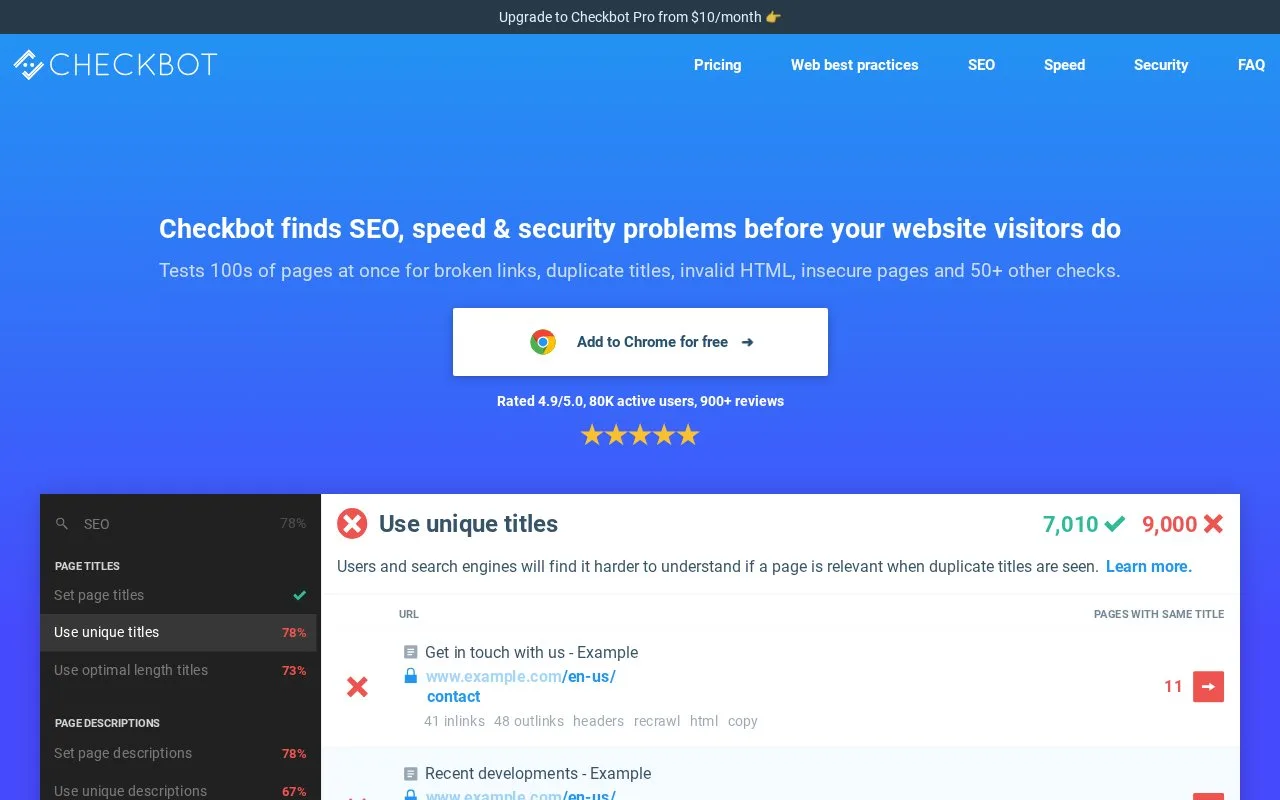
Checkbot is a Chrome extension that crawls pages and checks technical SEO, speed and selected security settings. It presents issue lists, incoming links, response headers and redirect information, with page recrawls and paid reporting or advanced crawl controls.
Click the Checkbot icon in Chrome and enter the starting URL when prompted. For a broken link, inspect the incoming-link list to find the page sending visitors to the bad destination. Response headers and redirect chains help explain unexpected behavior. After fixing the page, recrawl that page to check the result without repeating the whole site audit.
Basic is free and scans up to 100 URLs per crawl, with unlimited sites and crawls; it includes ads. Professional raises the limit to 10,000 URLs and adds localhost crawling, HTTP authentication, advanced exclusions, CSV exports and PDF reports.
A Professional subscription covers one person on multiple devices. After purchase, an email lets you set an account password; open the extension and select Log in to use the paid features. Monthly and annual billing are available, with a fourteen-day refund period for new customers.
Checkbot also checks compression, caching, mixed content and selected security settings. Use the affected URLs and issue explanation when assigning repairs. Passing these checks does not amount to a complete security assessment or a ranking guarantee. Crawling runs locally in Chrome, so the computer is doing the work.
Strengths
- Connects crawl findings with incoming links, headers and redirect inspection.
- Can recrawl an affected page after a correction.
Watch out for
- Localhost, HTTP-authenticated crawling, advanced exclusions and exports require paid access.
- Currently available for Chrome; each paid user needs a separate subscription.
Best for
- SEO practitioners inspecting website changes and handing concrete technical issues to a team
Sources
- Checkbot crawl controls, recrawls and free/paid limits (Oct 27, 2026)
- Checkbot installation, paid login and local crawling FAQ (Oct 27, 2026)
- Checkbot: SEO, Web Speed & Security Tester 🚀 - Chrome Web Store (Oct 26, 2026)