What it does
CHROMiX ColorThink visualises ICC profiles, the files that describe device colour behaviour, and organises colour assets. Its paid Photo and Pro editions serve photographers and print specialists, with optional measurement and prepress modules and a restricted demonstration mode.
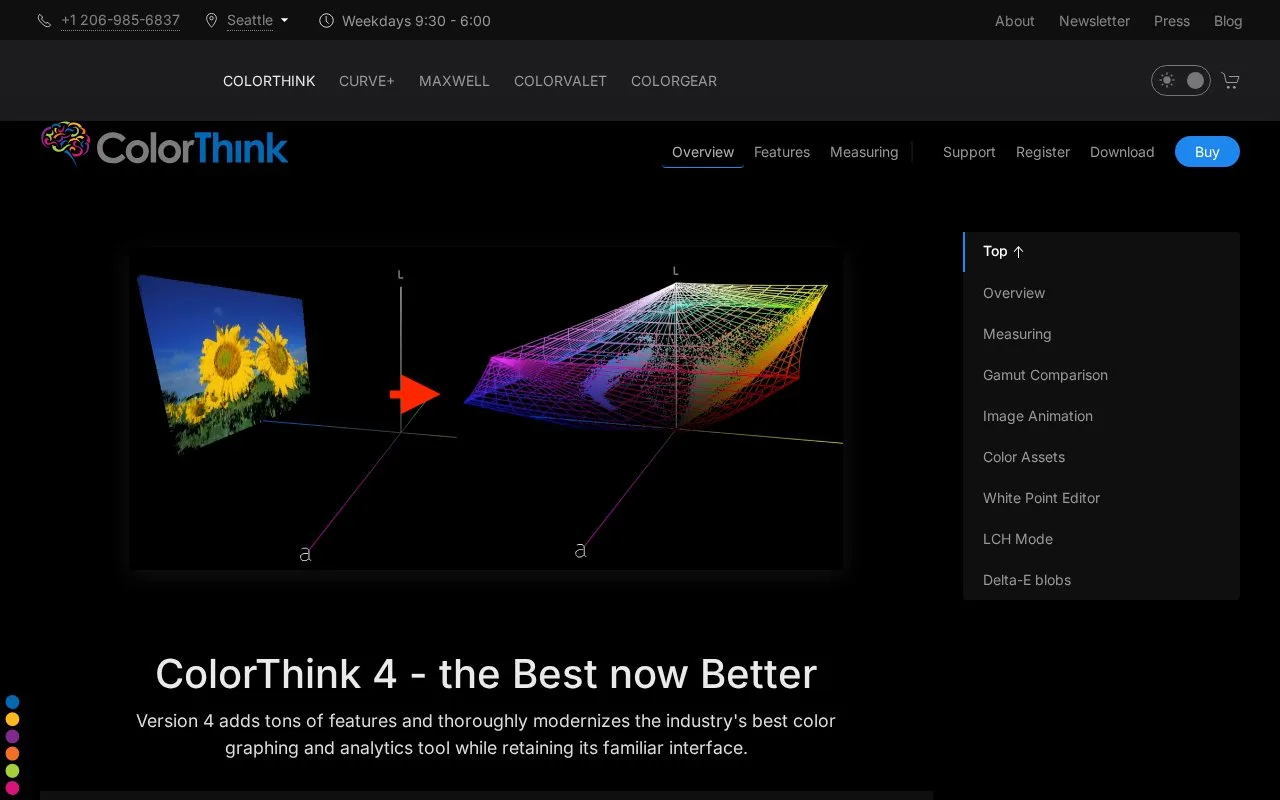
A monitor and printer can represent different colour ranges, or gamuts. In Pro, select two profiles in Plot Items and choose Compare Gamuts. Inspect their shared region, combine them or subtract one from the other. The inspector adds volume figures and percentage comparisons to the graph.
A device-gamut plot and a rendered printing-gamut plot describe different directions through an output profile. The rendered view needs a source profile and rendering intent, which controls how colours are converted. For example, Adobe RGB with Relative Colorimetric provides a defined starting point for inspecting a printing conversion.
The comparison uses lower-resolution surfaces than Profile Inspector and Color Assets, so its volume figures can differ slightly. Increasing the surface resolution elsewhere also increases processing time.
| Licence or module | Main scope |
|---|---|
| Photo | Colour assets, image/profile viewing, Worksheet functions and i1Pro measurement support |
| Pro | Photo functions plus advanced graphing, rendered gamuts and gamut comparison |
| MeasurePack | Additional supported measuring instruments; available for Photo or Pro |
| PrePressPack | Multichannel profiles, profile creation and white-point editing; requires Pro |
Pro alone does not include the two add-ons. Demo mode has no time limit, but opening a file substitutes included demonstration material. A purchased AuthCode must first be registered for a username and serial number; it is not entered directly into the application. A serial number is specific to Windows or Mac, with cross-grade or cross-platform licences available separately.
Strengths
- Pro shows gamut differences both as shapes and numerical comparisons.
- Measurement tools feed results directly into the Worksheet and graphing tools.
Watch out for
- The demo substitutes built-in examples for your own opened files.
- A normal serial number works on only its assigned desktop platform.
- Pro does not include MeasurePack or PrePressPack.
Best for
- Print and colour-management specialists investigating profile conversions.
Sources
- CHROMiX (Oct 28, 2026)
- Profiles in Grapher (Oct 28, 2026)
- Licensing and Demo Mode (Oct 28, 2026)
- CHROMiX (Oct 28, 2026)