What it does
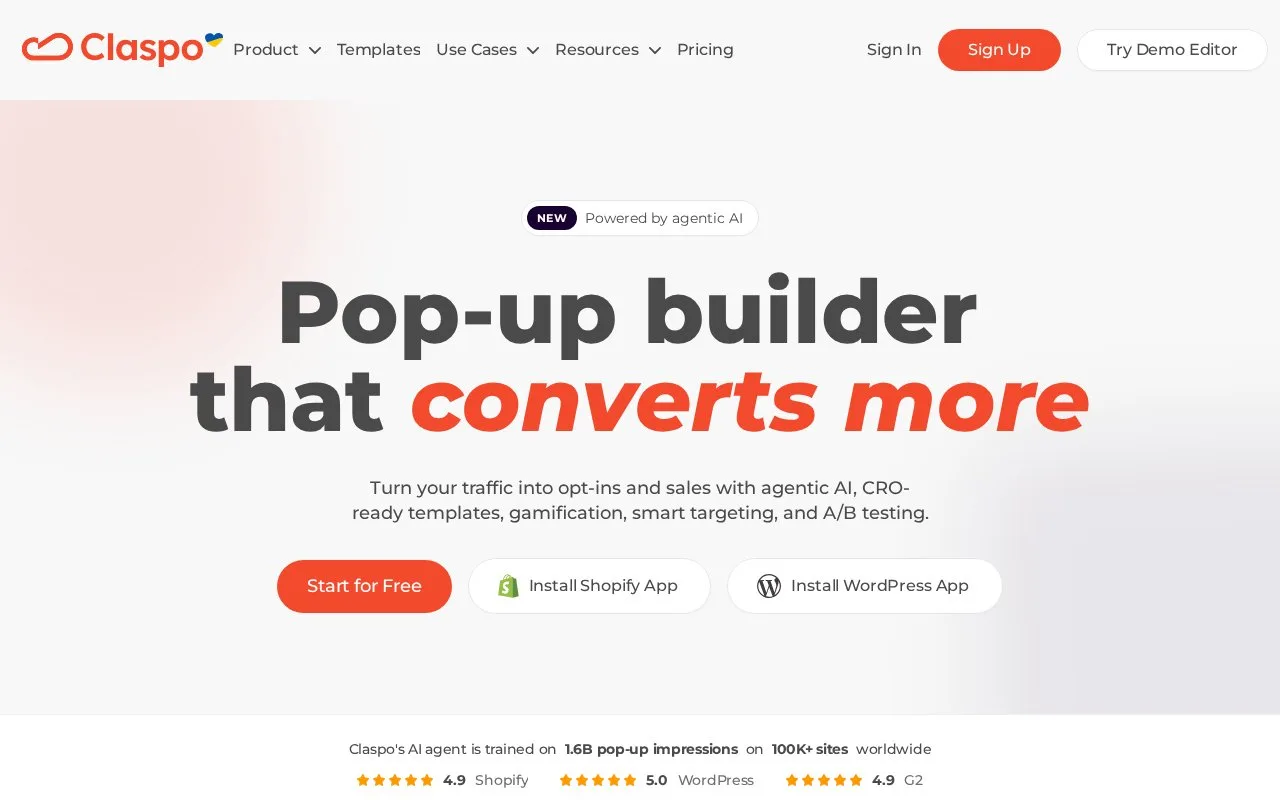
Claspo builds website popups and capture widgets with targeting and integrations. Hidden fields can send extra context alongside a visitor's answers, while field mapping controls where that information goes. A permanent free plan covers a small site's traffic, with paid options for larger volumes.
Before adding a hidden field, check whether Claspo already captures the campaign or advertising-click parameter you need. For custom data, click the widget canvas and open General → Hidden fields → New hidden field. Name it, choose its source and supply the relevant value or key, then save and publish. A static event code, URL parameter or website variable can accompany the form without another visible question.
Prepare the receiving app first: its destination field must exist. Open the widget's Integrations, select the connection, match fields in Field mapping and save with Done. An unavailable value is omitted without stopping submission. For non-static hidden fields, check a real website submission; the integration's test data does not include those values.
Traffic allowances
| Plan | Pageviews per month |
|---|---|
| Free | 3,000 |
| Pro 50 | 50,000 |
| Pro 100 | 100,000 |
| Pro 250 | 250,000 |
| Pro 500 | 500,000 |
| Pro 1000 | 1,000,000 |
| Pro 2000 | 2,000,000 |
| Prime | Custom |
Free includes one website and Claspo branding. Paid subscriptions can be monthly or annual; Enterprise & Agency arrangements offer custom terms. Usage counts pages loading the script while a widget is active, even if that widget does not appear. Widgets pause at the allowance, and usage resets each billing month.
Team members need their own Claspo accounts before an invitation can be accepted. Set their role and permitted sites under Profile → Users.
Strengths
- Hidden fields add context without lengthening the visible form.
- Field mapping can send answers, device details and campaign information to a connected app.
Watch out for
- A receiving app must support the required fields and mappings.
- Non-static hidden values are absent from integration test data.
Best for
- Teams passing capture-form answers and campaign context into another application
Sources
- Pricing Plans & Features: 14-Day Free Trial | Claspo (Oct 27, 2026)
- AI Popup Builder & AI Agent for Personalized Popups | Claspo (Oct 27, 2026)
- Hidden fields: how to collect extra context with form submissions | Claspo Help Center (Oct 27, 2026)
- Field mapping: how to send widget data to integrations | Claspo Help Center (Oct 27, 2026)
- How pageviews are counted in Claspo | Claspo Help Center (Oct 27, 2026)
- How to add a new user to your Claspo account | Claspo Help Center (Oct 27, 2026)